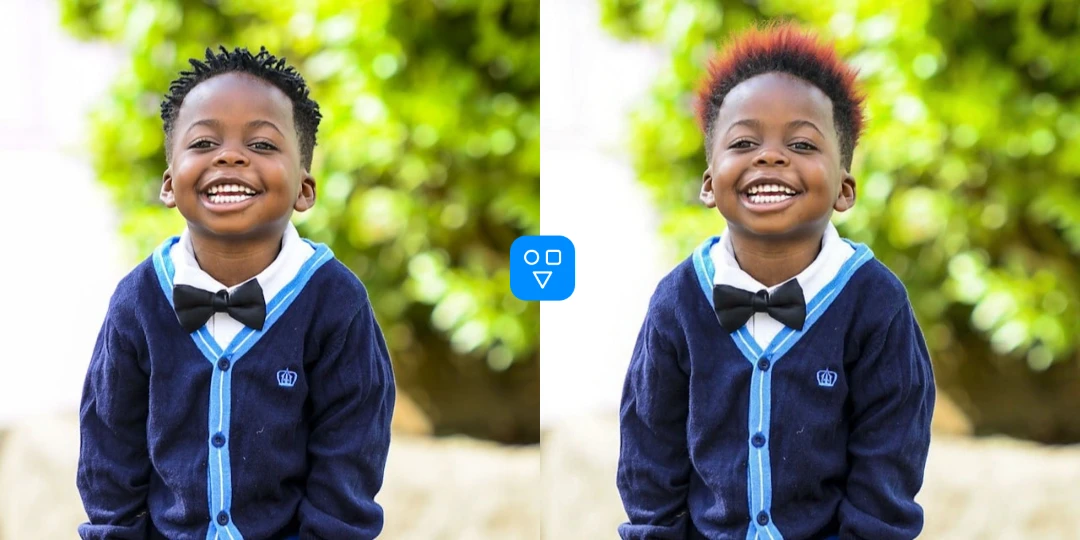
Face Retoucher

Retouch portraits with smoother, cleaner facial detail

Use AI face retouching to soften skin texture, reduce blemishes, and refine facial details while keeping the portrait natural.

Why use FaceSwaply Face Retoucher

Get a portrait-focused retouching workflow that is quick to run and easy to iterate.

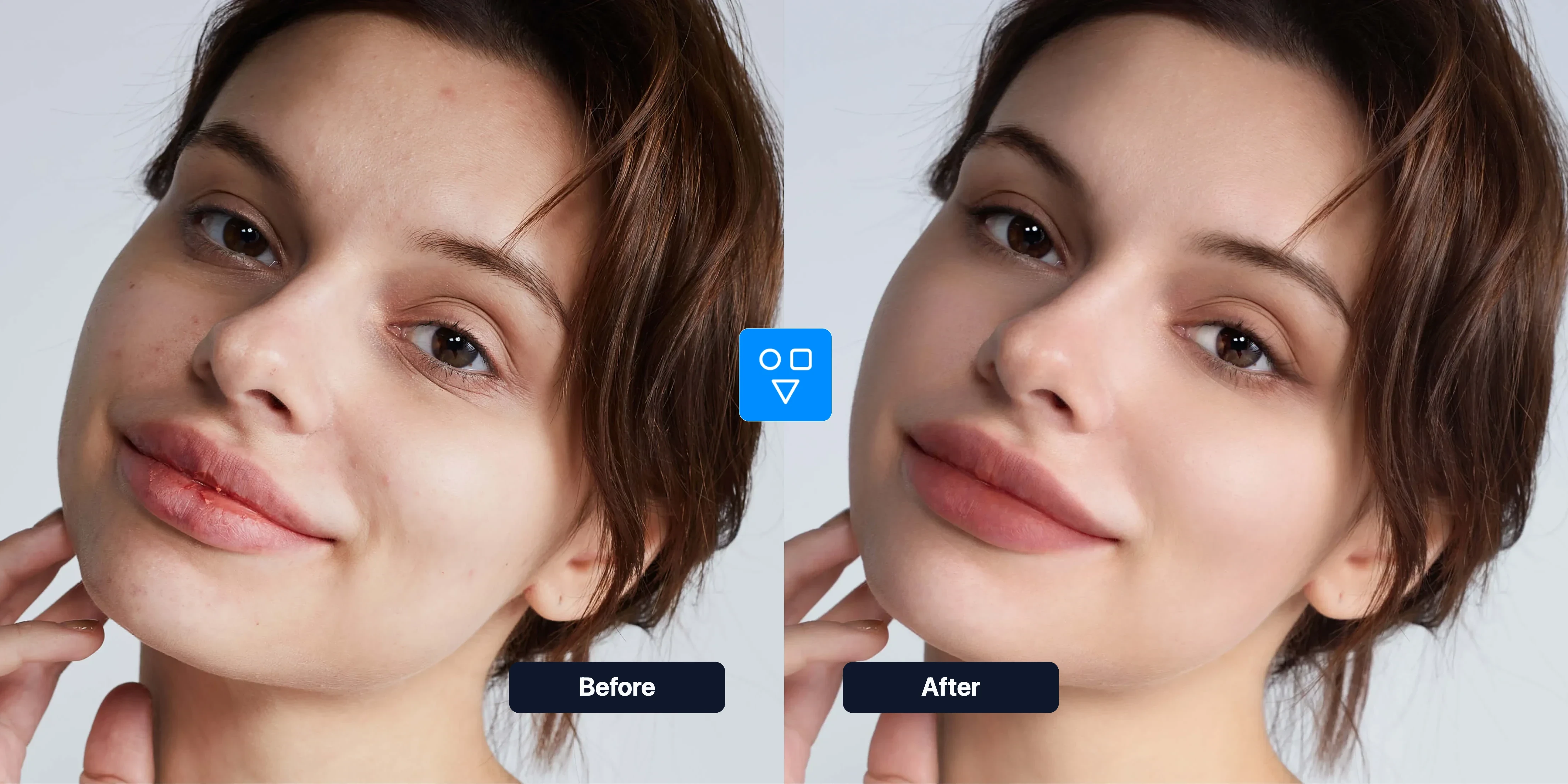
Natural-looking skin cleanup

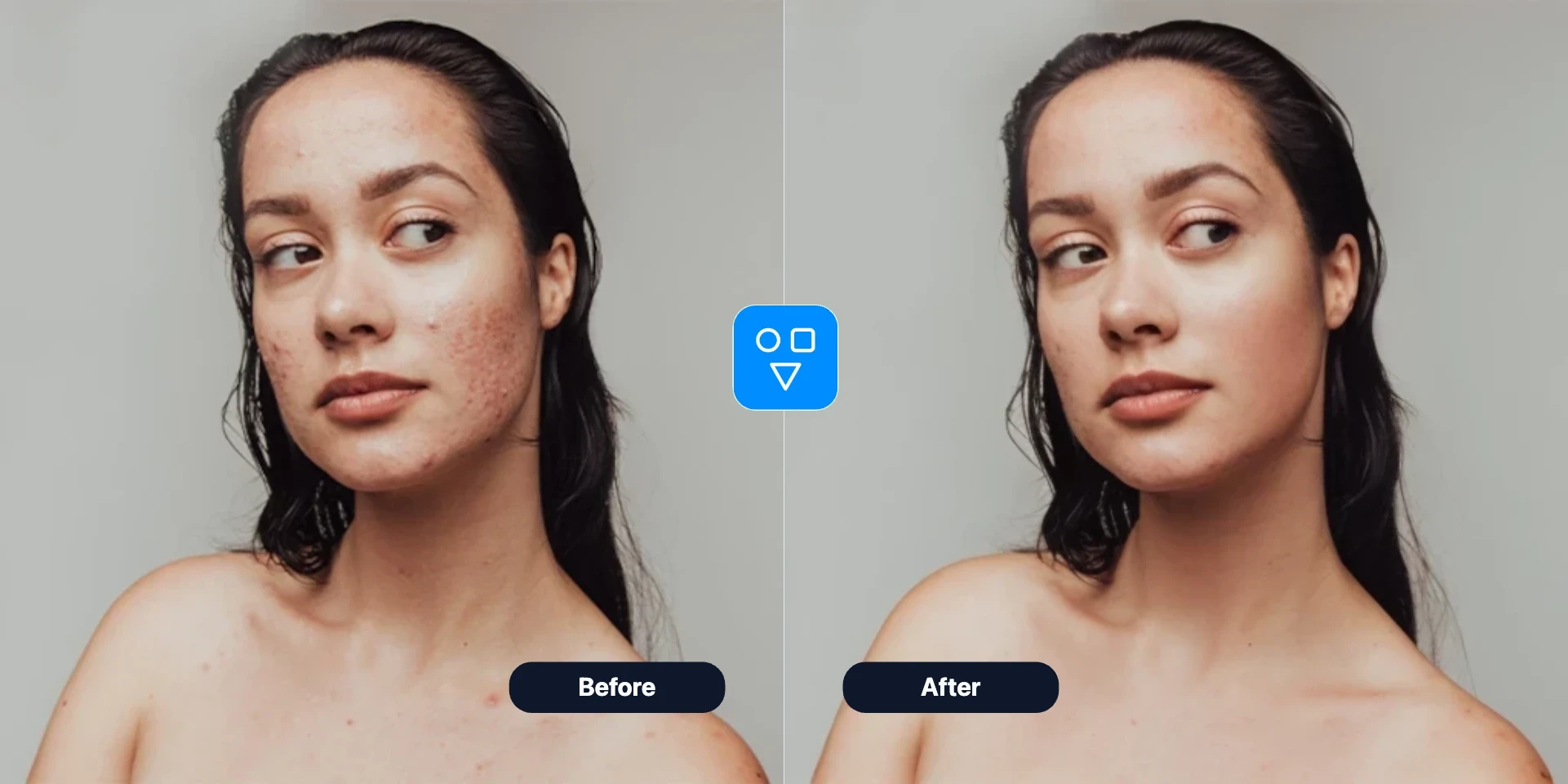
Reduce visible blemishes and uneven texture while preserving realistic facial structure and overall portrait identity.

  • Skin texture smoothing
  • Blemish reduction
  • Natural portrait look
Retouch Face
Face retoucher before and after

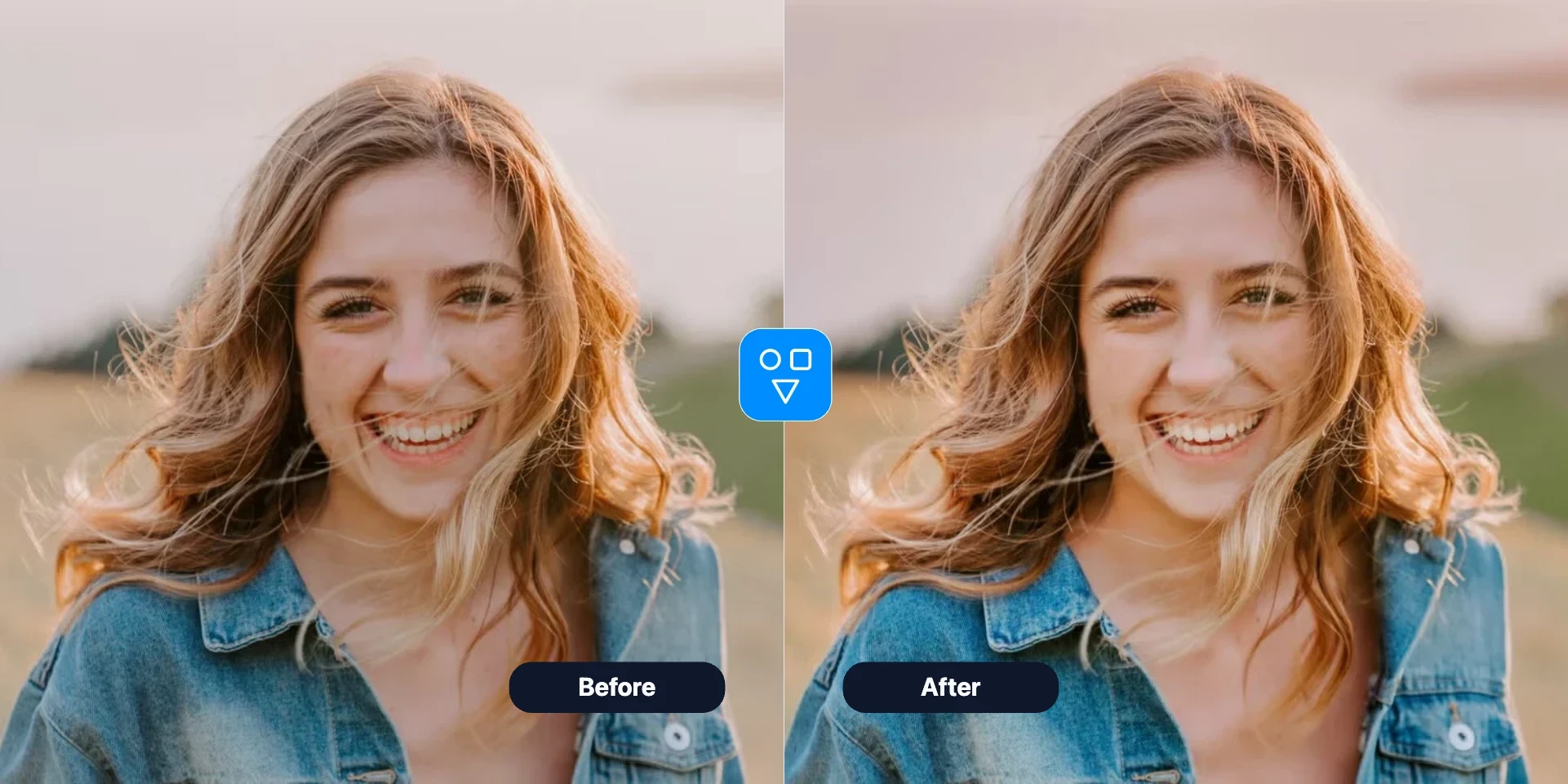
Portrait detail refinement

Clean up facial details in cheeks, forehead, and jawline so the final image appears polished but not over-edited.

  • Balanced facial cleanup
  • Sharper portrait presentation
  • Suitable for profile photos
Retouch Face
Portrait detail refinement example

Fast upload-to-download flow

Upload one image, generate in seconds, and rerun quickly if you want a different retouch strength.

  • Single image workflow
  • Quick generation
  • Easy rerun control
Retouch Face
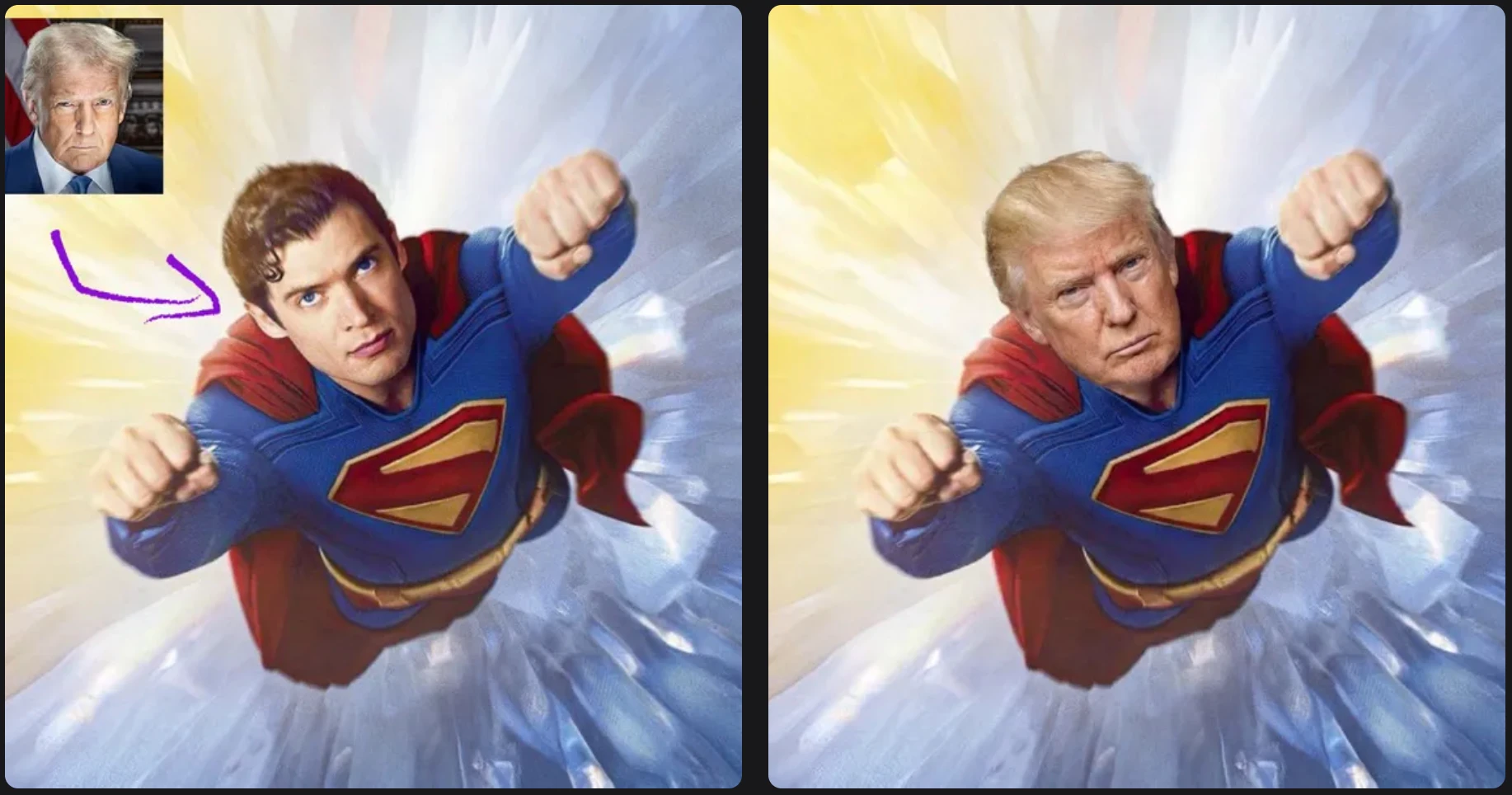
Face retoucher settings example

Related AI tools

Continue editing with focused FaceSwaply tools for face swaps, face retouching, age progression, upscaling, photo to emoji, photo to cartoon, image restoration, professional headshots, hairstyles, and face restoration.

Face Retoucher use cases

Use Face Retoucher when portrait photos need cleaner skin details without a heavy manual editing process.

Profile and avatar photos

Polish face details for personal branding, social profiles, and professional headshots.

Creator and content workflows

Prepare portraits quickly for posts, thumbnails, and campaign visuals with consistent quality.

After restoration or upscaling

Use face retouching as the final cleanup step after Restore Face or Image Upscaler.

More portrait tools

Related AI portrait workflows

Combine face retouching with restoration, upscaling, and age transformation tools.

How to retouch a portrait online

Upload your portrait, run AI retouching, and download a cleaner face result.

Upload a portrait photo

Choose a face image that needs smoother skin and cleaner facial detail.

Adjust retouch strength

Use default settings or tweak options to match your preferred natural style.

Generate and save

Run the retoucher, review the output, and download the polished portrait.

Good to know

Face Retoucher at a glance

What it helps with

Clean skin texture and reduce blemishes in profile and social portraits.

Quick workflow

Upload once, generate, compare, and download.

When to use it

Use when the portrait is usable but needs cleaner skin — not when the face is blurry.

Face Retoucher FAQs

Answers about natural retouching, workflow order with other portrait tools, credits, and privacy.

Retouch your portrait in one pass

Upload a face photo, run AI retouching, and download a cleaner natural-looking result.

Start for freeAdvanced modelsCommercial license