
Amplie a partir de um carregamento
Comece com uma imagem de baixa resolução e gere uma saída de resolução superior mais limpa sem abrir um editor complexo.
- Carregamento de uma imagem
- Detalhes mais nítidos
- Resultado pronto a descarregar
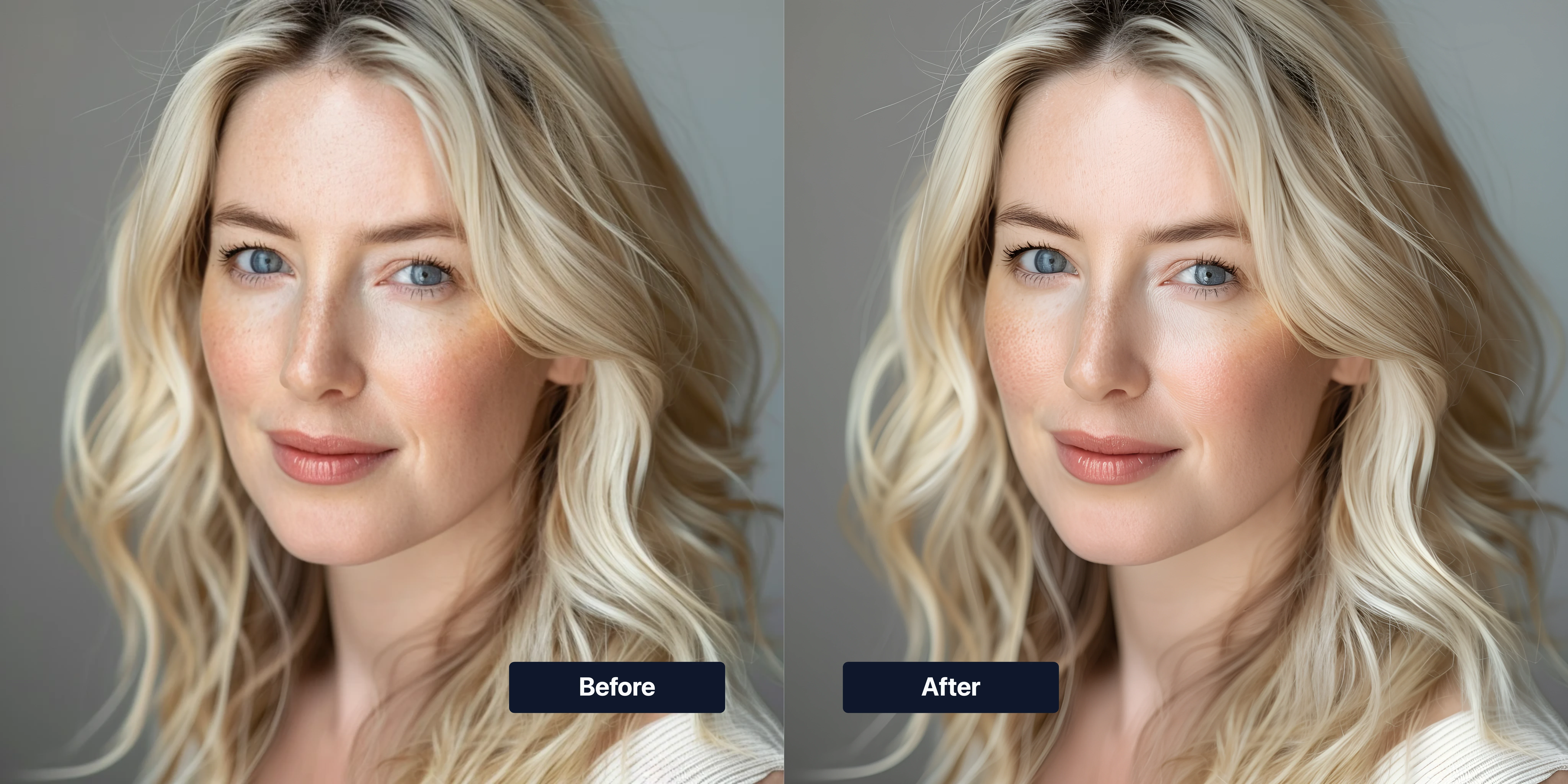
Ampliar imagem IA
Carregue uma foto e melhore nitidez, detalhe de textura e resolução de saída com um fluxo IA de ampliação de imagem.
Obtenha um fluxo IA de ampliação centrado no carregamento com controlos práticos de qualidade, formato de saída e execuções repetíveis.
Comece com uma imagem de baixa resolução e gere uma saída de resolução superior mais limpa sem abrir um editor complexo.
Realce detalhes finos em rostos, roupa, fundos e bordas para a imagem parecer mais limpa em ecrãs grandes.
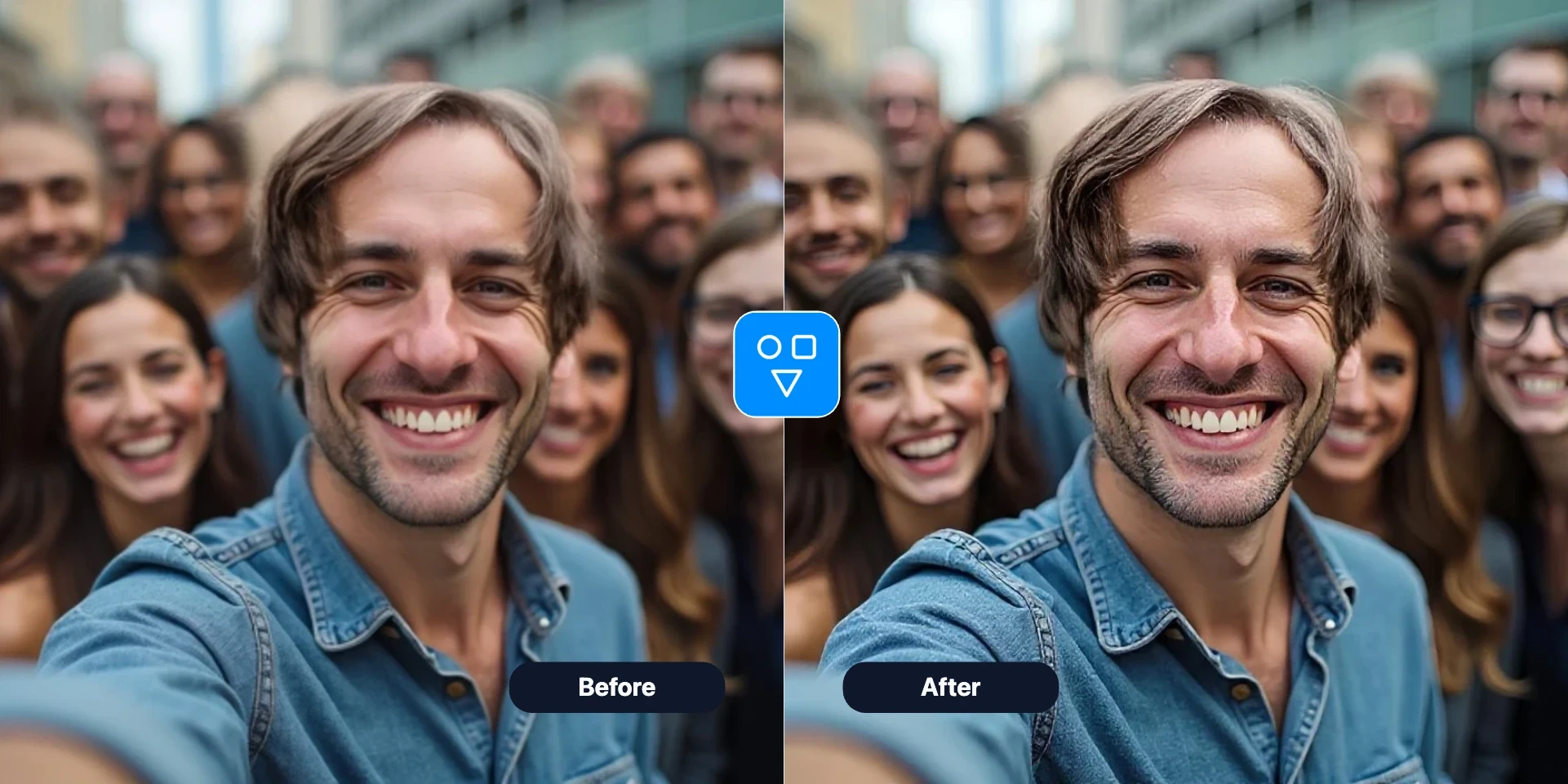
Escolha formato de saída e definições de qualidade e repita rapidamente quando precisar de outro equilíbrio entre tamanho de ficheiro e detalhe visual.
Continue com as ferramentas FaceSwaply: troca de rosto, retoque de retrato, envelhecimento, ampliar imagem, emoji, cartoon, restaurar fotos, foto profissional IA, penteado e restauração facial.
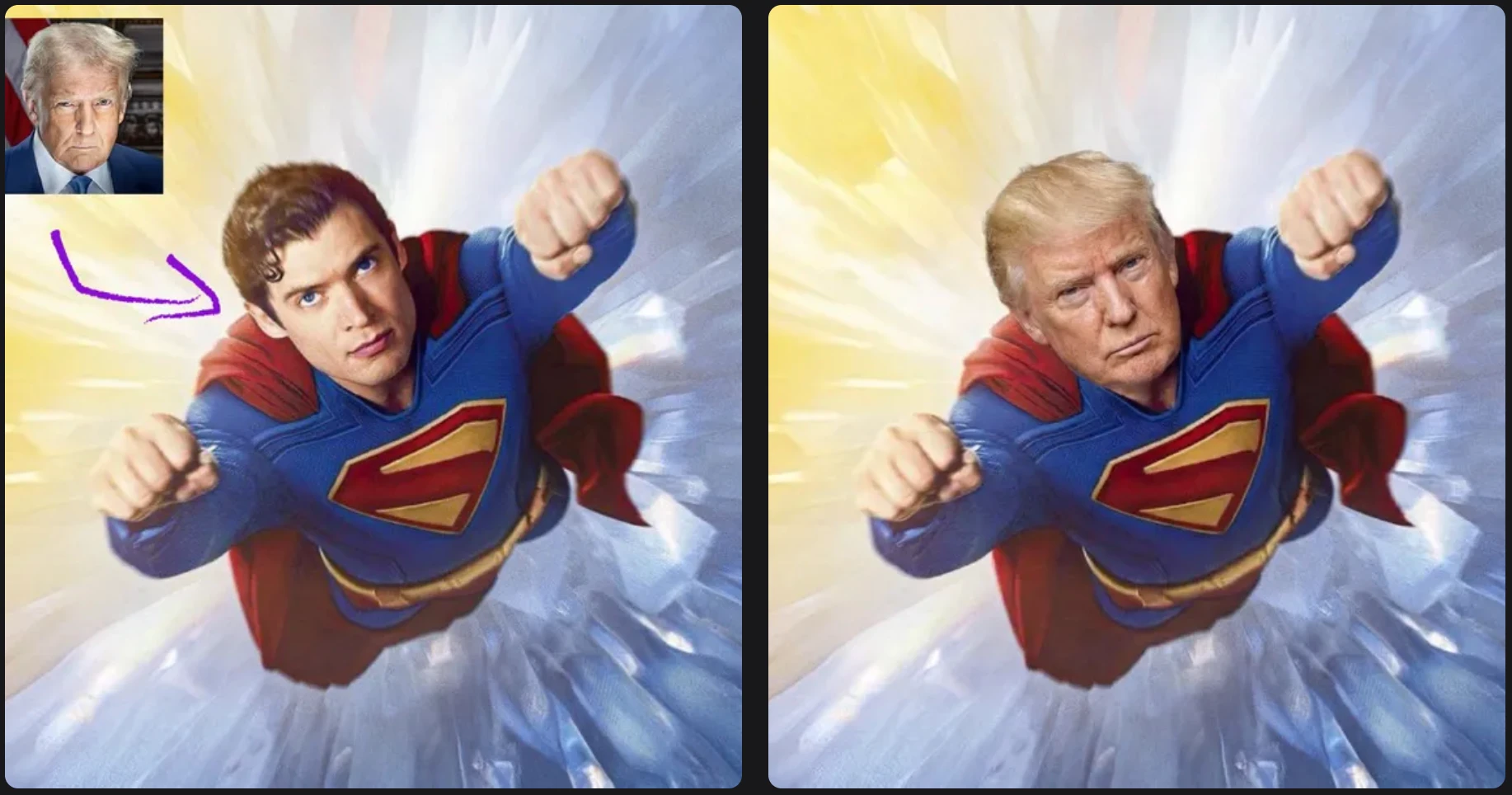
Coloque um rosto de origem numa foto alvo com um fluxo simples de duas imagens.
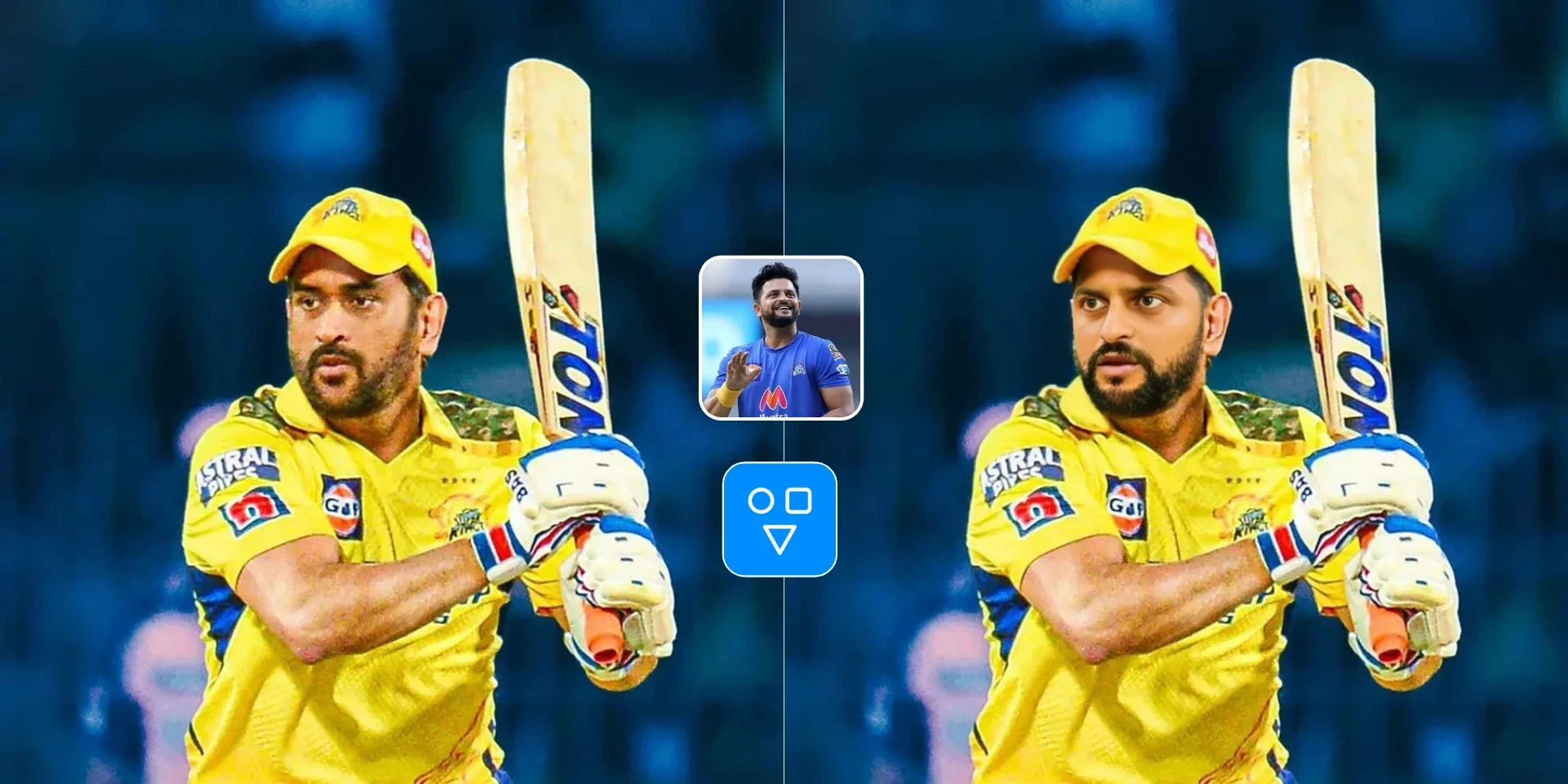
Troque uma imagem de rosto num vídeo alvo com um fluxo assíncrono alojado.

Crie uma foto profissional IA a partir de um retrato para LinkedIn, currículos e perfis profissionais.
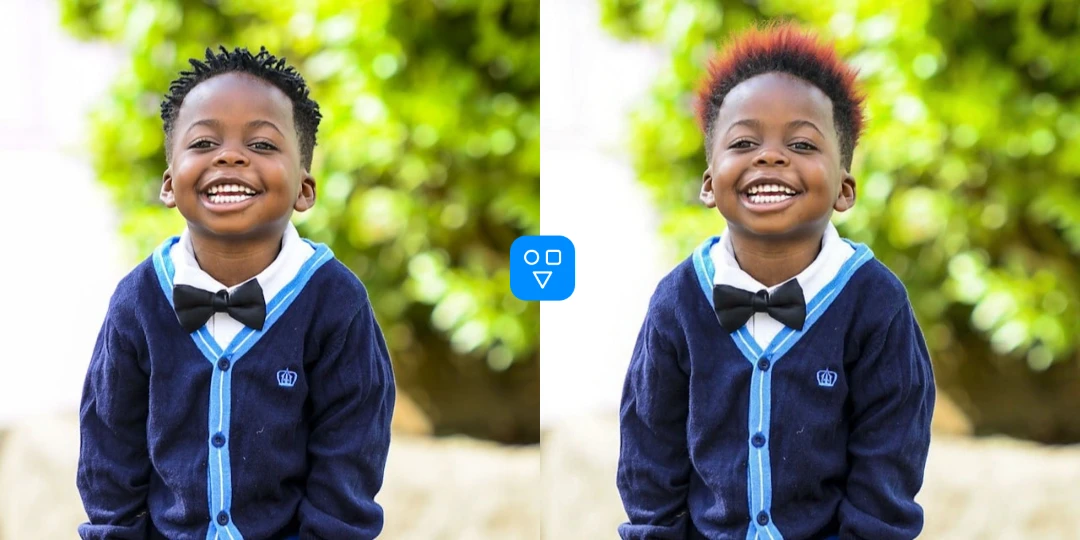
Pré-visualize penteados e cores de cabelo a partir de um retrato antes de uma mudança real.
Use ampliar imagem IA sempre que a resolução e a nitidez não forem suficientes para o próximo passo.
Amplie fotos comprimidas ou antigas antes de publicar para melhorar a qualidade visual em ecrãs modernos.
Aumente a resolução utilizável e o detalhe percebido antes de exportar imagens para impressão ou revisão de cliente.
Amplie primeiro e depois continue com restaurar, retoque ou ferramentas faciais usando uma imagem de origem mais limpa.
Mais ferramentas
Continue a melhorar imagens com fluxos de restauro, retoque e transformação.
Repare riscos, desbotamento e danos em toda a foto antes ou depois de ampliar imagem.
Limpe textura de pele e refine detalhes de retrato quando o rosto precisa de acabamento extra.
Recupere detalhes faciais desfocados e melhore a clareza de identidade em retratos de baixa qualidade.
Crie variantes de retrato mais jovens ou mais velhas usando uma imagem de origem ampliada mais limpa.
Carregue uma imagem, escolha opções se necessário, gere e descarregue o resultado ampliado.
Escolha uma imagem de baixa resolução ou comprimida que precise de melhor clareza e tamanho de saída maior.
Use predefinições ou ajuste preferências de saída para corresponder às suas necessidades de qualidade e formato.
Execute ampliar imagem IA, reveja o resultado e descarregue a imagem de resolução superior.
Bom saber
Aumente resolução e clareza visível antes de partilhar, imprimir ou fazer mais edições IA.
Carregue uma vez, execute ampliação e descarregue um resultado mais nítido.
Ideal para fotos pequenas, suaves ou comprimidas — não originais muito danificados.
Respostas sobre qualidade de ampliação, quando usar outras ferramentas primeiro, créditos e privacidade.
Carregue uma foto, execute ampliação IA e descarregue um resultado HD mais nítido.