
Convertir une photo en style emoji
Téléversez une image source et générez un résultat emoji net sans workflow de design manuel.
- Téléversement d'une seule image
- Sortie style emoji
- Télécharger le résultat

Photo en emoji
Téléversez une image et créez un résultat style emoji. Prompt, ratio et format restent optionnels dans le popover de réglages.
Générez des images style emoji à partir de photos sans exposer les contrôles avancés du modèle dans le workflow principal.
Téléversez une image source et générez un résultat emoji net sans workflow de design manuel.
Laissez le prompt vide pour le style emoji par défaut, ou ajoutez une courte direction pour un look plus spécifique.

Utilisez le popover de réglages uniquement si besoin pour sélectionner ratio et format d'export.
Poursuivez avec les outils FaceSwaply : échange de visage, retouche portrait, vieillissement, agrandir image, emoji, cartoon, restaurer photos, photo professionnelle IA, coiffure et restauration visage.
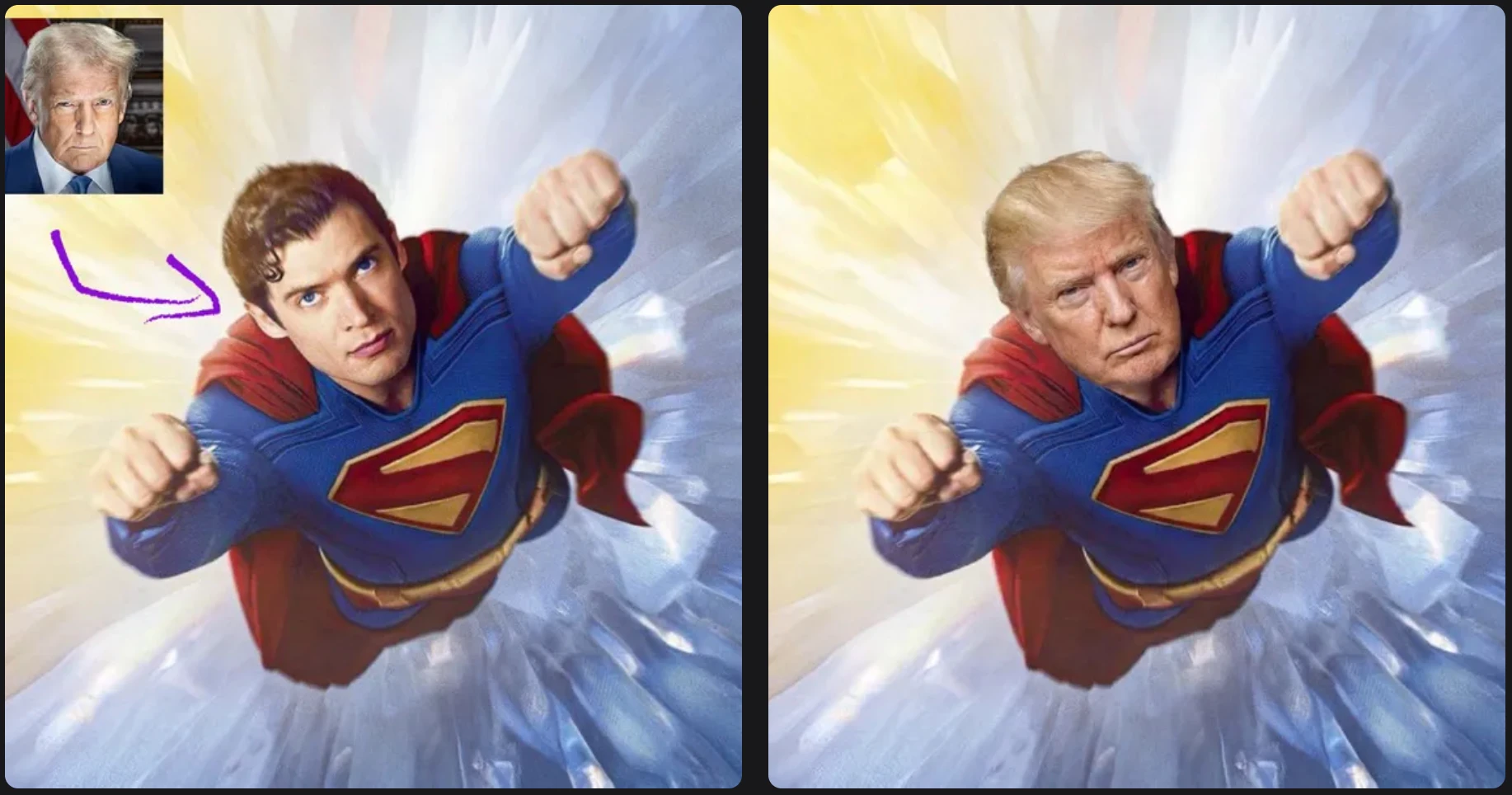
Placez un visage source dans une photo cible avec un workflow simple à deux images.
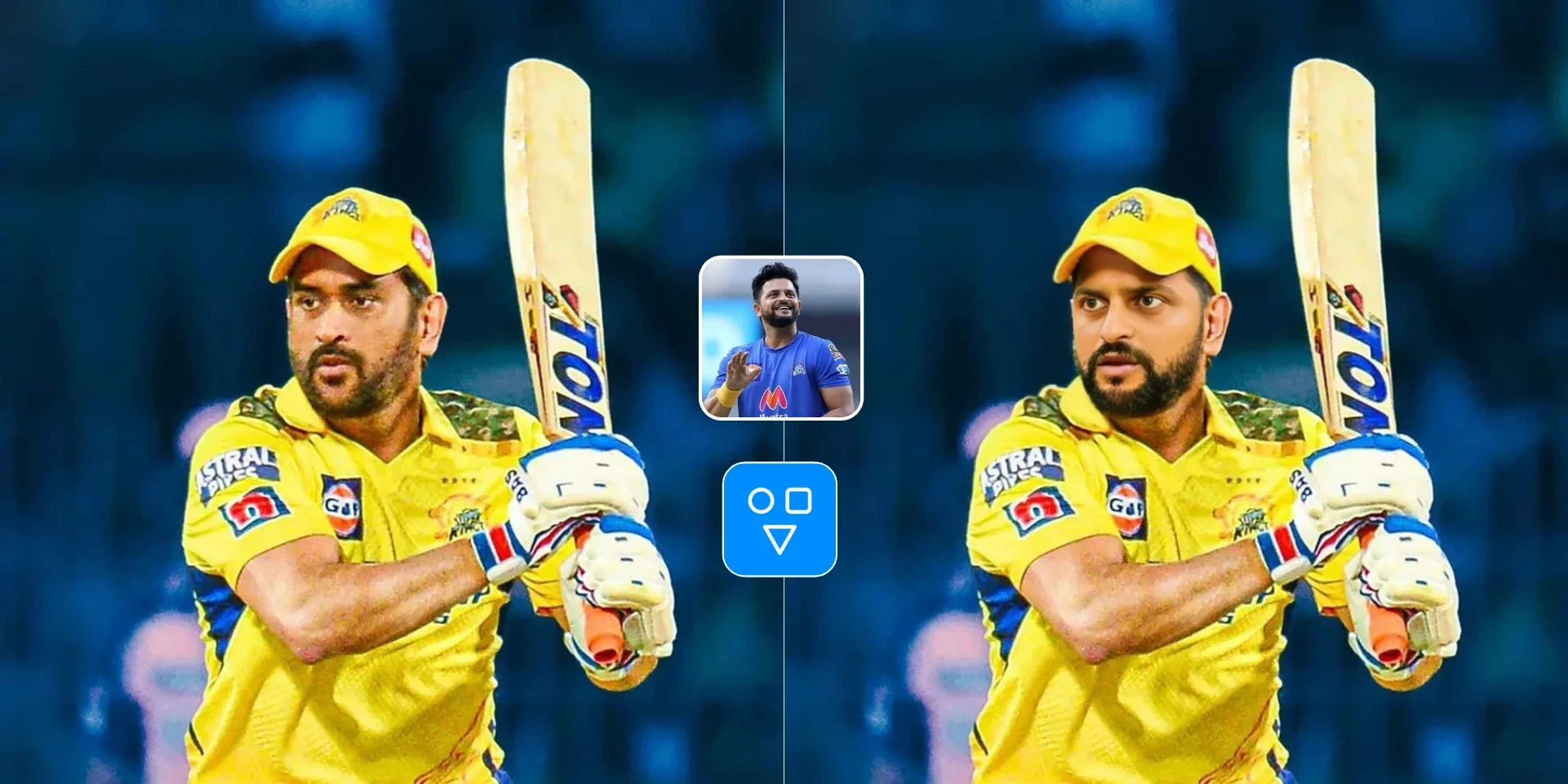
Échangez une image de visage dans une vidéo cible avec un workflow asynchrone hébergé.

Créez une photo professionnelle IA à partir d'un portrait pour LinkedIn, CV et profils professionnels.
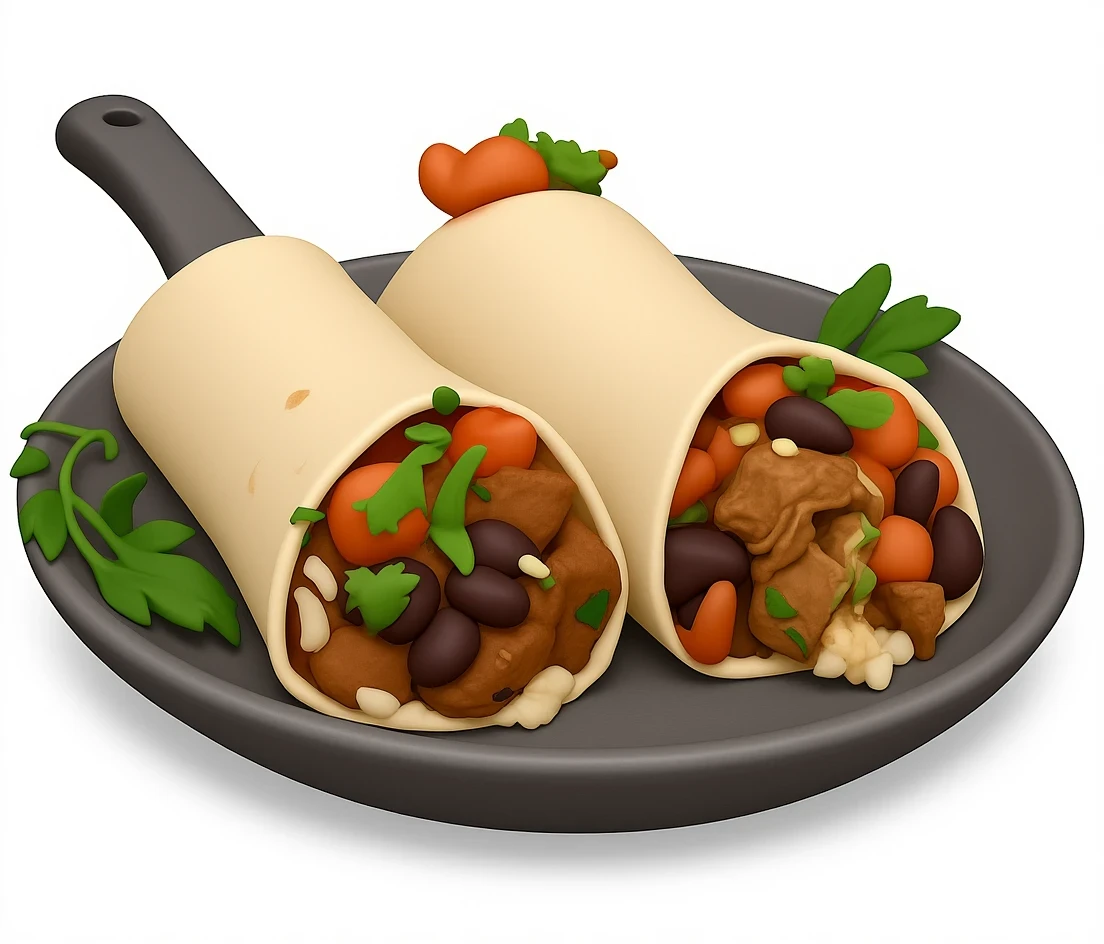
Créez des versions emoji ludiques de portraits, personnages, objets et images sociales.
Transformez un portrait ou une image de personnage en graphique de profil style emoji.
Créez des images source style emoji pour visuels sociaux, communautaires ou messagerie.
Prévisualisez le rendu emoji d'un sujet avant de l'affiner dans d'autres outils image.
Téléversez une image, ajustez les réglages si besoin, générez et téléchargez le résultat.
Choisissez l'image que vous souhaitez transformer en résultat style emoji.
Ouvrez le popover uniquement si vous voulez modifier prompt, ratio ou format.
Créez l'image emoji, examinez le résultat et téléchargez-le.
Bon à savoir
Transformez une photo téléversée en image style emoji avec un workflow simple centré sur l'upload.
Ajustez prompt, ratio et format de sortie depuis le popover de réglages si nécessaire.
Réponses sur la conversion emoji, les réglages optionnels, les crédits et la confidentialité.
Téléversez une image et transformez-la en résultat style emoji dans un workflow IA ciblé.