AI Virtual Try-On

AI virtual try-on for clothes and outfit photos

Preview shirts, jackets, dresses, pants, and full outfit ideas on a real person photo. Upload one person image, add one or more garment references, and generate a crisp, downloadable AI try-on result for styling decisions, ecommerce drafts, and private creative workflows.

Try on clothes online before you shoot, list, or buy

Virtual try-on helps you preview shirts, pants, jackets, dresses, and complete outfits on a person without manual masking, Photoshop layers, or a new photoshoot.

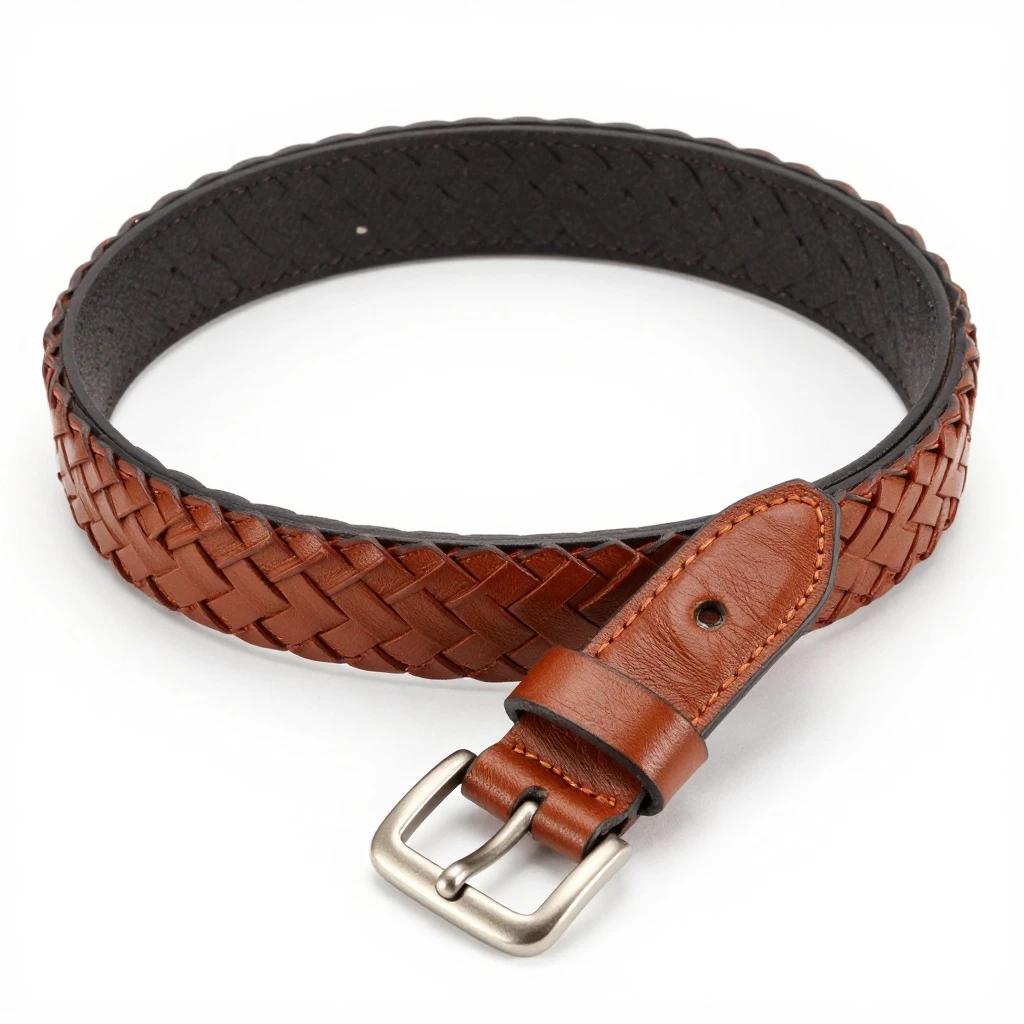
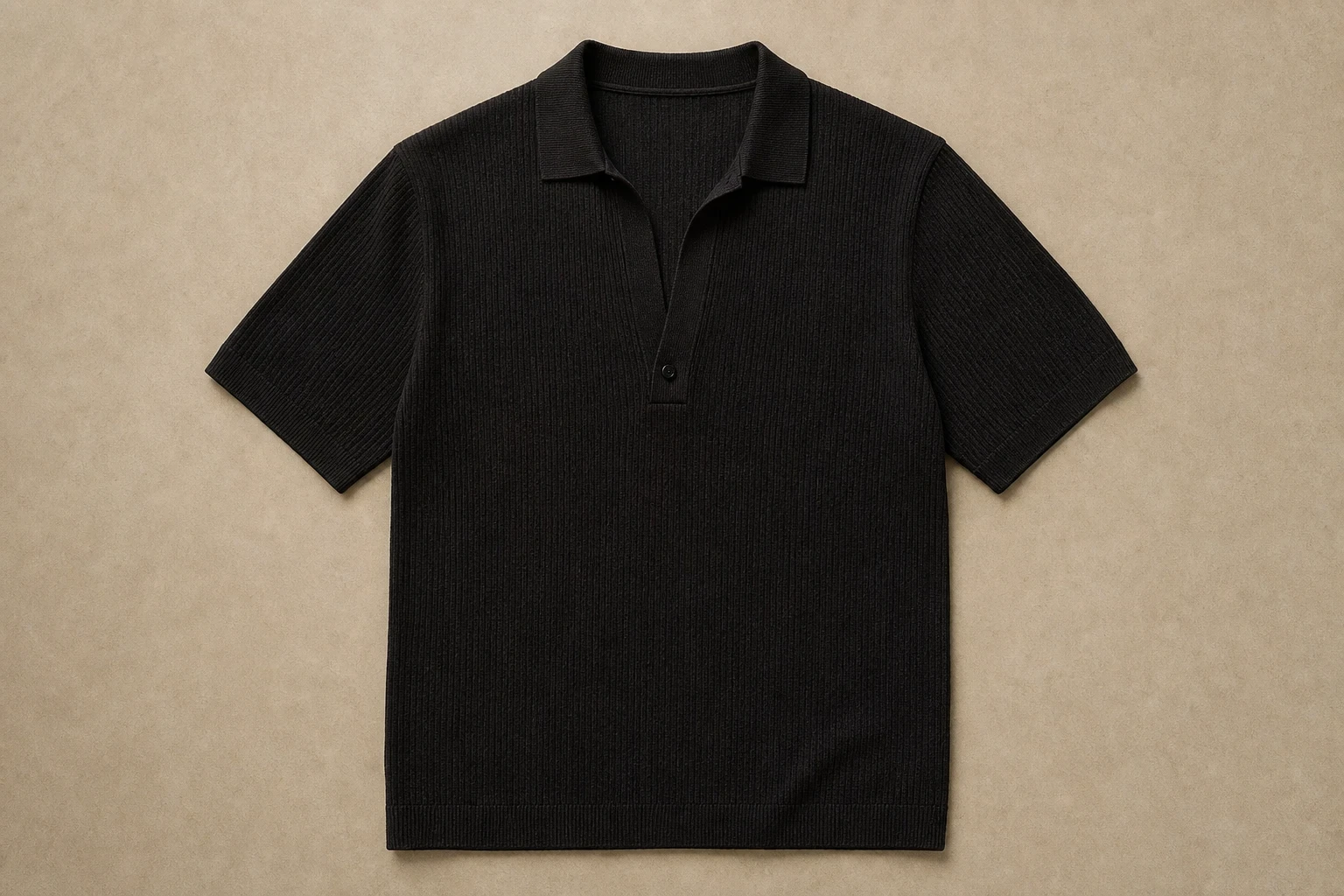
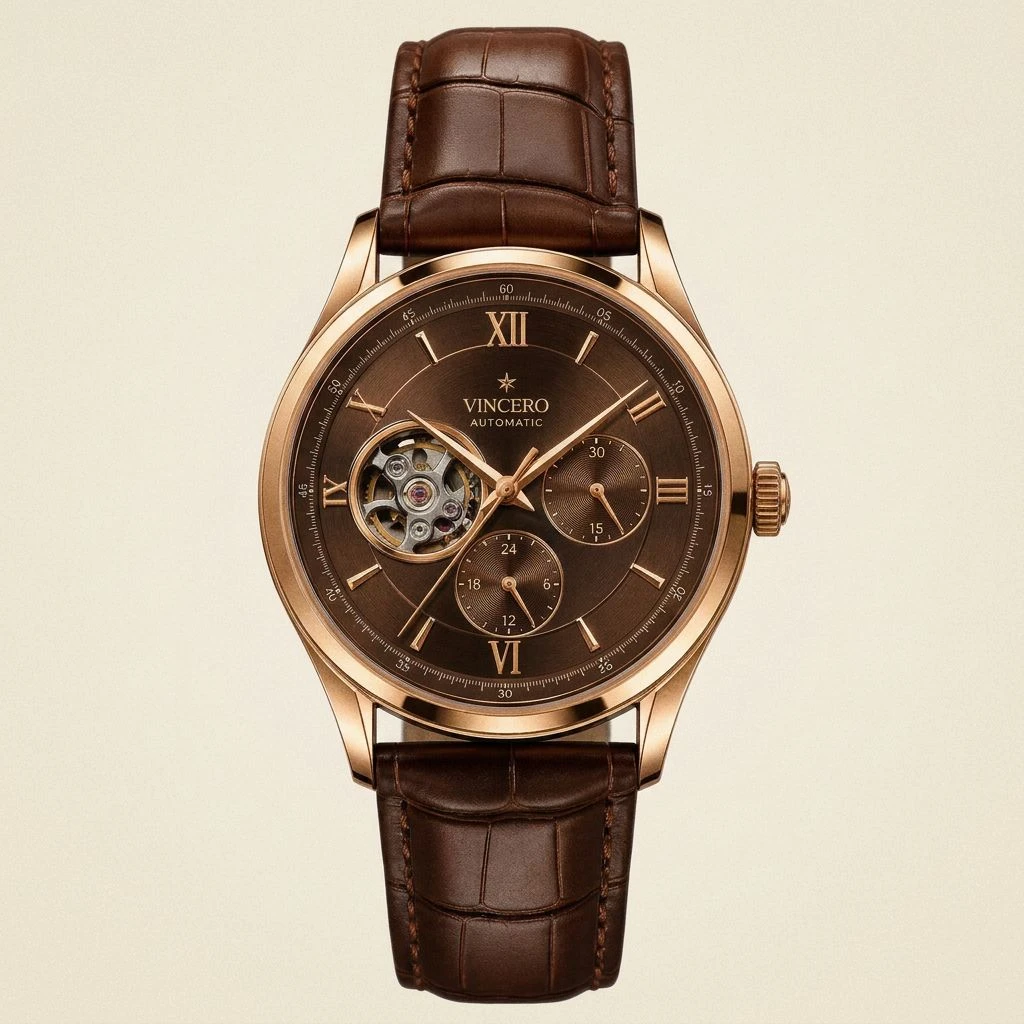
Person photo plus garment references

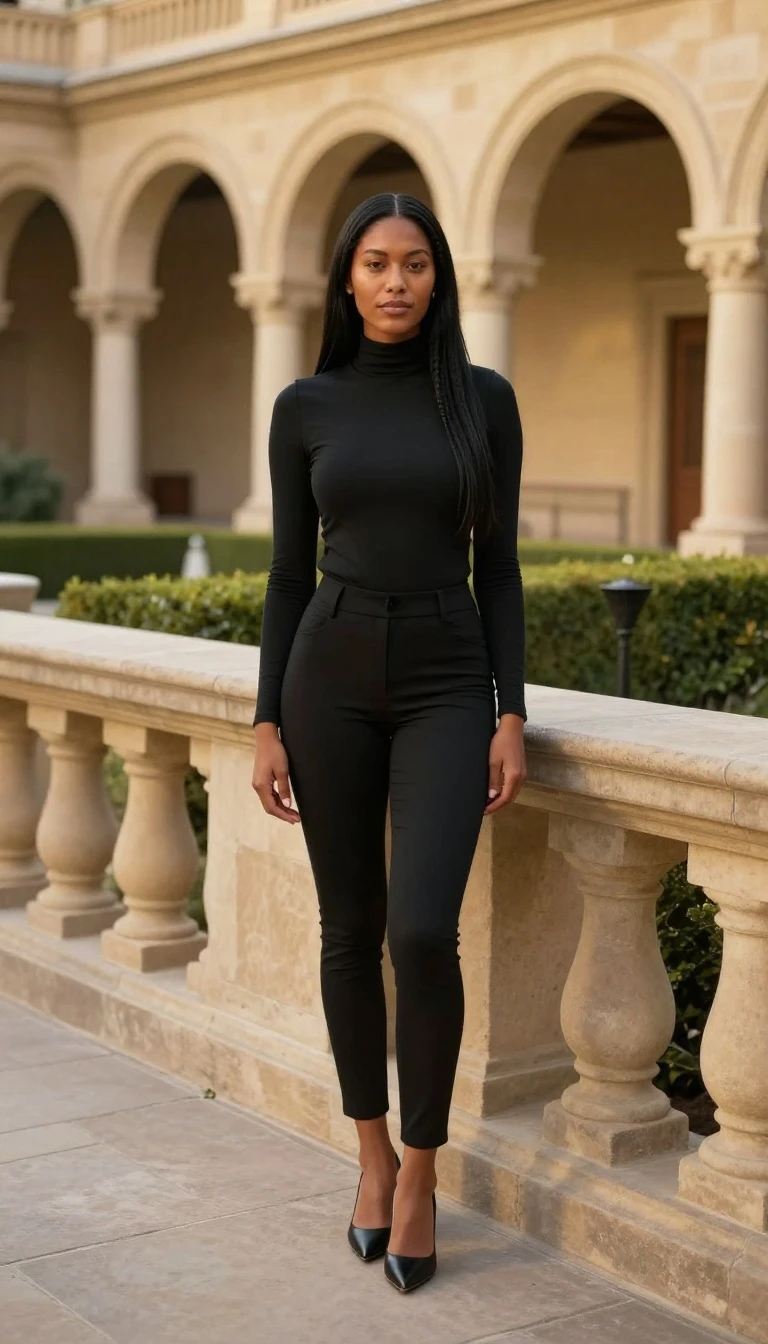
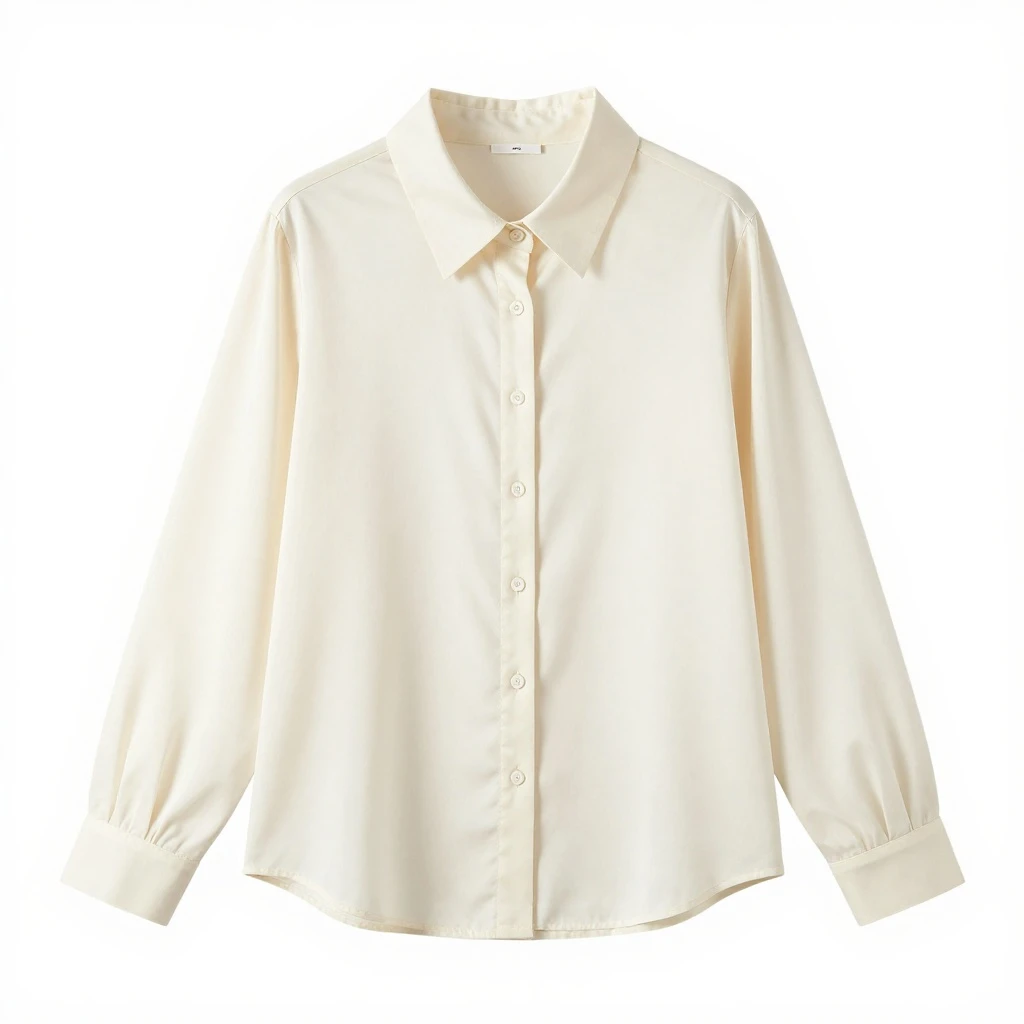
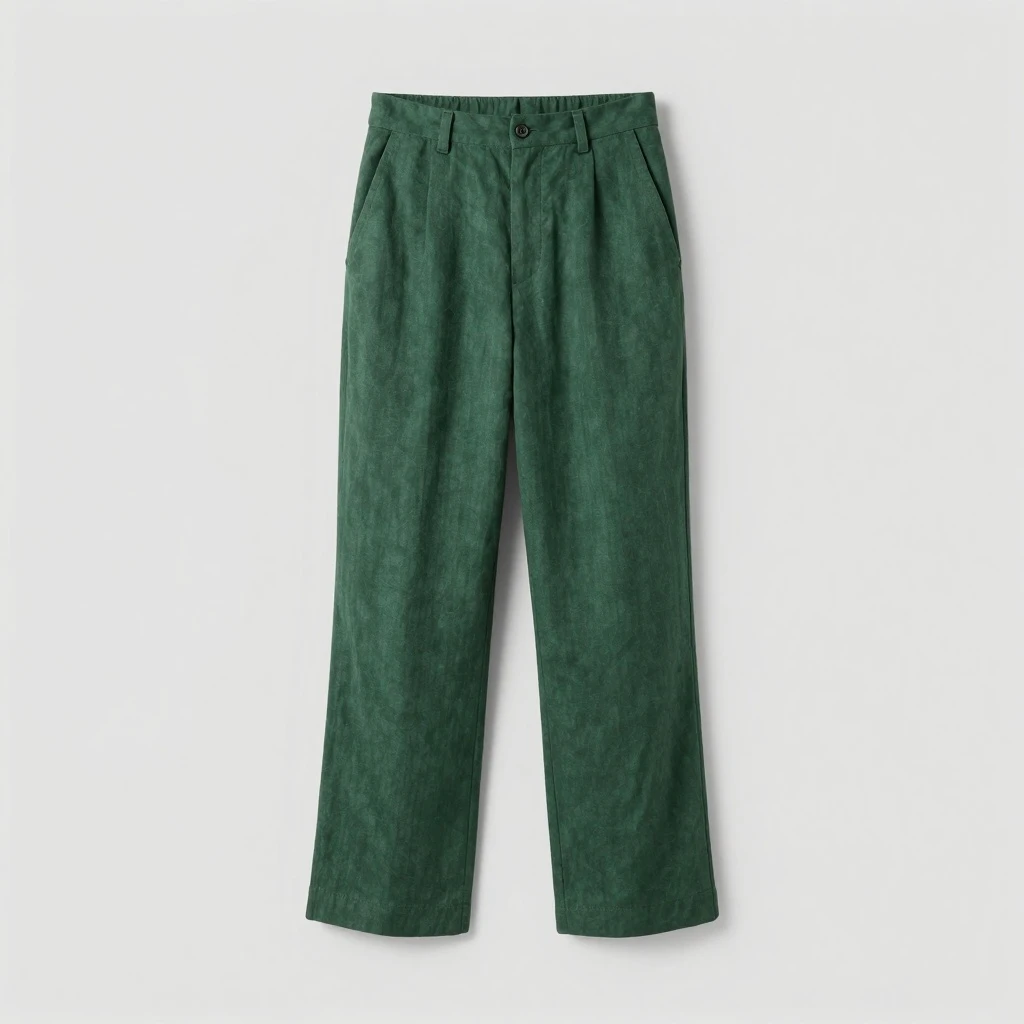
Start with a clear full-body or half-body person photo, then upload product shots, flat-lay images, or garment references. The tool sends all selected garment images to the AI model so it can build a more complete outfit preview.

  • One person photo
  • Multiple garment images
  • Downloadable AI outfit preview
Try AI Virtual Try-On
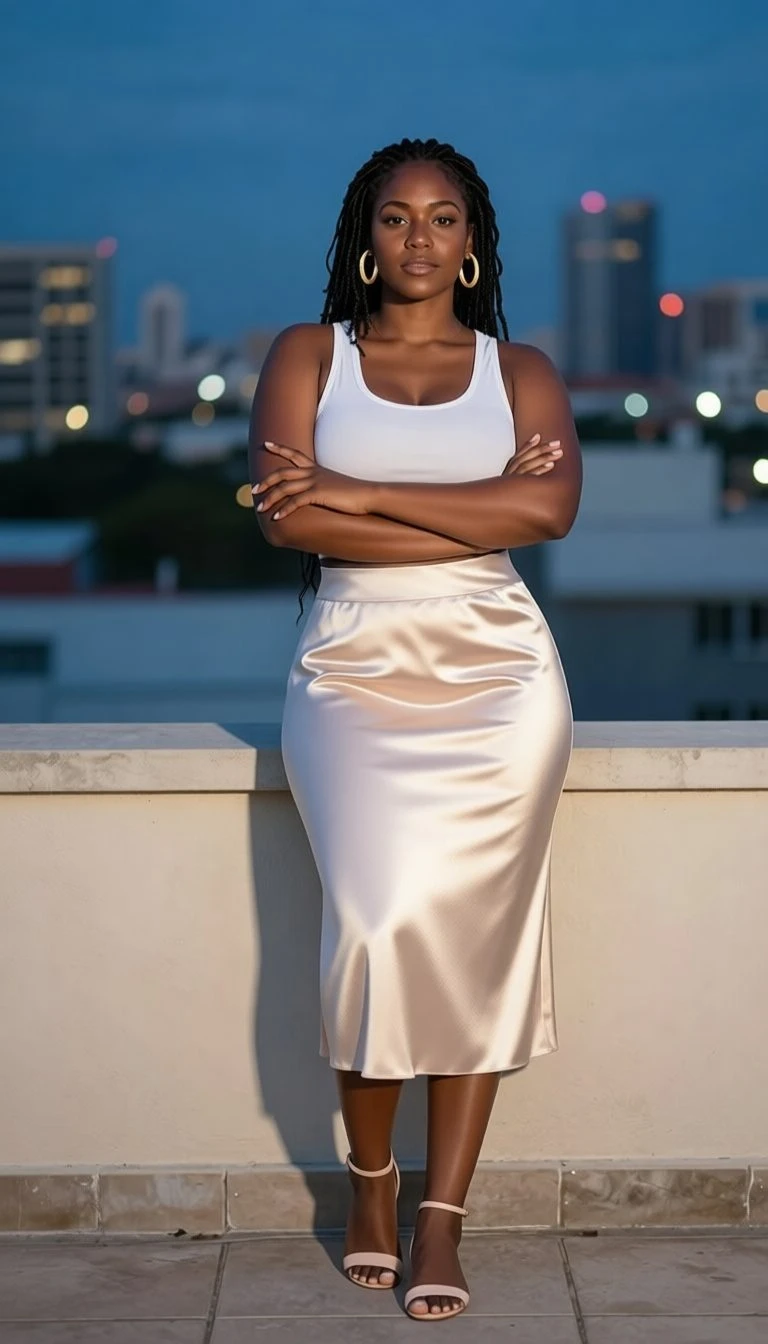
Virtual try-on person and garment upload example

Built for clothing previews, not generic image editing

The workflow is shaped around apparel search intent: try on clothes online, preview an outfit on a model, test product images, and create fashion mockups from existing photos.

  • AI clothes try-on
  • Garment-to-person preview
  • Outfit mockup workflow
Try AI Virtual Try-On
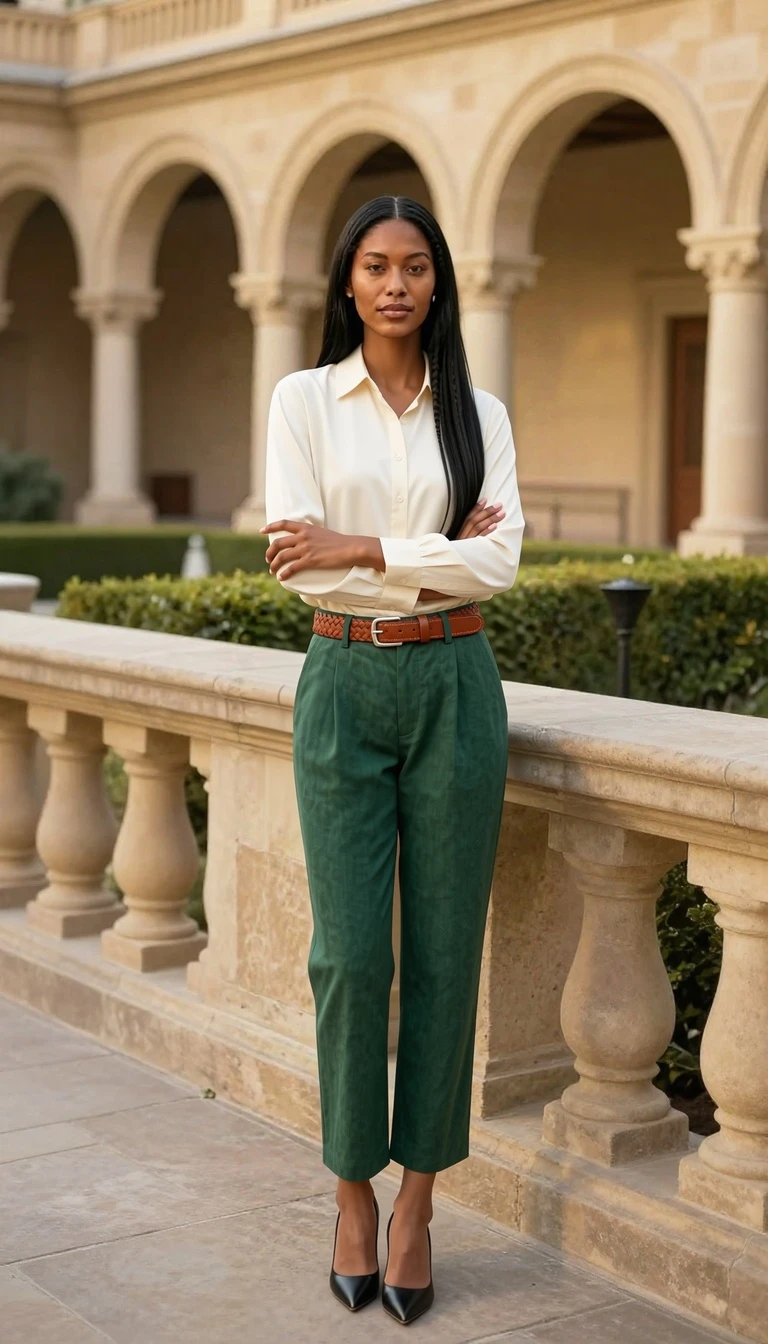
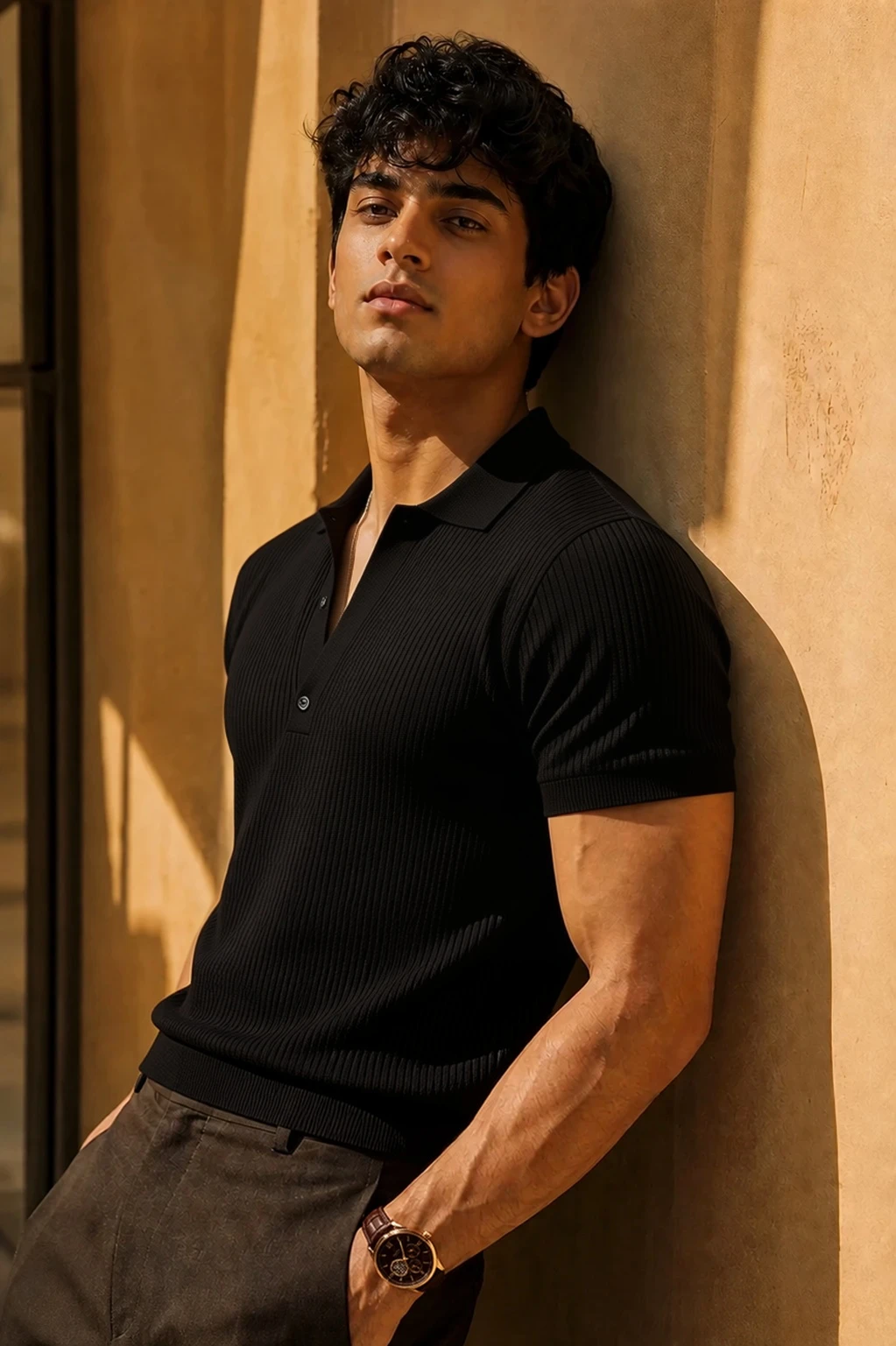
AI virtual try-on outfit preview example

Useful for ecommerce and content planning

Use AI virtual try-on for early catalog concepts, social creative, ad drafts, styling comparisons, and personal outfit checks before committing to production assets.

  • Fashion ecommerce drafts
  • Styling experiments
  • Creator and social visuals
Try AI Virtual Try-On
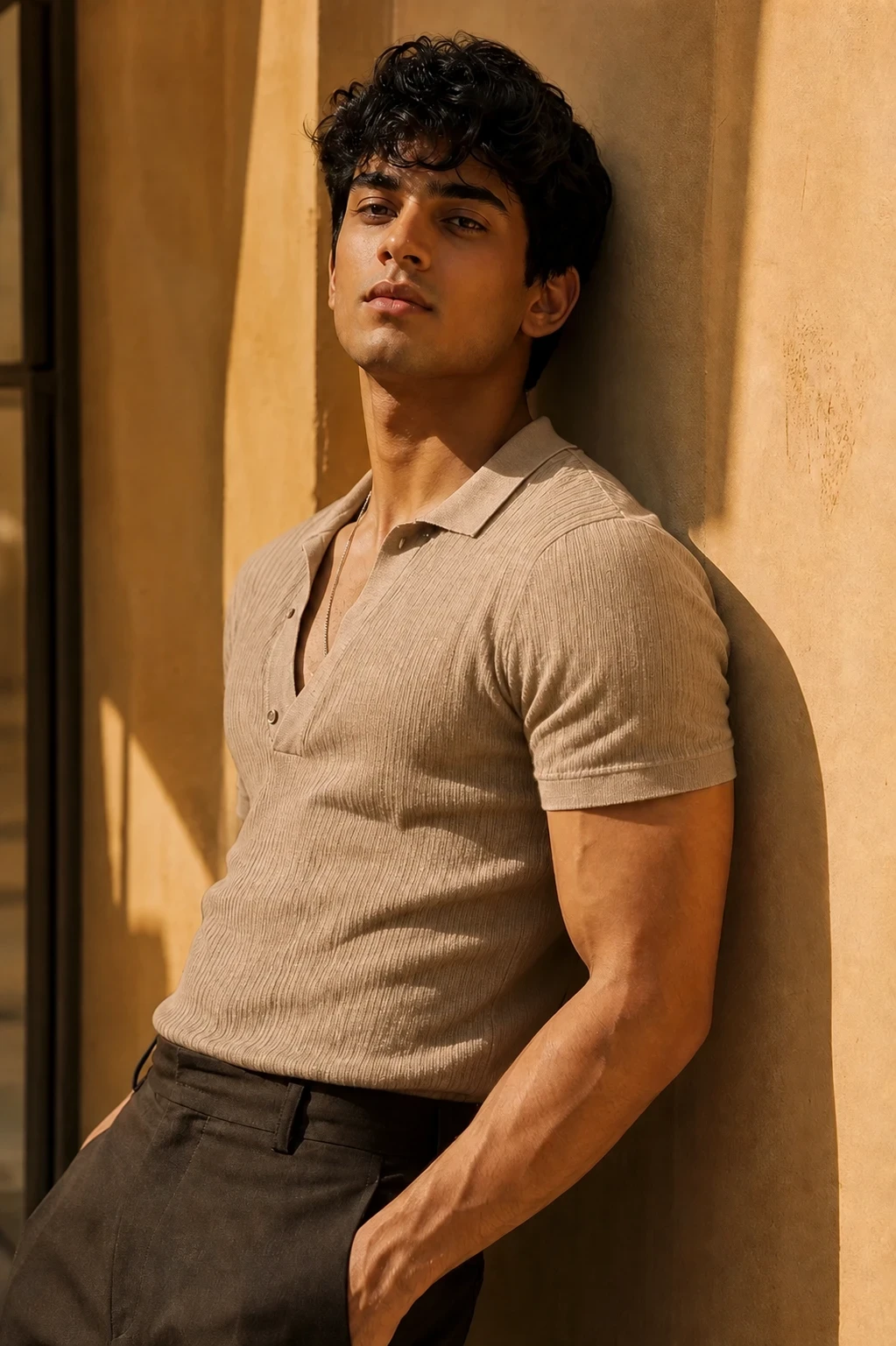
Virtual try-on ecommerce mockup example

Why use this AI virtual try-on tool

The page is designed around a practical clothing workflow: upload, compare, generate, review, and download.

Multiple garment references

Add up to six clothing images in one run, useful for outfits that combine tops, bottoms, outerwear, or accessories.

Fast outfit previews

Generate clothing-on-person previews quickly so you can compare looks, refine product ideas, and move from concept to review without a manual editing pass.

Privacy-conscious workflow

Uploads are tied to your account workflow and are not displayed as public gallery examples by default, making the tool practical for client photos, catalog drafts, and internal reviews.

High-quality downloadable output

Create clean, downloadable outfit previews that support styling, merchandising, product photography planning, and creative direction.

Best use cases

AI try-on works best when you need a quick visual answer rather than a final retouched campaign image.

Try clothes on a model photo

Preview how a garment may look on a person before booking a shoot or preparing a final product page.

Compare outfit options

Use the same person photo with different garment references to compare styling directions quickly.

Create ecommerce mockups

Generate early clothing-on-model previews from product photos for internal review, briefs, and catalog planning.

Popular virtual try-on scenes

Start with the try-on scene you need

Each scene focuses on a high-intent virtual try-on workflow: dresses, shirts, outfits, wedding looks, accessories, shoes, fashion models, or ecommerce product previews.

Dress Virtual Try-On

Use AI virtual try-on for dress previews, shopping decisions, fashion content, and ecommerce drafts. Upload a person photo and garment references to preview fit, styling, product direction, and publish-ready checks.

View scene
Shirt Virtual Try-On

Use AI virtual try-on for shirt previews, product checks, styling comparisons, and catalog drafts. Upload a person photo and garment references to preview fit, styling, product direction, and publish-ready checks.

View scene
Outfit Virtual Try-On

Use AI virtual try-on for full outfit planning, creator looks, ecommerce concepts, and styling tests. Upload a person photo and garment references to preview fit, styling, product direction, and publish-ready checks.

View scene
Wedding Dress Virtual Try-On

Use AI virtual try-on for bridal mood boards, wedding dress previews, fitting ideas, and invitation concepts. Upload a person photo and garment references to preview fit, styling, product direction, and publish-ready checks.

View scene
Glasses Virtual Try-On

Use AI virtual try-on for eyewear previews, accessory styling, creator photos, and product mockups. Upload a person photo and garment references to preview fit, styling, product direction, and publish-ready checks.

View scene
Shoes Virtual Try-On

Use AI virtual try-on for shoe styling, outfit checks, ecommerce drafts, and footwear content. Upload a person photo and garment references to preview fit, styling, product direction, and publish-ready checks.

View scene
Fashion Model Try-On

Use AI virtual try-on for model outfit previews, lookbook planning, catalog concepts, and fashion campaigns. Upload a person photo and garment references to preview fit, styling, product direction, and publish-ready checks.

View scene
Ecommerce Virtual Try-On

Use AI virtual try-on for product page drafts, catalog mockups, ad concepts, and merchandising reviews. Upload a person photo and garment references to preview fit, styling, product direction, and publish-ready checks.

View scene

What to try next

More ways to refine your outfit preview

Choose the next step based on what you want to improve after a virtual try-on.

How to use AI virtual try-on

Upload the person photo, add garment references, then generate the try-on result.

Upload a person photo

Choose a clear full-body or half-body image where the clothing area is visible. Good lighting and a natural pose help the model place garments more convincingly.

Add garment images

Upload one or more clothing references. Product photos, flat-lay shots, and clean garment images usually work better than busy lifestyle images.

Generate and review

Run the AI try-on, inspect the result, and download the image. For production use, check seams, hands, logos, textures, and fine details before publishing.

Input quality

Clothing photo checklist for better virtual try-on results

Choose a person photo with visible body structure

Use a person photo where the torso, legs, and current clothing area are not heavily blocked by hands, bags, furniture, or extreme shadows. Straightforward front-facing or slight-angle poses usually produce more reliable outfit previews than complex poses.

Use clean garment references

For shirts, jackets, dresses, pants, and accessories, use a product photo or flat lay where the full item is sharp, evenly lit, and not cropped at the collar, sleeves, waist, or hem. If you upload several garments, keep each image focused on one item and avoid screenshots with text or busy backgrounds.

Treat the output as a preview

Virtual try-on is best for visual evaluation and creative direction. Before using a result commercially, review fabric texture, fit, hands, logos, and product accuracy, especially for ecommerce product pages or paid ads.

AI Virtual Try-On FAQs

Answers about how virtual try-on works, photo tips, credits, privacy, and ecommerce use.

Create an AI outfit preview from your own photos

Upload one person photo, add garment references, and generate a fast, high-quality virtual try-on result online.

Fast outfit previewsHigh-quality downloadable outputPrivacy-conscious uploads