
Create older or younger variants
Choose a target age and generate a transformed version that keeps core identity while adjusting facial age cues.
- Target age control
- Identity-aware transformation
- Quick generation
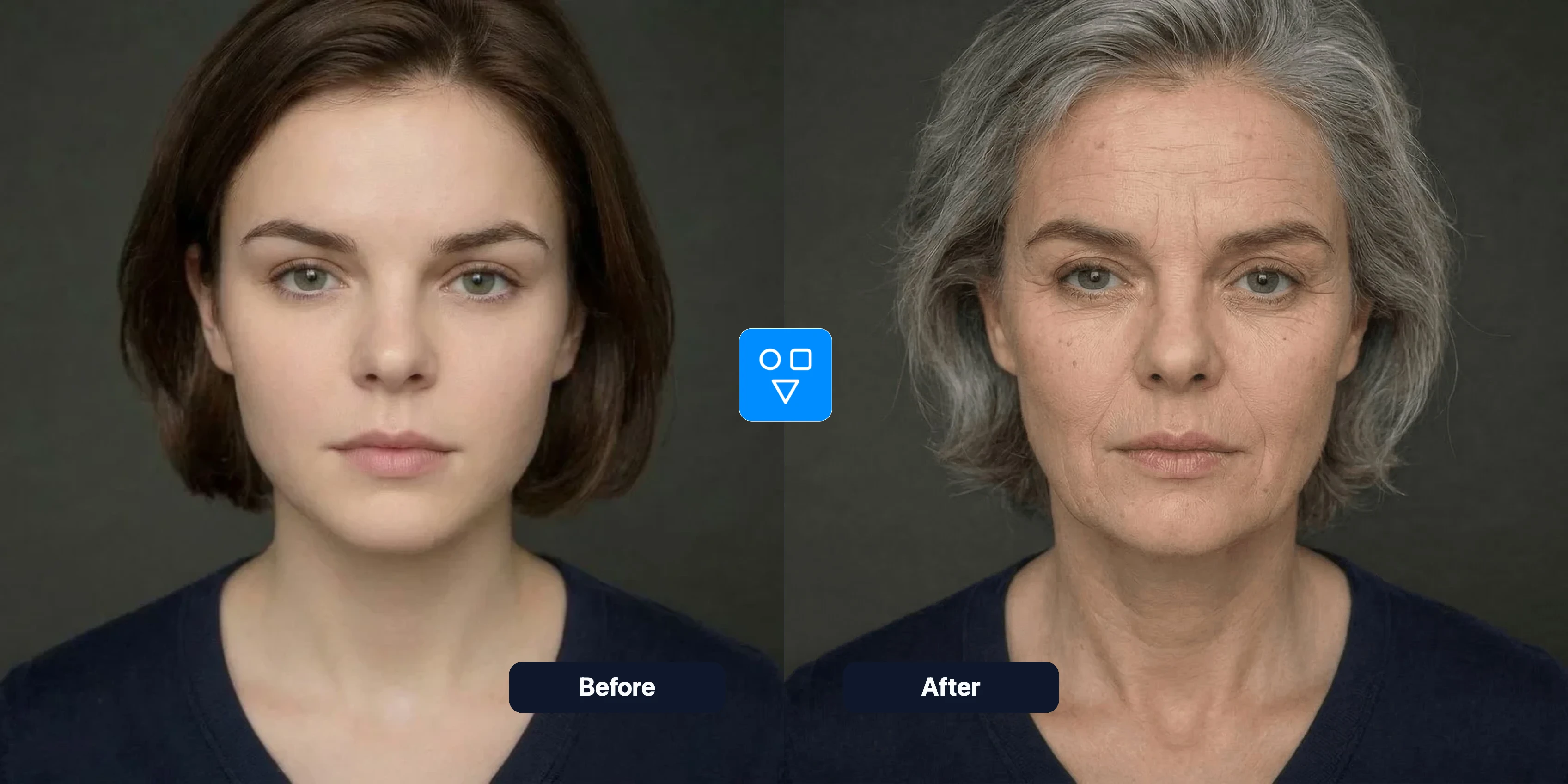
Age Progression
Use AI age progression to generate realistic age-shifted portrait versions from one uploaded photo.
Generate age-shifted portraits with a focused workflow and practical controls.
Choose a target age and generate a transformed version that keeps core identity while adjusting facial age cues.
Maintain overall photo composition and style while modifying age-related facial details.
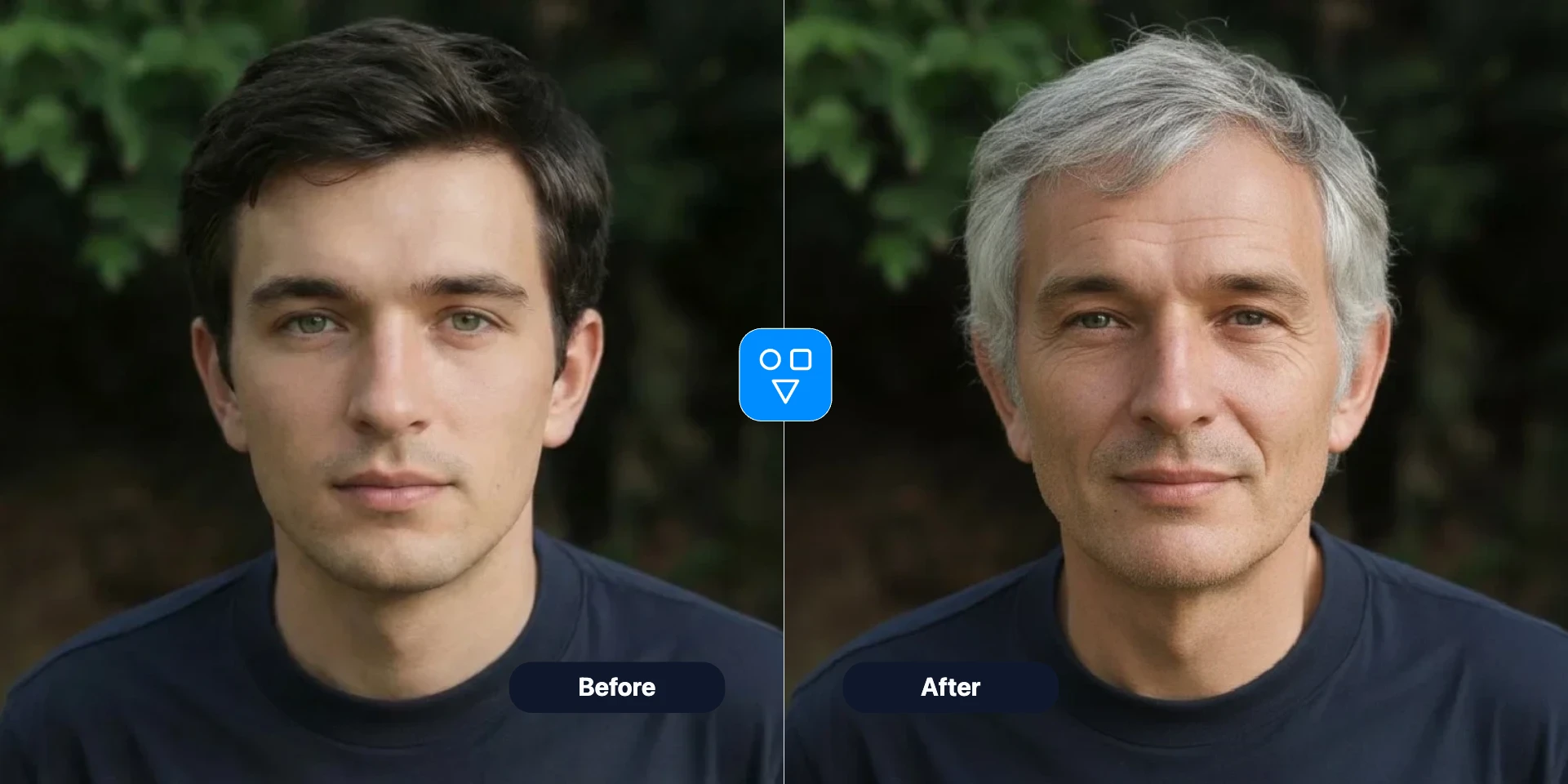
Try multiple target ages in a short loop and compare outputs for your project or content concept.
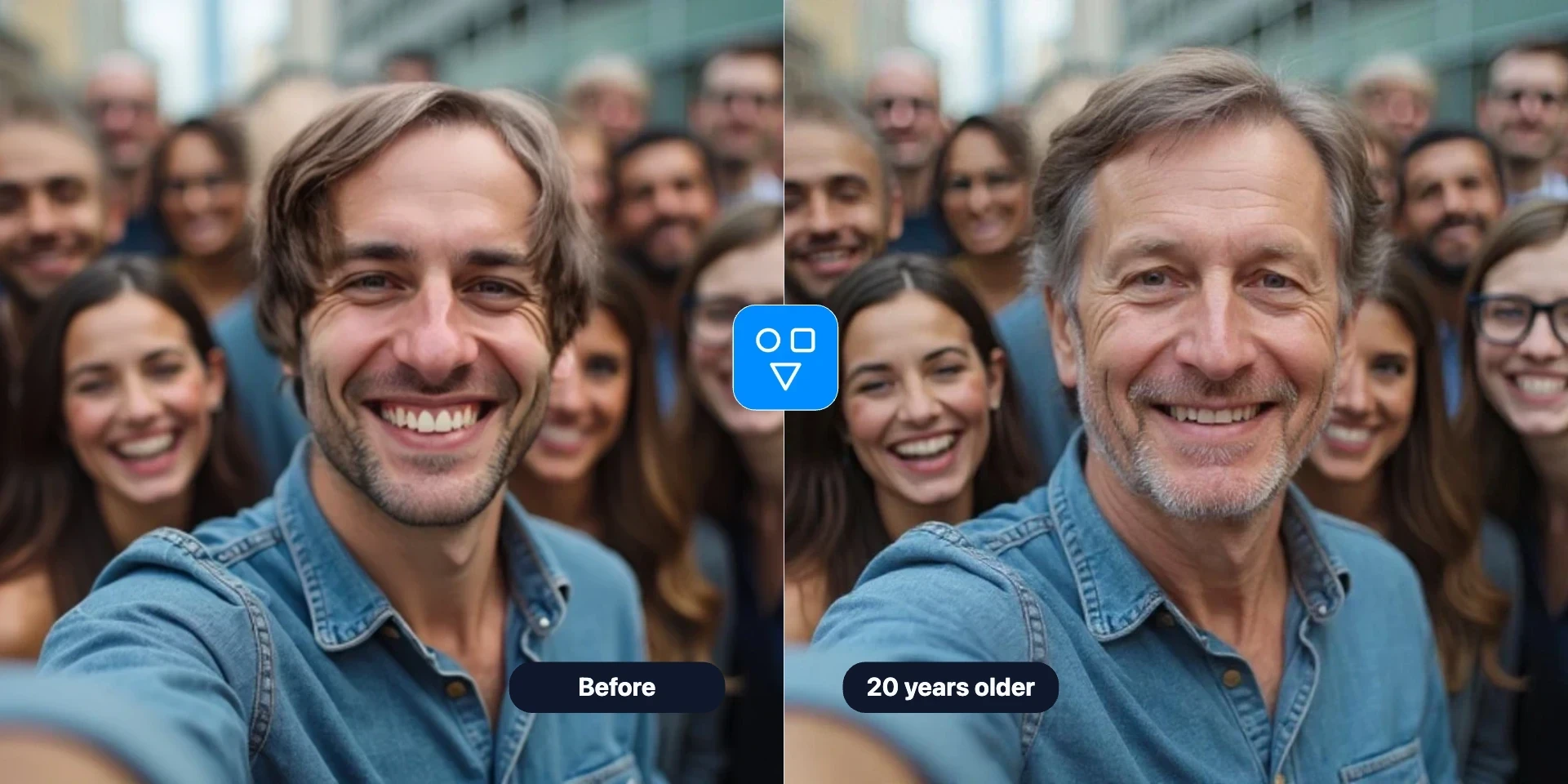
Continue editing with focused FaceSwaply tools for face swaps, face retouching, age progression, upscaling, photo to emoji, photo to cartoon, image restoration, professional headshots, hairstyles, and face restoration.
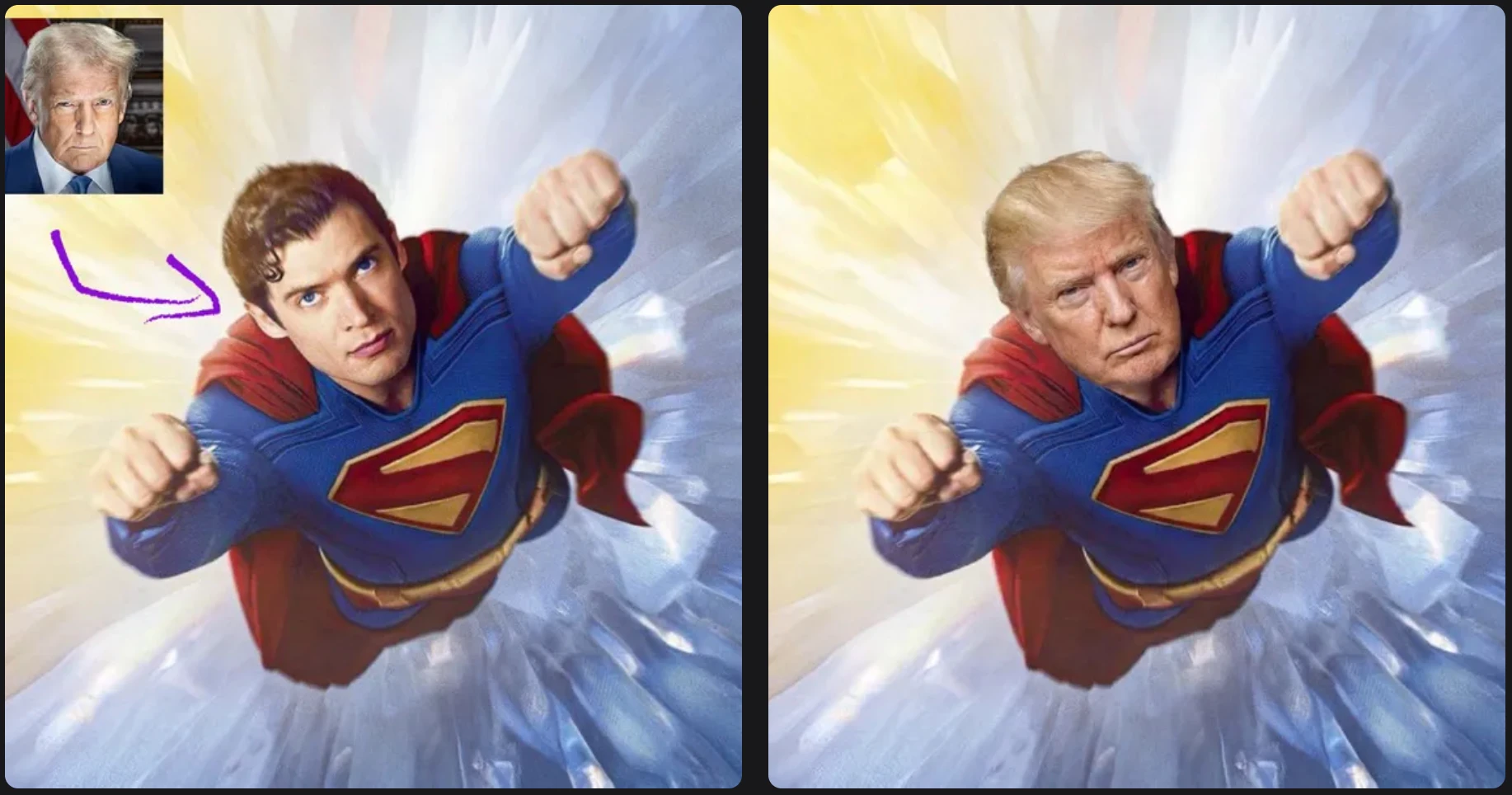
Swap one source face into a target photo with a simple two-image workflow.
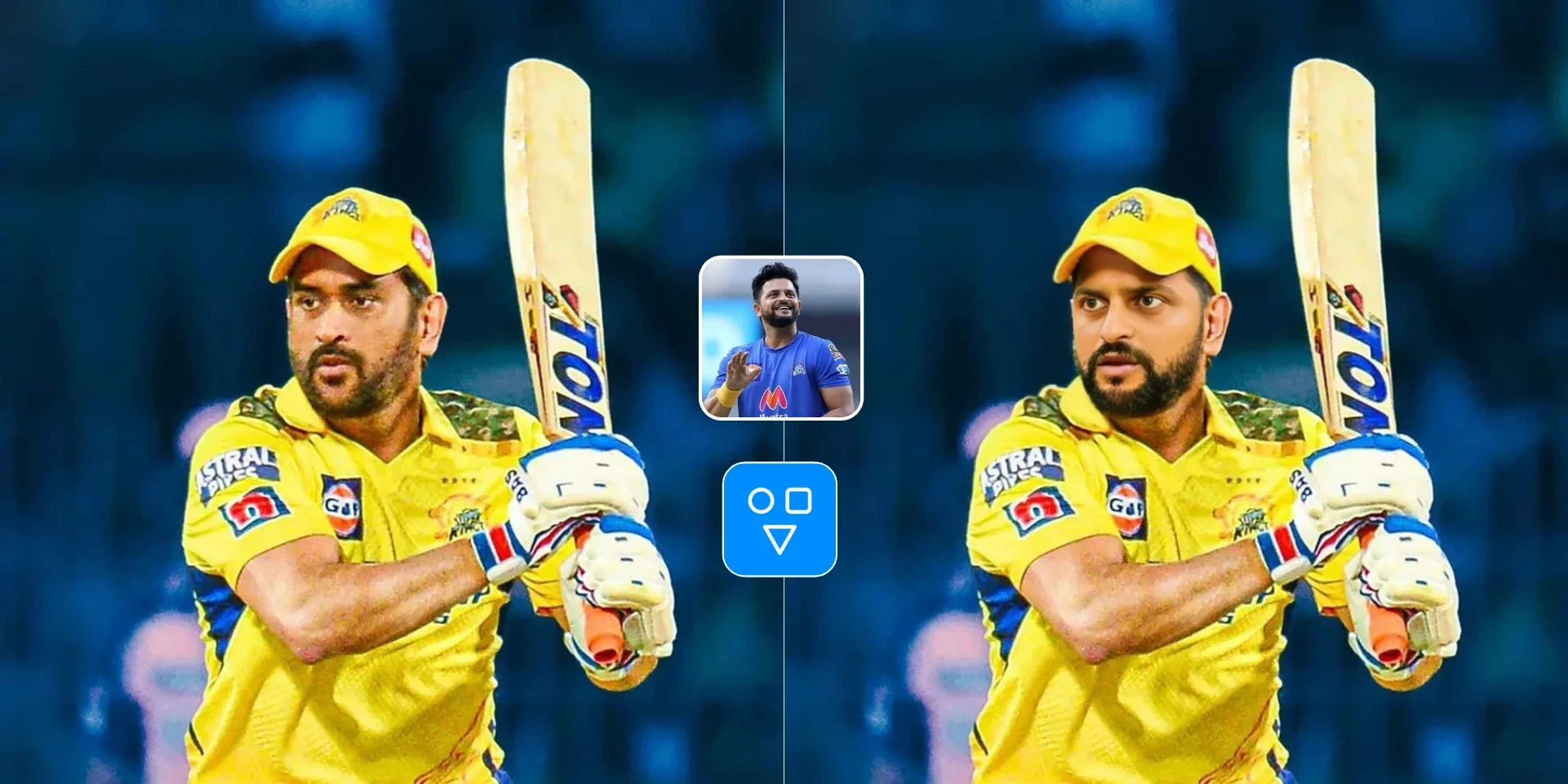
Swap one face image into one target video with a hosted async workflow.

Create an AI professional headshot from one portrait for LinkedIn, resumes, and business profiles.
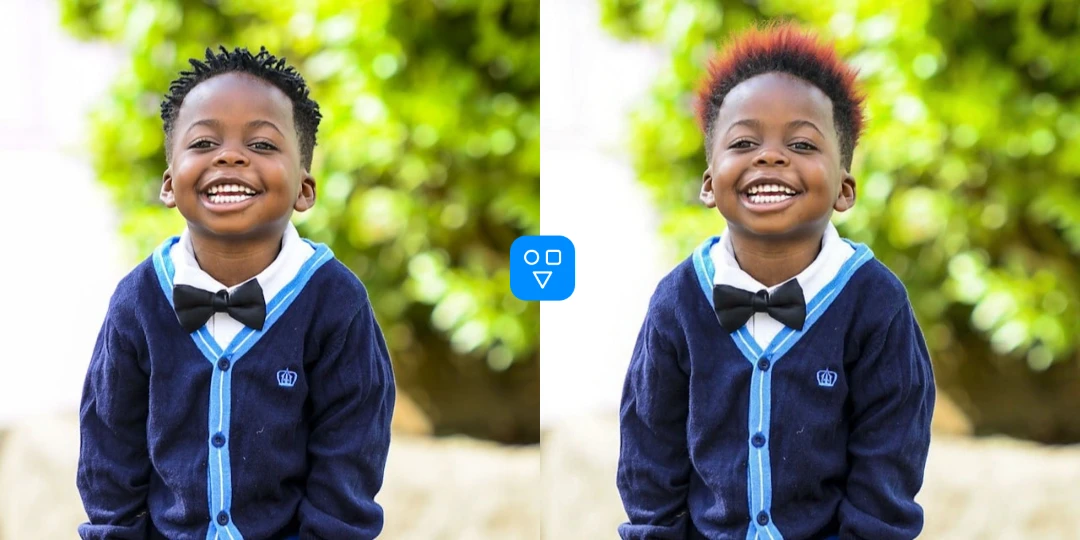
Preview hairstyles and hair colors from one portrait before making a real-world style change.
Use Age Progression when you need believable age-shift portrait variants.
Generate younger or older versions for storytelling, concept art, or social experiments.
Create age-themed visual variants to test ideas for ads, thumbnails, or social posts.
Show before-and-after age progression for narrative presentations and creator projects.
More portrait tools
Combine age transformation with restoration and retouching for cleaner final output.
Refine skin texture and facial details after age progression for a cleaner final portrait.
Recover blurry portrait details before age transformation when source quality is low.
Upscale portrait resolution before generation to improve detail consistency.
Upload a portrait, select a target age, run generation, and download the result.
Choose a clear portrait image to get more stable age progression results.
Pick the age range you want to preview, such as younger or older variations.
Run AI age progression, compare the output, and save the transformed portrait.
Good to know
Preview how a portrait may look at a younger or older target age.
Upload one photo, set a target age, generate, and compare results.
Best for creative concepts, social content, and visual storytelling.
Answers about how age progression works, photo quality, credits, privacy, and follow-up retouching.
Upload one image, choose target age, and create younger or older variations in seconds.