
Upload one video and one face image
The workflow is simple: add the source video, upload the face image, and start the generation without extra editing steps.
- Source video upload
- Face image upload
- Async video generation
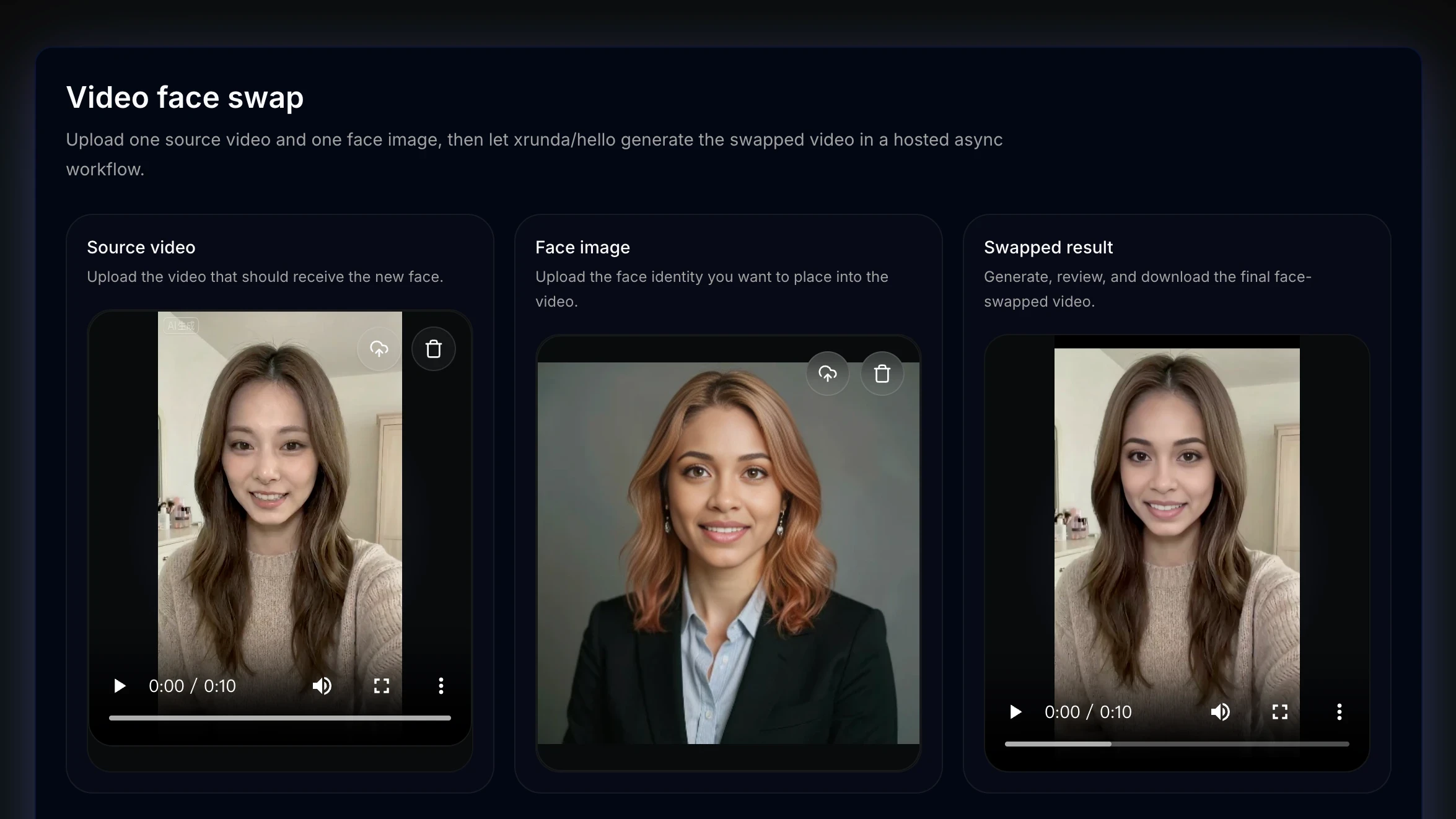
Video Face Swap
Upload one source video and one clear face image. The current workflow replaces one prominent face while keeping the source clip's motion, framing, and scene.
Review the upload flow, motion-focused use cases, and related photo examples before you send a clip for generation.
The workflow is simple: add the source video, upload the face image, and start the generation without extra editing steps.
Use it for short clips, social content, character mockups, and experiments where you want to see a different face inside the same motion.
The page keeps upload, progress, preview, and download in one place, so it is easier to manage video face swap jobs from start to finish.
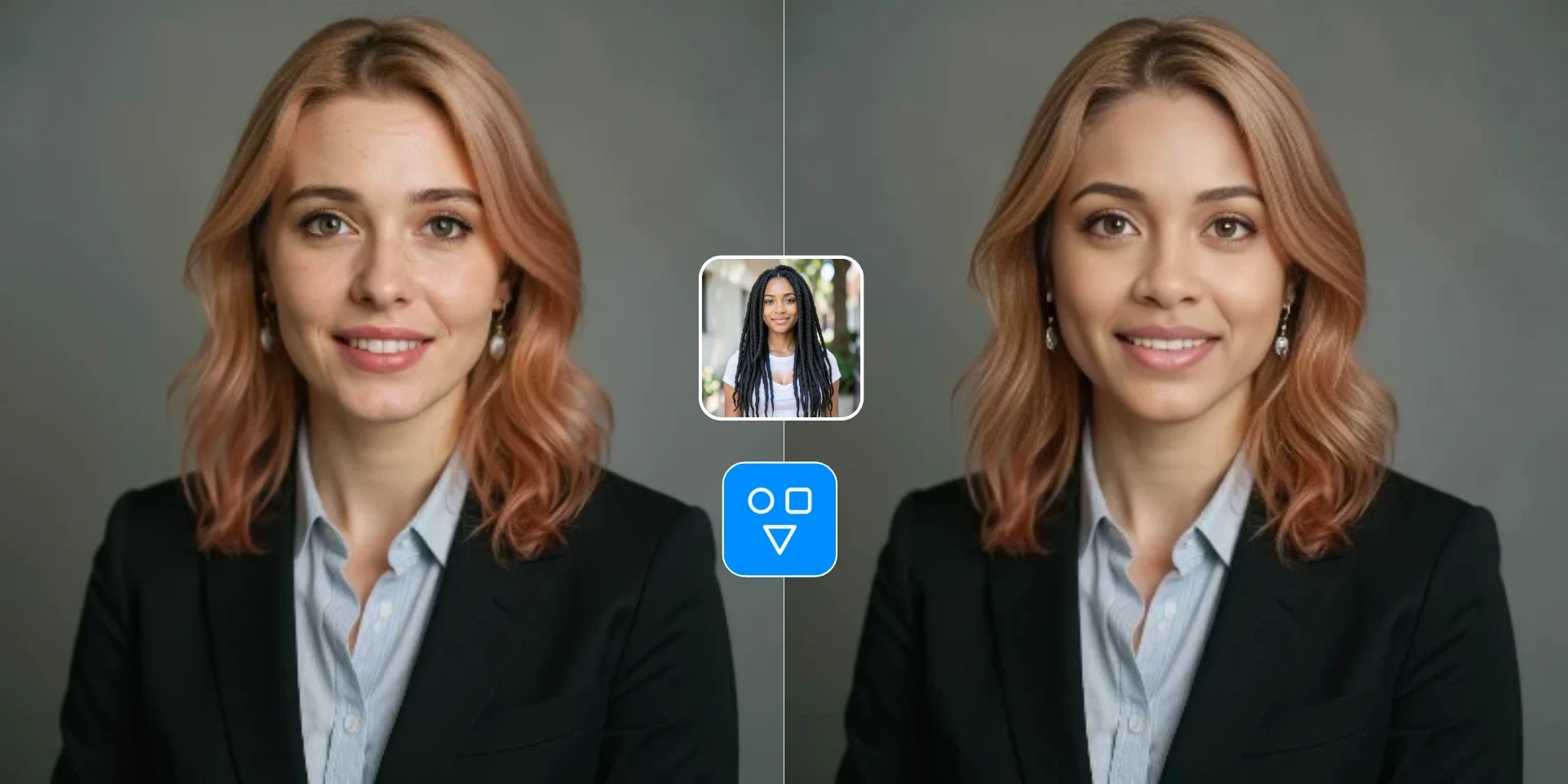
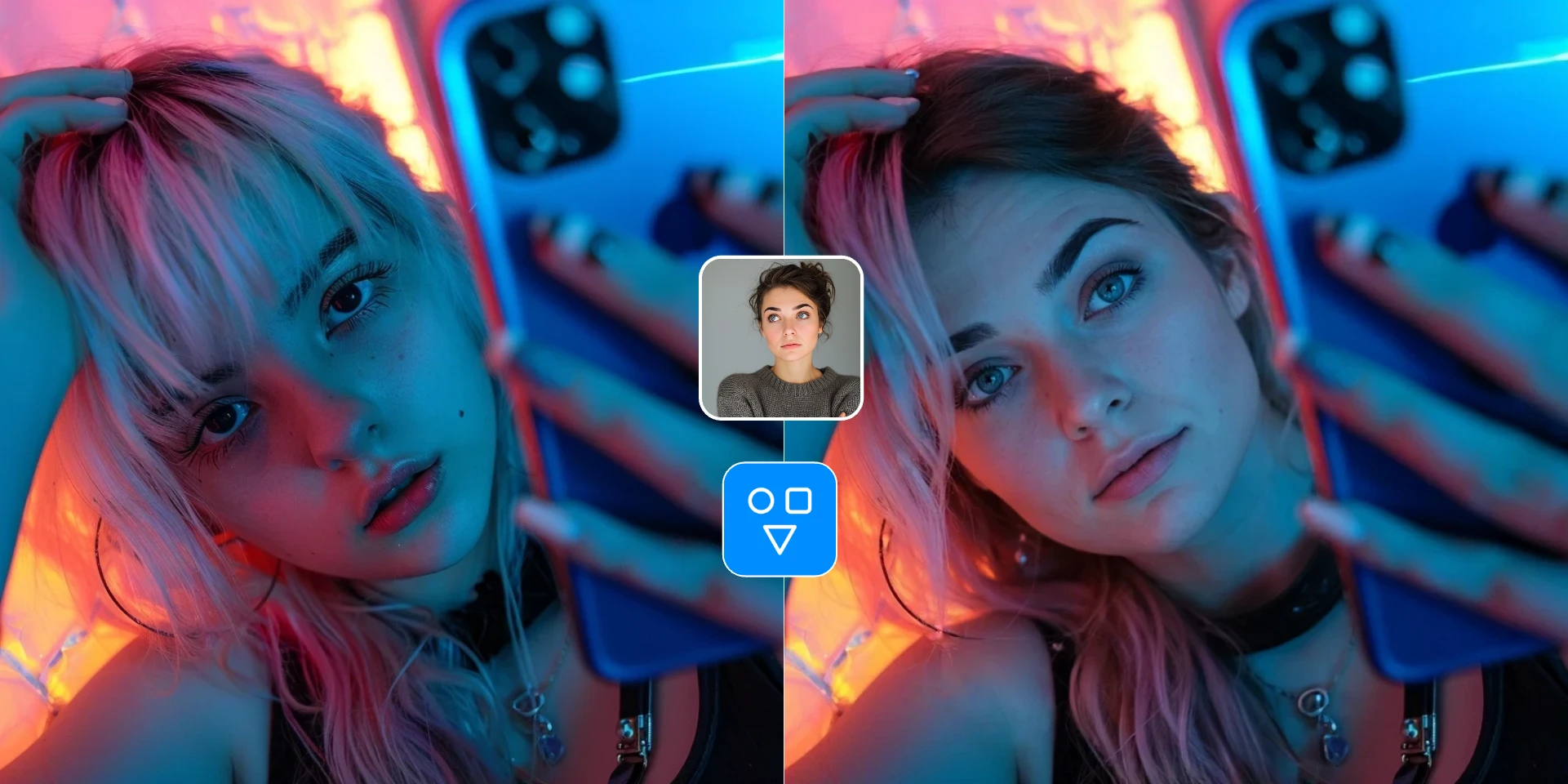
Continue editing with focused FaceSwaply tools for face swaps, face retouching, age progression, upscaling, photo to emoji, photo to cartoon, image restoration, professional headshots, hairstyles, and face restoration.
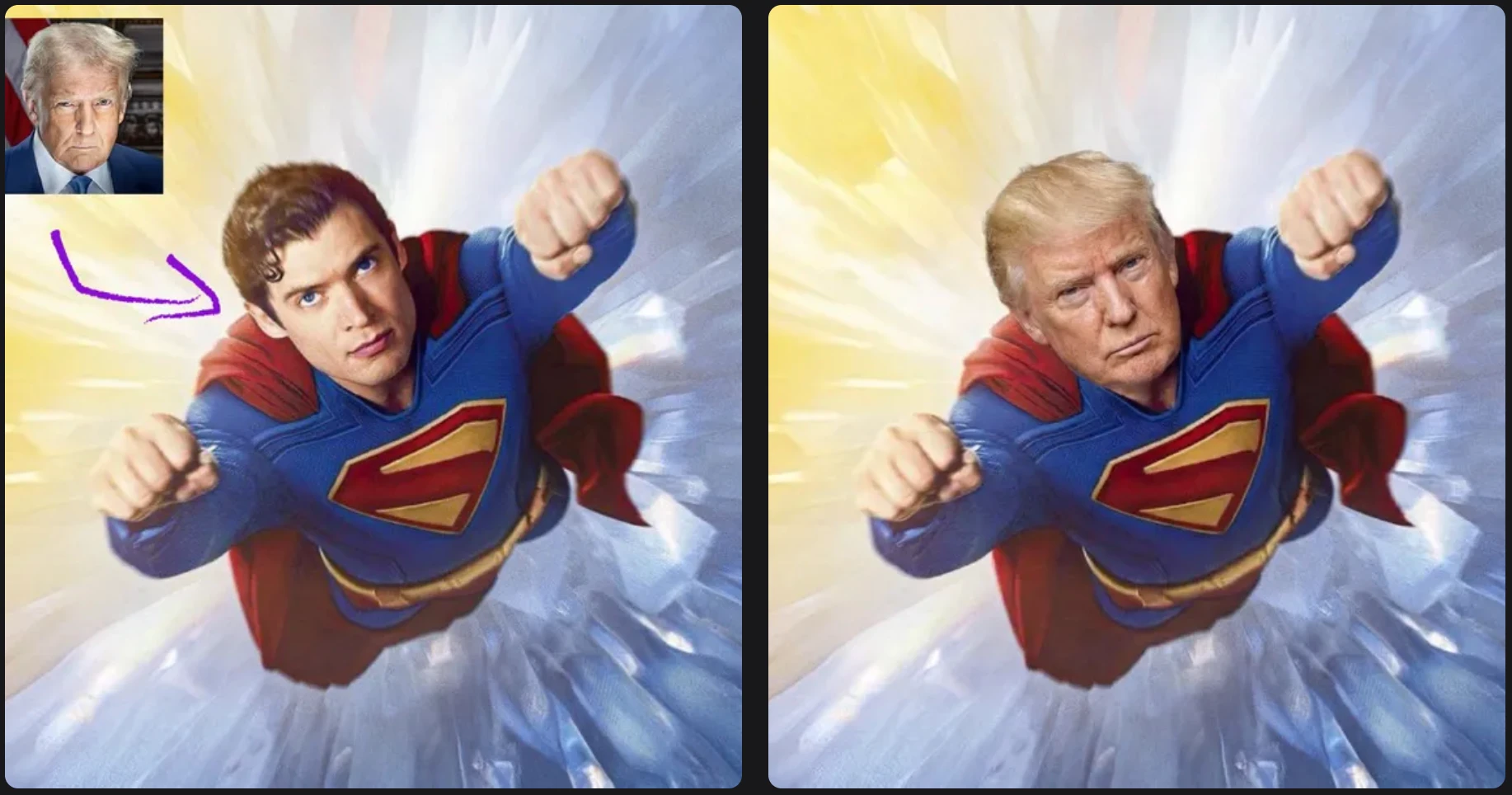
Swap one source face into a target photo with a simple two-image workflow.

Create an AI professional headshot from one portrait for LinkedIn, resumes, and business profiles.
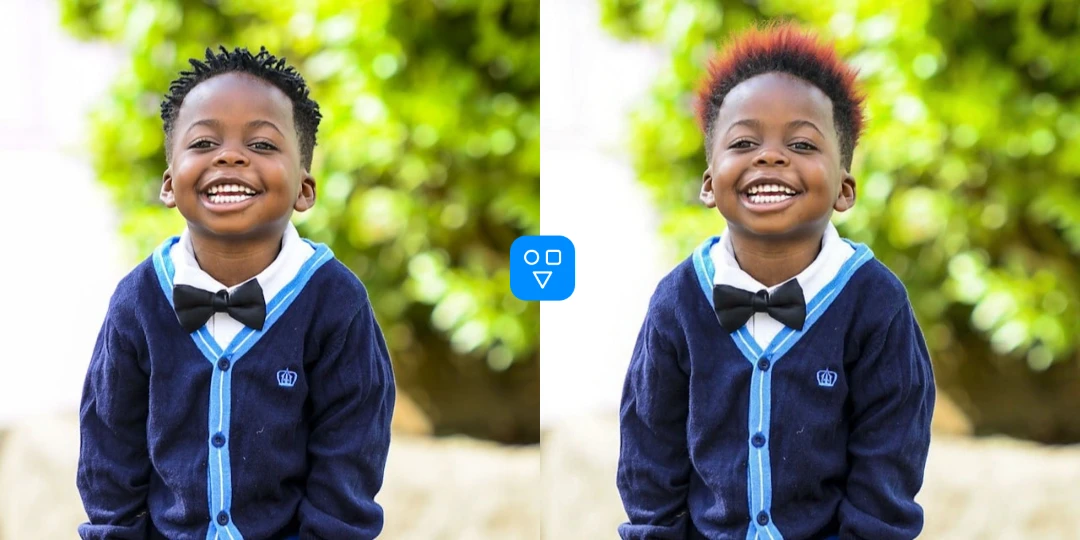
Preview hairstyles and hair colors from one portrait before making a real-world style change.
The video workflow is built for short clips, visible progress, clear credit expectations, and responsible face-swap usage.
Add one source video and one face image, then start the job without timelines, rotoscoping, or manual frame editing.
The source video keeps the scene, camera angle, and movement while the uploaded face image guides the replacement.
Track the async generation on the same page, then preview and download the finished video when processing completes.
The main button shows the estimated credit cost before generation, and credits are consumed after a successful result.
Video Face Swap is useful when a still image is not enough and you want a swapped face to follow movement in a clip.
Create quick face-swapped clips for social posts, reactions, jokes, or lightweight content experiments.
Test how a different face fits the same motion, shot, and style when you are exploring concept ideas.
Use video face swap when movement matters more than a single still frame and you need to preview the full clip.
Upload the video, upload the face image, start the job, and download the finished clip when processing is complete.
Choose an MP4, MOV, or WEBM file that clearly shows the face you want to replace.
Add a clear face image with visible features and steady lighting for better results.
Start the video face swap workflow, wait for the job to finish, then preview and download the result.
Good to know
Shorter clips with a clearly visible face work better than long, fast-motion videos.
Choose video when the swapped face needs to follow motion — use photo Face Swap for stills.
FaceSwaply does not currently offer controlled multiple-face video swapping. The active model accepts one video and one reference face, without person selection or per-face assignment.
Learn how to choose face images, think about consent, and decide whether a photo or video workflow fits your project.
Answers about how video face swap works, supported formats, privacy, credits, and when to use photo face swap instead.
Add one source video and one face image to create your AI video face swap online.