
One-photo headshot workflow
Start from a single portrait and turn it into a cleaner, studio-style professional headshot without arranging a photoshoot.
- Single image upload
- Browser-based workflow
- Download-ready result
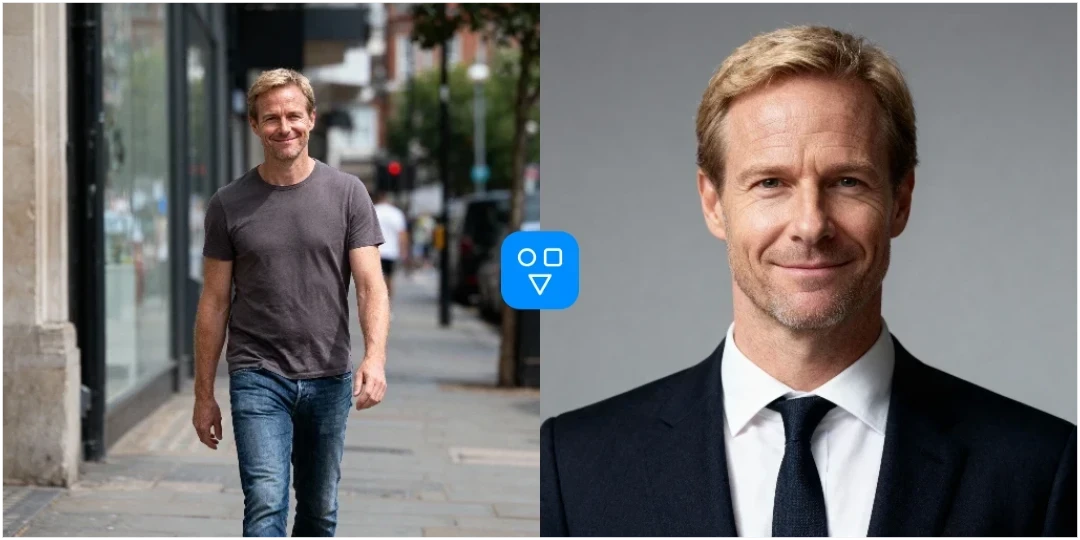
AI Headshot Generator
Create a polished business portrait from one uploaded photo. Choose gender guidance, background, and aspect ratio, then generate a professional headshot in your browser.
Use this workflow when you need a better profile photo quickly, without booking a studio session or learning complex photo editing tools.
Start from a single portrait and turn it into a cleaner, studio-style professional headshot without arranging a photoshoot.
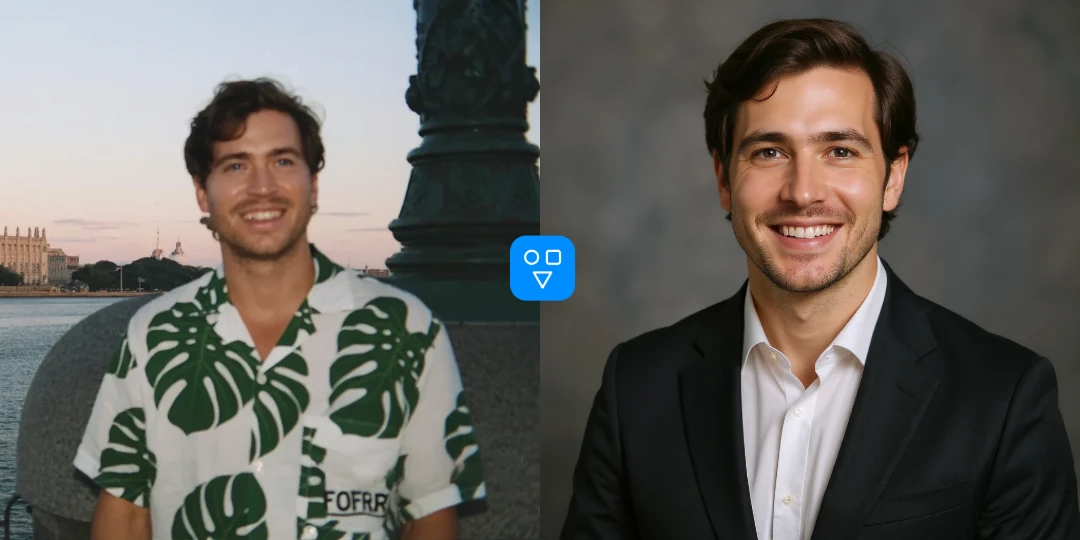
Choose the background and aspect ratio that fit your final use case, from LinkedIn profile photos to company team pages.
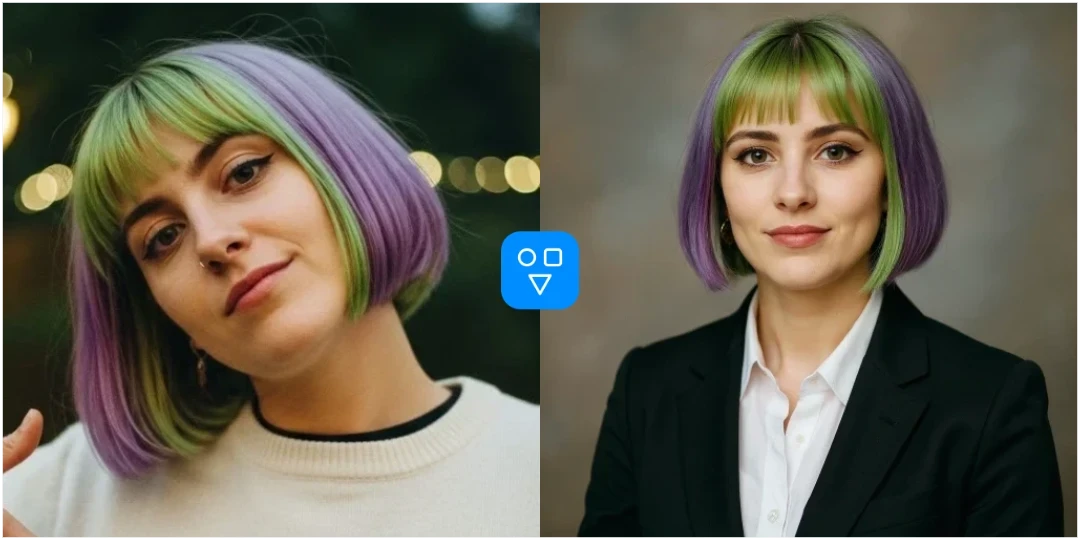
Use the generator for resumes, hiring profiles, founder bios, sales pages, personal websites, and social profile refreshes.
Continue editing with focused FaceSwaply tools for face swaps, face retouching, age progression, upscaling, photo to emoji, photo to cartoon, image restoration, professional headshots, hairstyles, and face restoration.
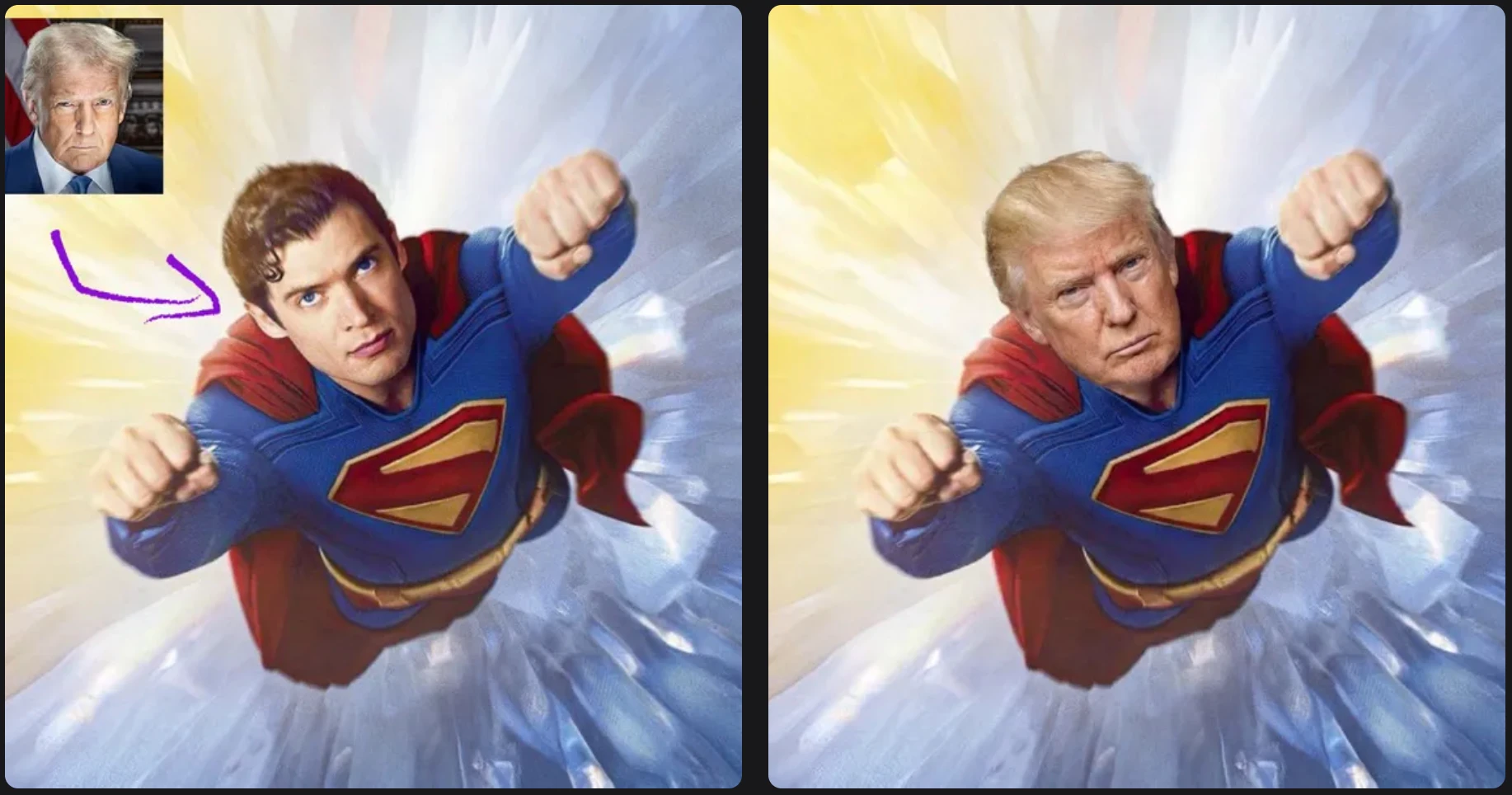
Swap one source face into a target photo with a simple two-image workflow.
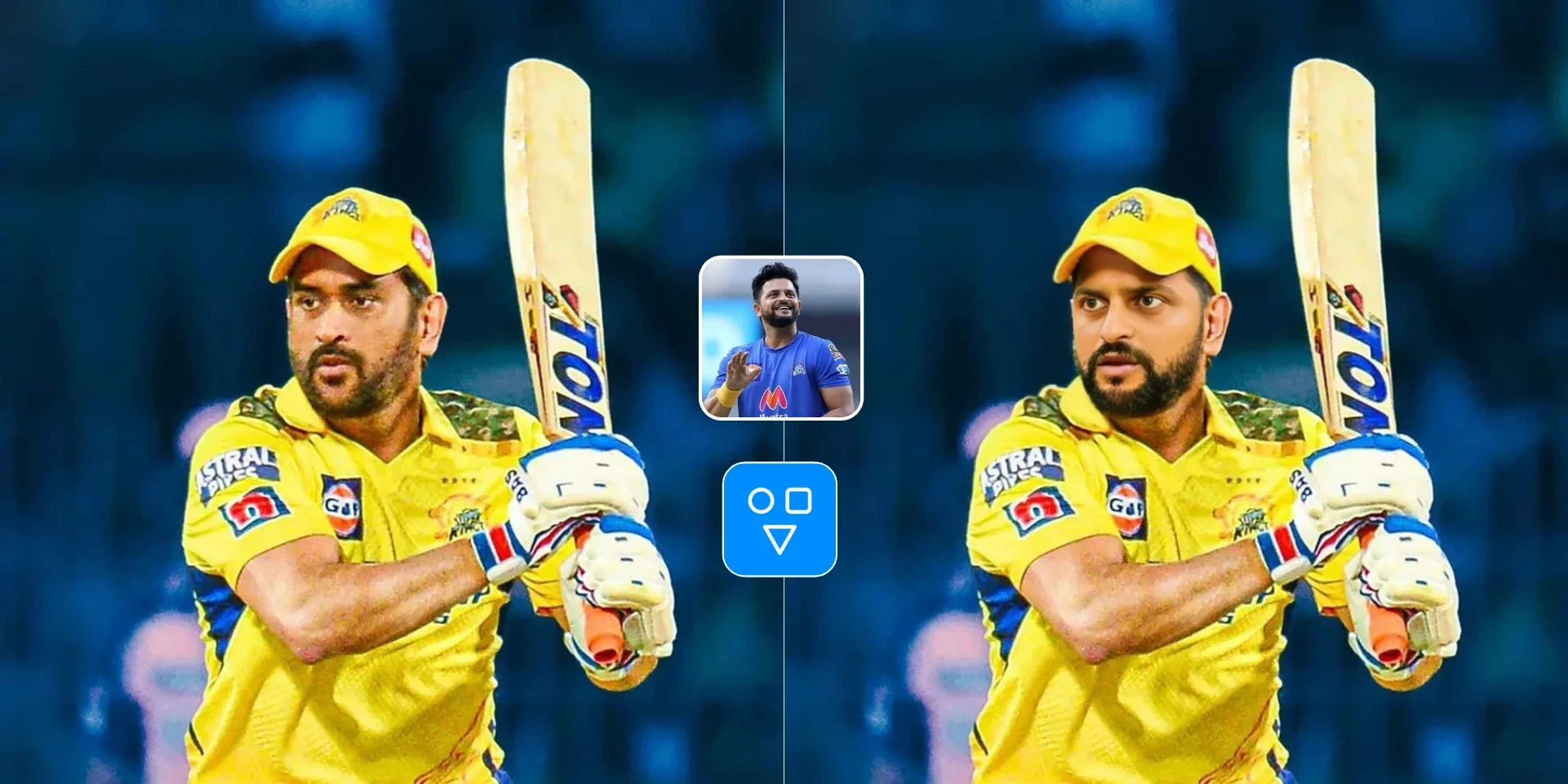
Swap one face image into one target video with a hosted async workflow.
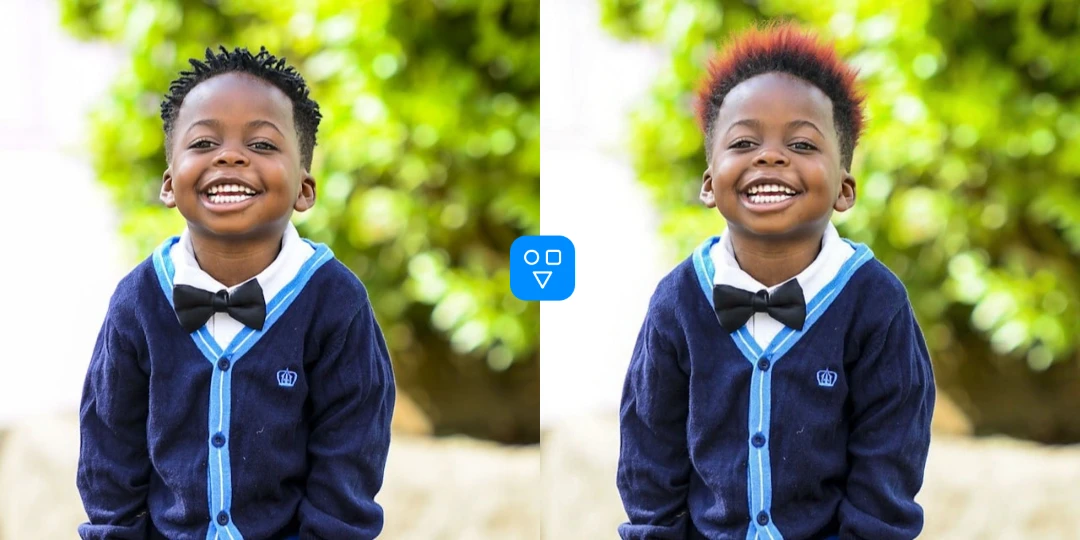
Preview hairstyles and hair colors from one portrait before making a real-world style change.
The generator is designed for users who need clean, credible profile images for real-world professional contexts.
Create a polished headshot for LinkedIn, job applications, portfolio pages, and recruiting profiles.
Generate consistent-looking business portraits for founder pages, team pages, speaker bios, and sales collateral.
Turn an everyday photo into a cleaner profile image for newsletters, creator pages, professional communities, and social accounts.
Upload one image, choose settings, generate the result, and download the finished headshot.
Choose a clear portrait with visible face details and enough resolution for a clean headshot result.
Select gender guidance, choose a professional background, and pick the aspect ratio for your final image.
Run the AI headshot generator, preview the result, and download the image when it is ready.
Good to know
Turn one portrait into a polished professional headshot for LinkedIn, resumes, and team pages.
Use a sharp, well-lit photo with your face large enough in the frame.
Get a credible profile image from an existing photo — no photo session required.
Answers about photo inputs, background options, credits, privacy, and professional output.
Upload a portrait, choose your background and aspect ratio, and generate a polished business image in minutes.