
Generate hairstyles from one photo
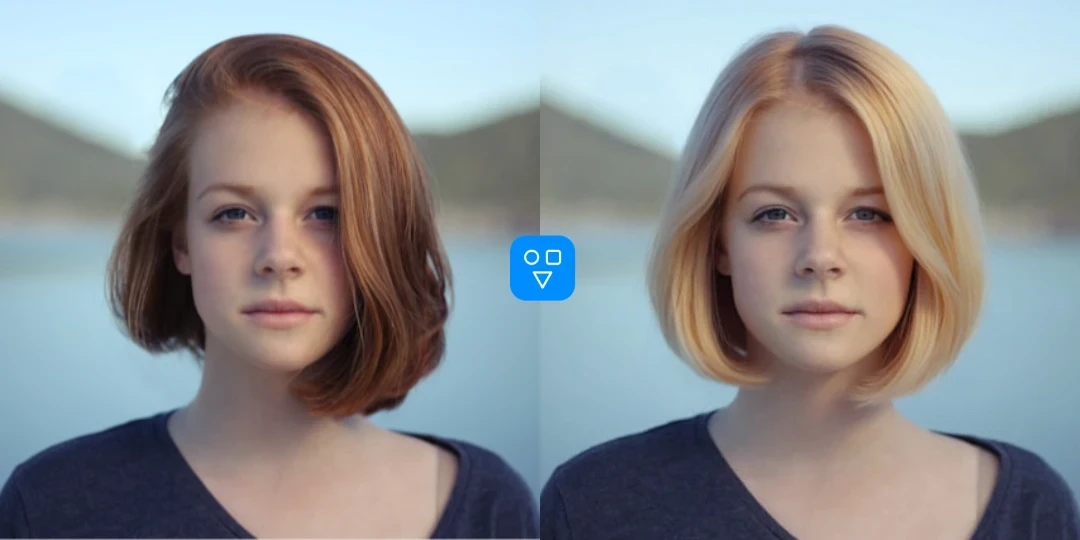
Upload one portrait and try short hair, long layers, bangs, waves, braids, fades, and other hairstyle ideas before making a real change.
- One photo upload
- Hairstyle choices
- Realistic preview
AI Hairstyle Generator
Upload one portrait, try different hairstyles or hair colors, and preview your next look online before you cut, dye, or change your hair.
Get a fast visual answer before you book a salon appointment, change your hair color, or commit to a major style update.
Upload one portrait and try short hair, long layers, bangs, waves, braids, fades, and other hairstyle ideas before making a real change.
Preview a new haircut, a new hair color, or both together so you can compare style ideas before booking a salon appointment.
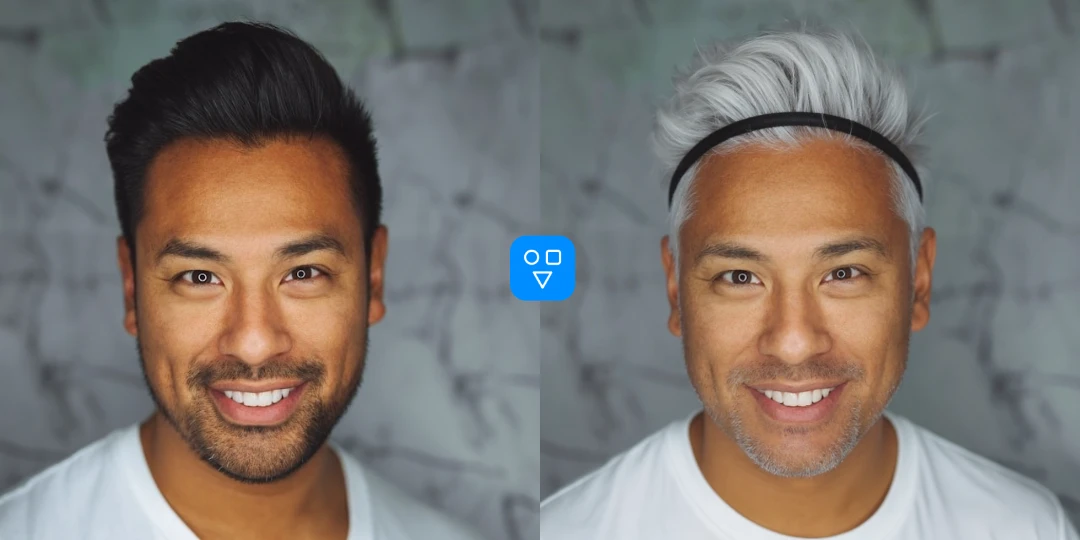
Use the result to explore personal style, prepare for a salon visit, refresh profile photos, or test a new look before you commit.
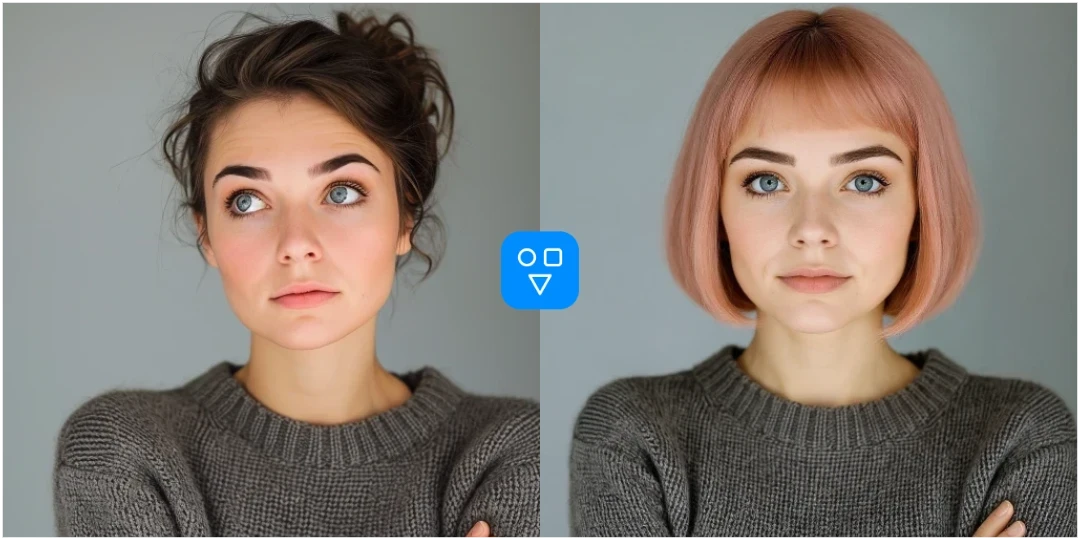
Continue editing with focused FaceSwaply tools for face swaps, face retouching, age progression, upscaling, photo to emoji, photo to cartoon, image restoration, professional headshots, hairstyles, and face restoration.
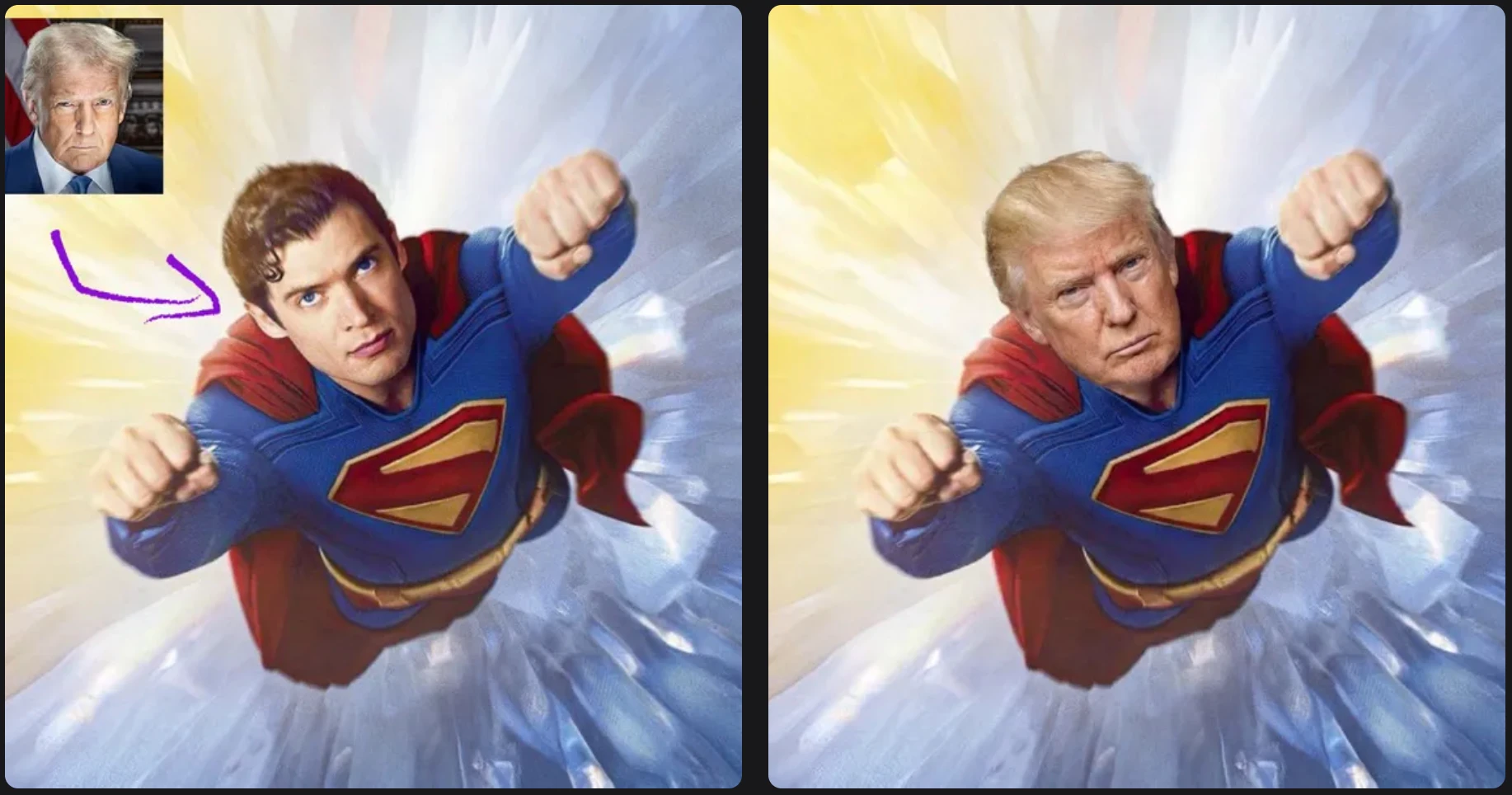
Swap one source face into a target photo with a simple two-image workflow.
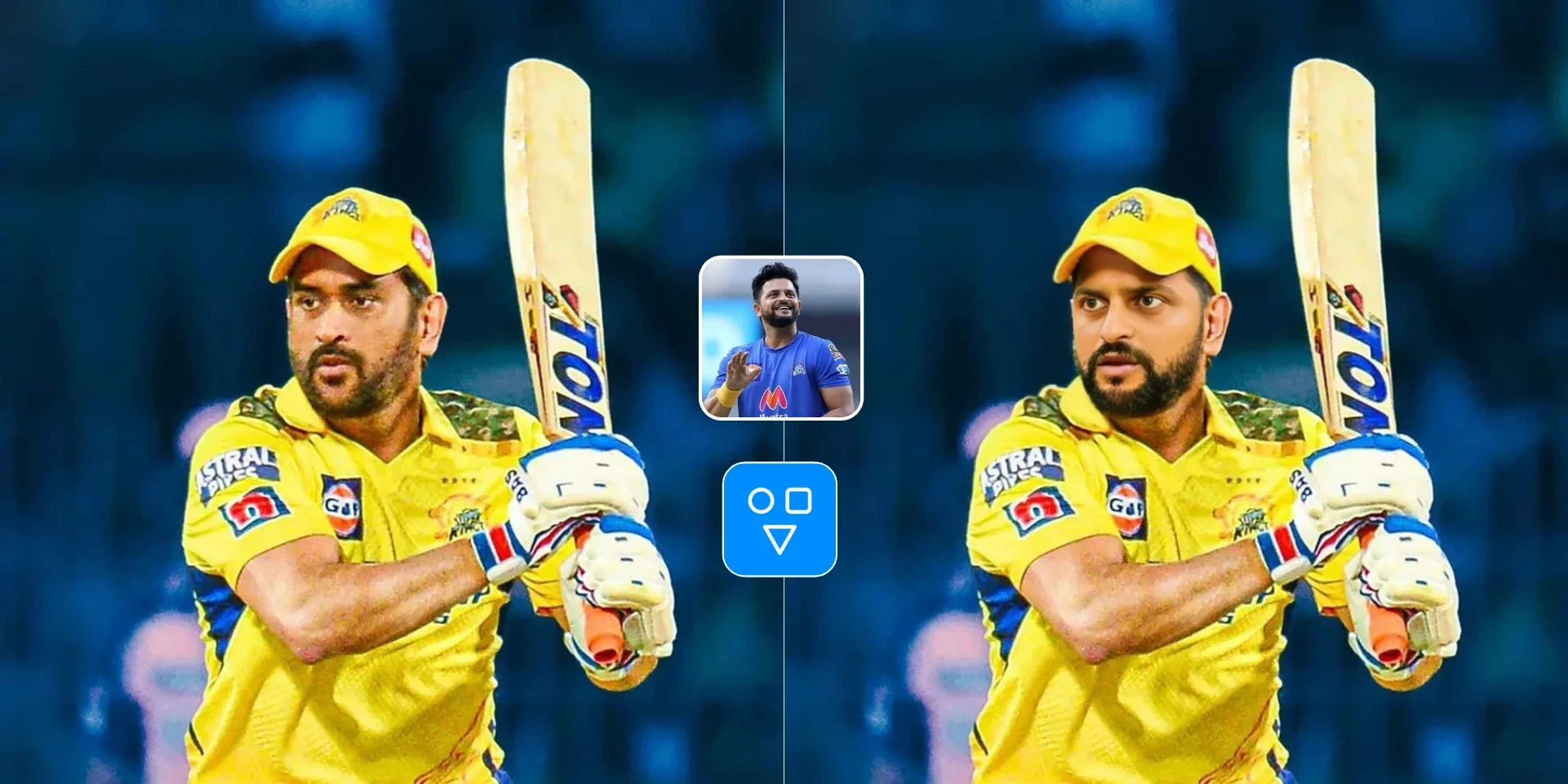
Swap one face image into one target video with a hosted async workflow.
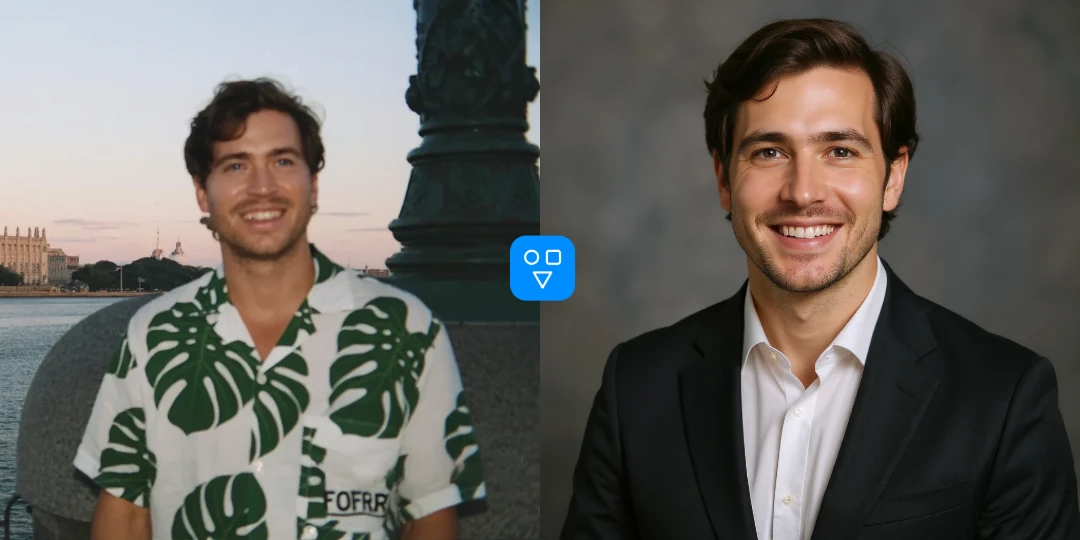
Create an AI professional headshot from one portrait for LinkedIn, resumes, and business profiles.
This AI hairstyle generator is designed for everyday users who want to see a possible hairstyle or hair color before making the change in real life.
Preview a hairstyle or hair color direction before you commit, then use the image as a visual reference for your stylist.
Try bangs, bob cuts, waves, braids, fades, updos, blonde, brunette, red, silver, or rose gold without changing your real hair.
Generate hairstyle variations for profile refreshes, social drafts, character concepts, or personal branding ideas.
Upload a portrait, choose the hairstyle settings, generate a preview, and download the result.
Choose a photo where the face and hair are visible, sharp, and not blocked by a hat or strong shadow.
Set gender guidance, pick a hairstyle, choose a hair color, and select the output aspect ratio.
Run the AI hairstyle generator, review the generated hairstyle, and download the image if it fits your idea.
Good to know
Try new hairstyles and hair colors from one portrait before committing.
Use a clear photo with a visible hairline and face — avoid hats and heavy blur.
Compare a few looks side by side or share previews with a stylist.
Answers about photo inputs, hairstyle and color settings, credits, and privacy.
Upload a portrait, choose a hairstyle and hair color, then generate a realistic hairstyle preview before you cut or dye your hair.