
Convert one photo into cartoon style
Upload a source image and generate a cartoon-style result without a manual illustration workflow.
- Single image upload
- Cartoon-style output
- Download result
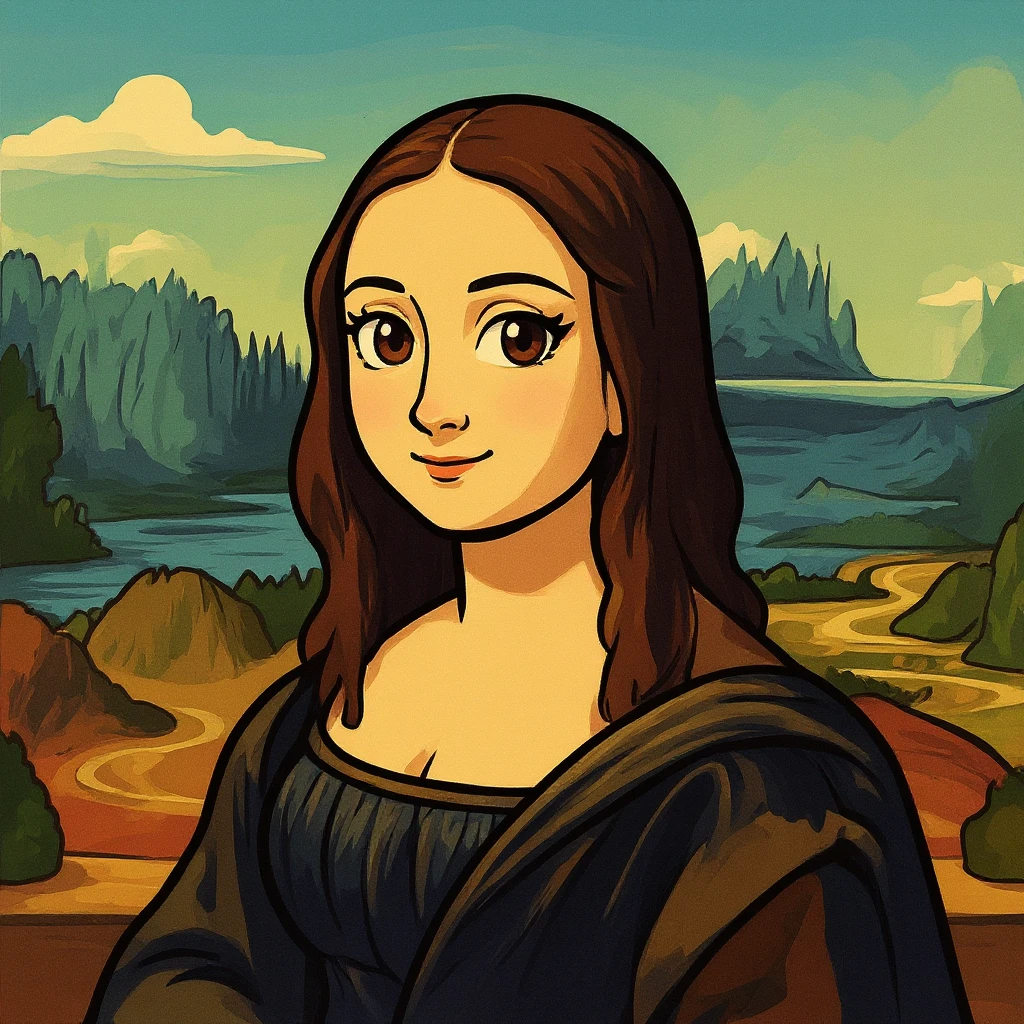
Photo to Cartoon
Upload one image and create a cartoon-style result. Aspect ratio and format stay optional inside the settings popover.
Generate cartoon-style images from photos without exposing advanced model controls in the main workflow.
Upload a source image and generate a cartoon-style result without a manual illustration workflow.
Keep the main workflow upload-first, with only the practical output settings tucked into the popover.
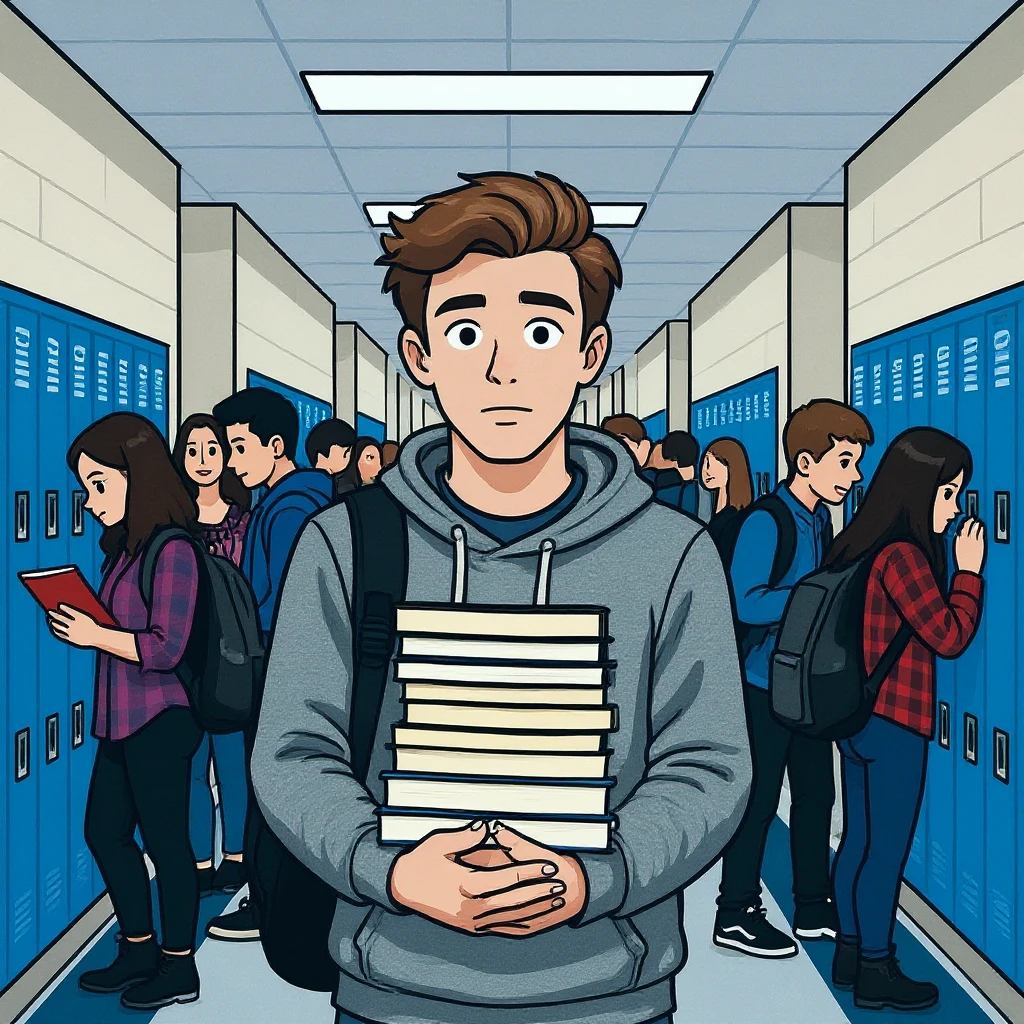
Use the settings popover only when needed to select aspect ratio and export format.
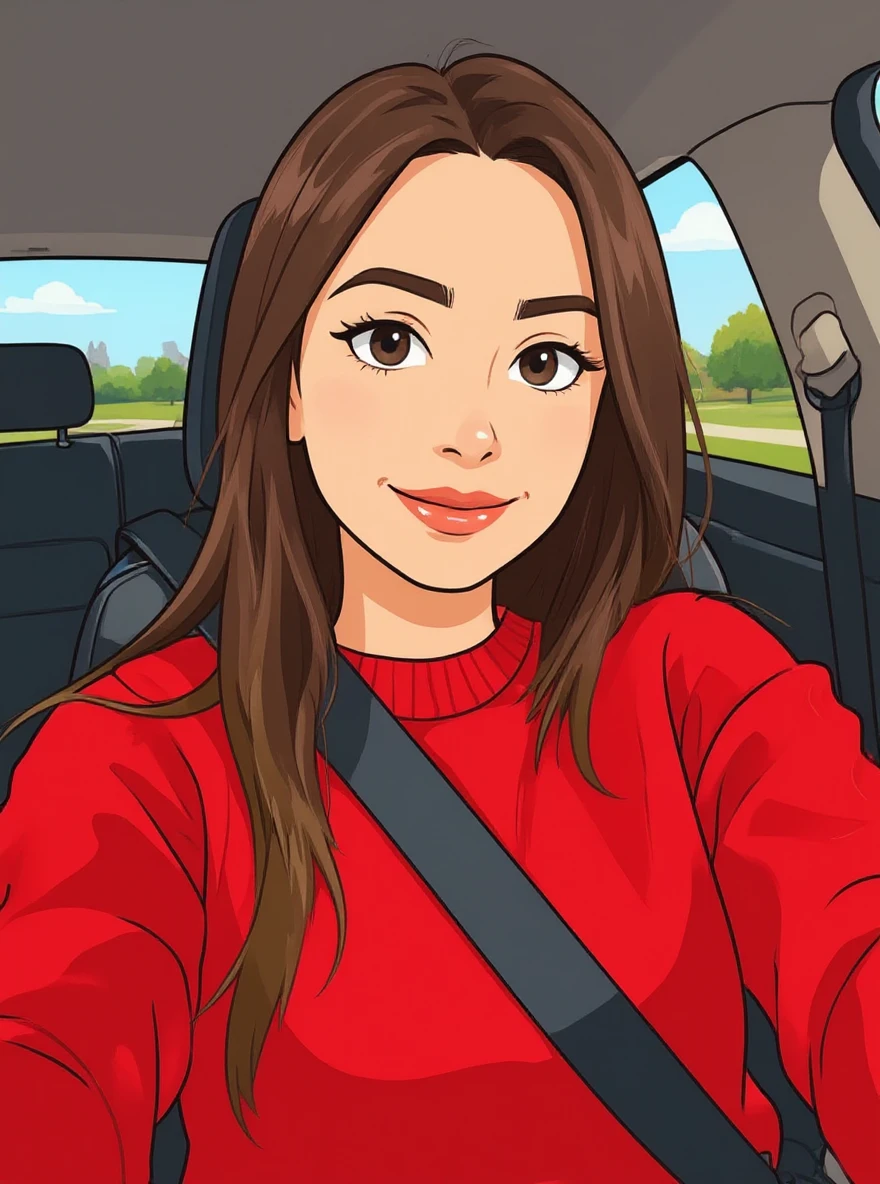
Continue editing with focused FaceSwaply tools for face swaps, face retouching, age progression, upscaling, photo to emoji, photo to cartoon, image restoration, professional headshots, hairstyles, and face restoration.
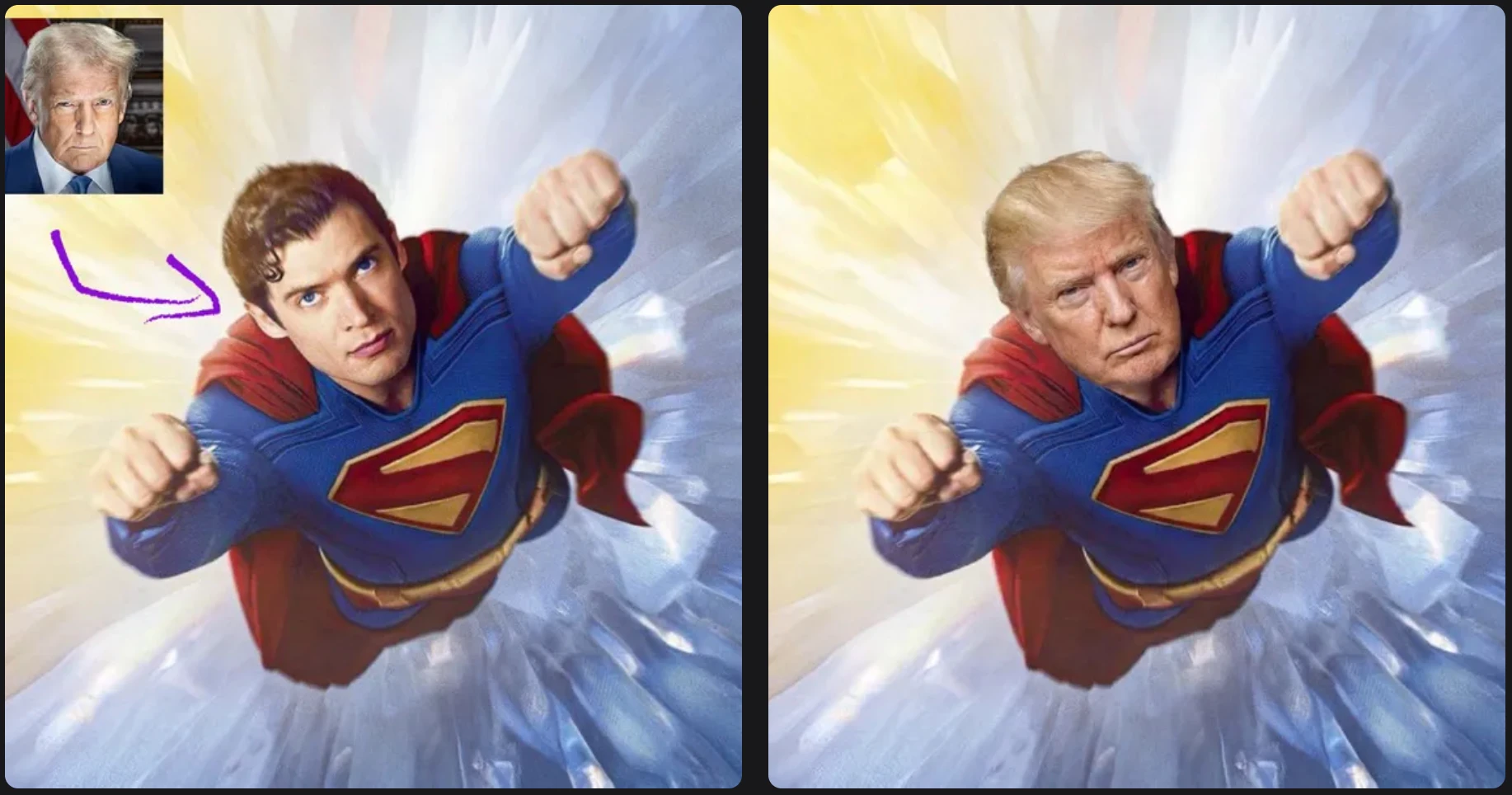
Swap one source face into a target photo with a simple two-image workflow.
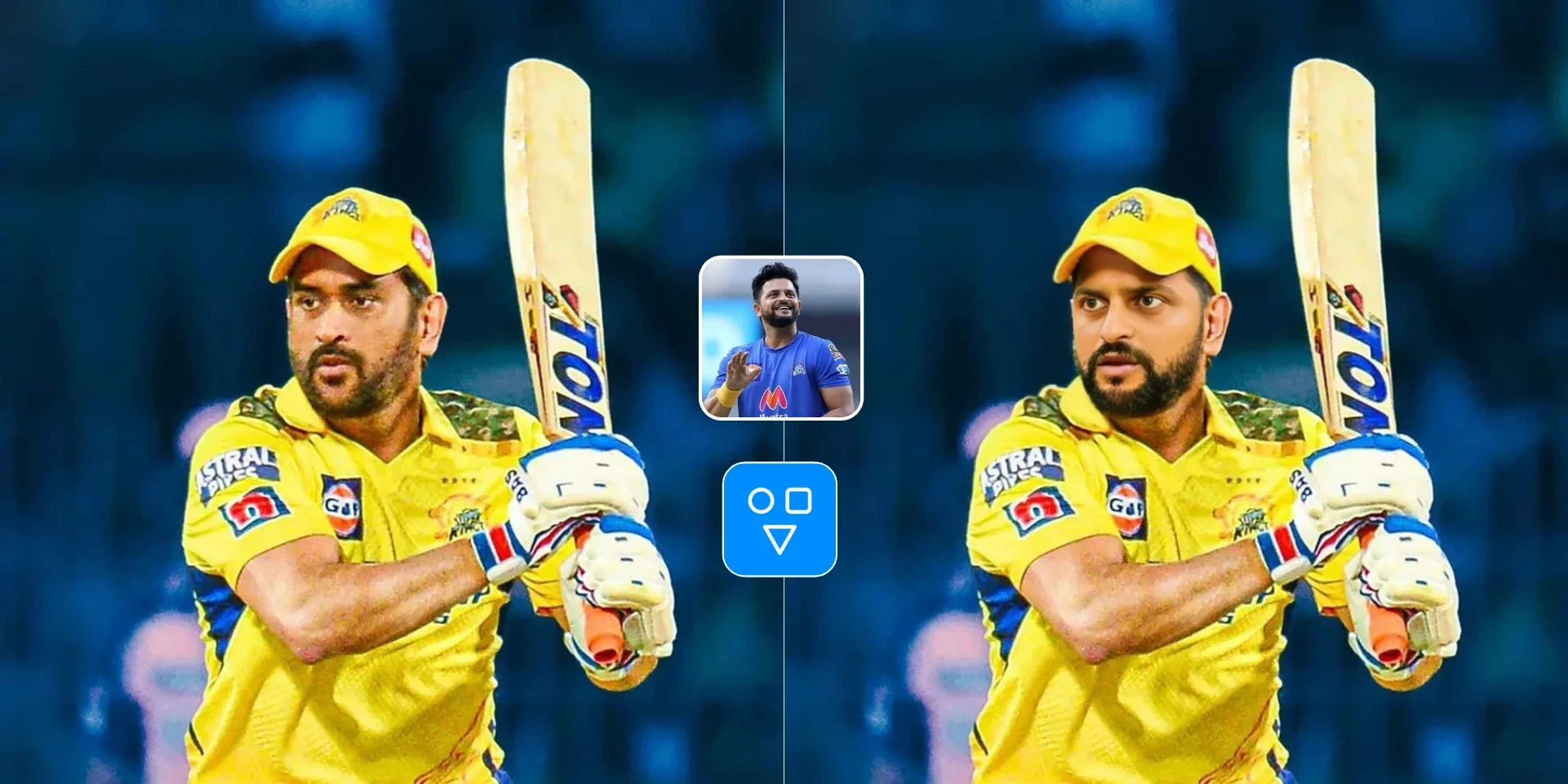
Swap one face image into one target video with a hosted async workflow.
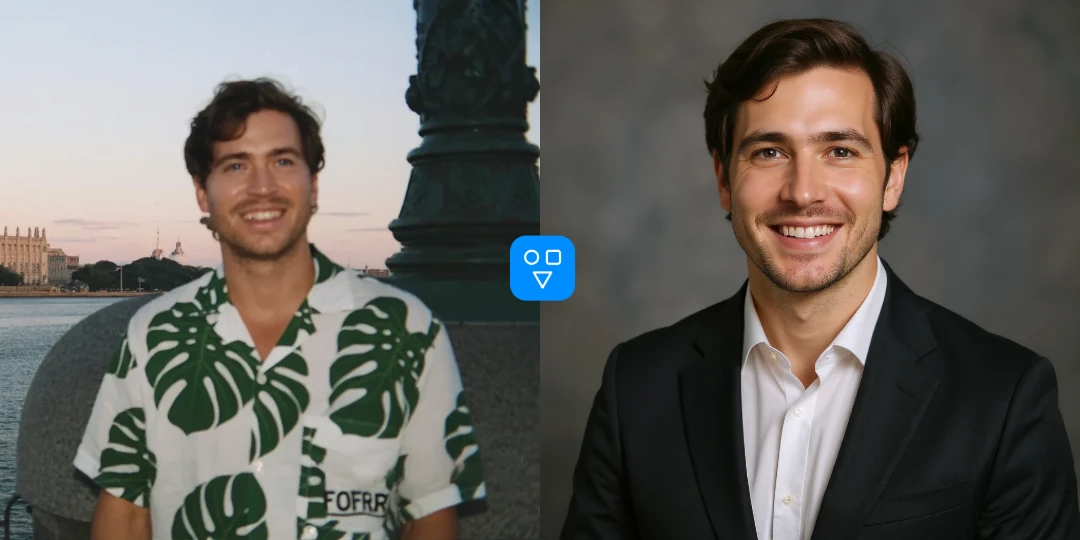
Create an AI professional headshot from one portrait for LinkedIn, resumes, and business profiles.
Create cartoon-style versions of portraits, characters, objects, and social images.
Turn a portrait or character image into a cartoon-style profile graphic.
Create cartoon-like source images for posts, community visuals, and creative edits.
Preview how a subject reads as a cartoon before refining it in other image tools.
Upload an image, optionally adjust settings, generate, and download the result.
Choose the image you want to turn into a cartoon-style result.
Open the settings popover only if you want to change aspect ratio or format.
Create the cartoon-style image, review the output, and download the result.
Good to know
Turn one uploaded photo into a cartoon-style image with a simple upload-first workflow.
Adjust aspect ratio and output format from the settings popover when needed.
Answers about how the cartoon converter works, settings, credits, and privacy.
Upload one image and turn it into a cartoon-style result in a focused AI workflow.