
A LITTLE PAINT. A WHOLE NEW PORTRAIT.
Catrina Makeup AI: find your color
Turn your portrait into a Catrina makeup look. Choose black & gold, rose red, marigold orange or monarch butterfly, then try full-face or half-face paint.
See the transformation
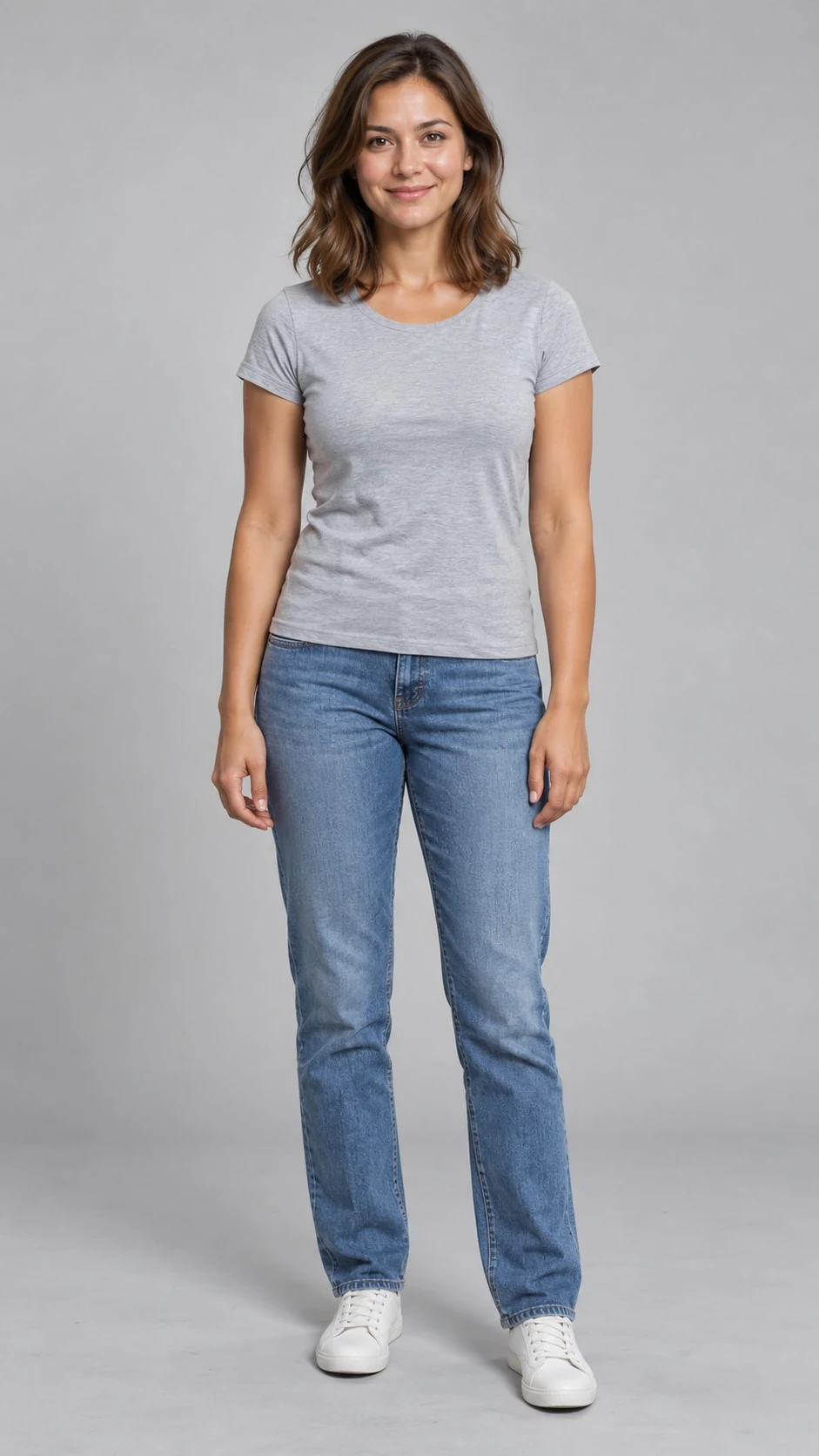
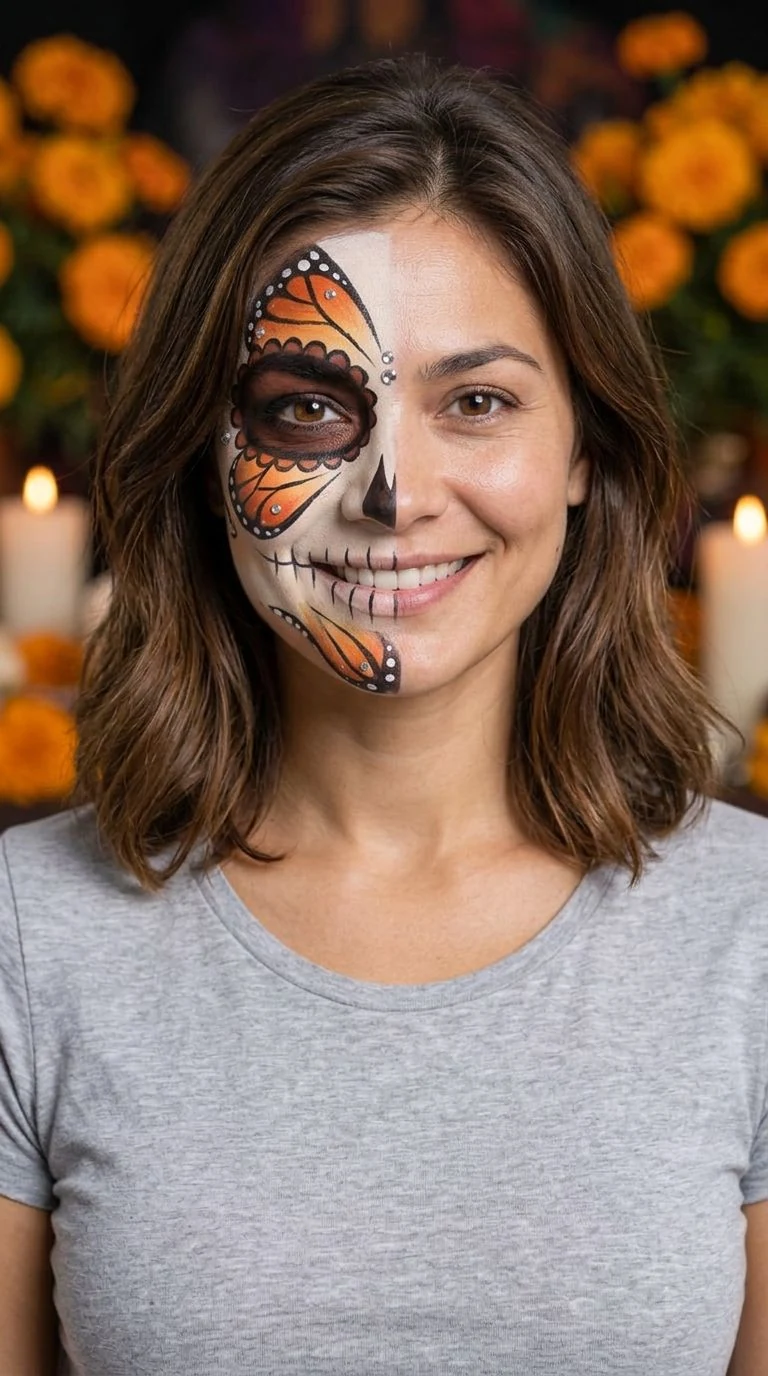
Your portrait, dressed in color
- 01
Start with a clear portrait
Upload one person with even lighting and visible eyes, nose and mouth. Avoid sunglasses, heavy shadows or existing face paint.
- 02
Choose color and coverage
Pick a palette and full-face or half-face makeup. Add a few decorative details if you like, then choose 1K or 2K.
- 03
Create and save your look
Generate a vertical 9:16 JPG and download it from the result panel. AI interpretation can change facial or decorative details.
Four palettes, many ways to wear them
Explore detailed face paint for men and women. Choose the palette in the tool, then use full-face or half-face coverage to make it yours.
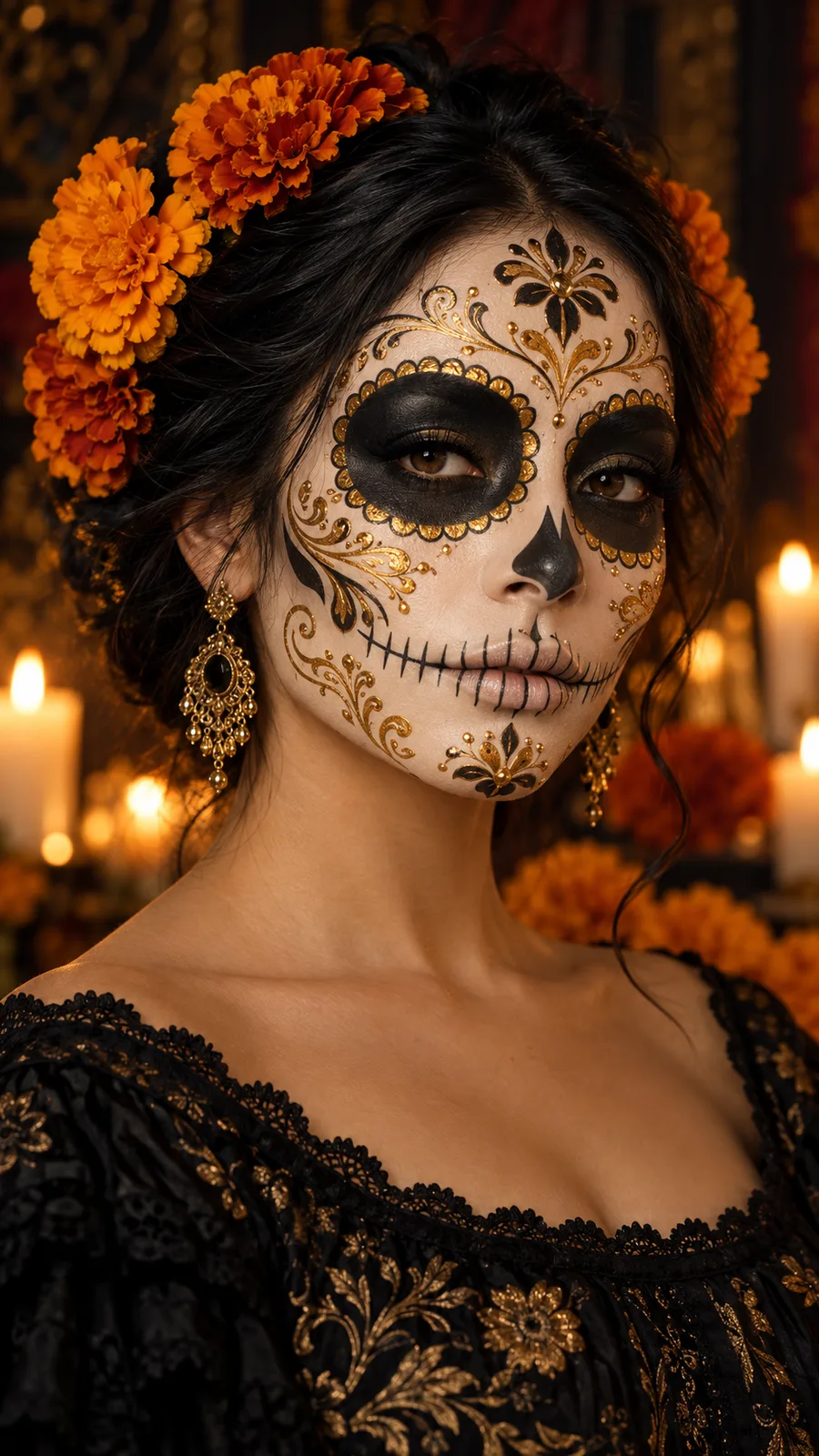
Antique gold filigree, deep black accents and delicate rhinestone details for a polished evening portrait.
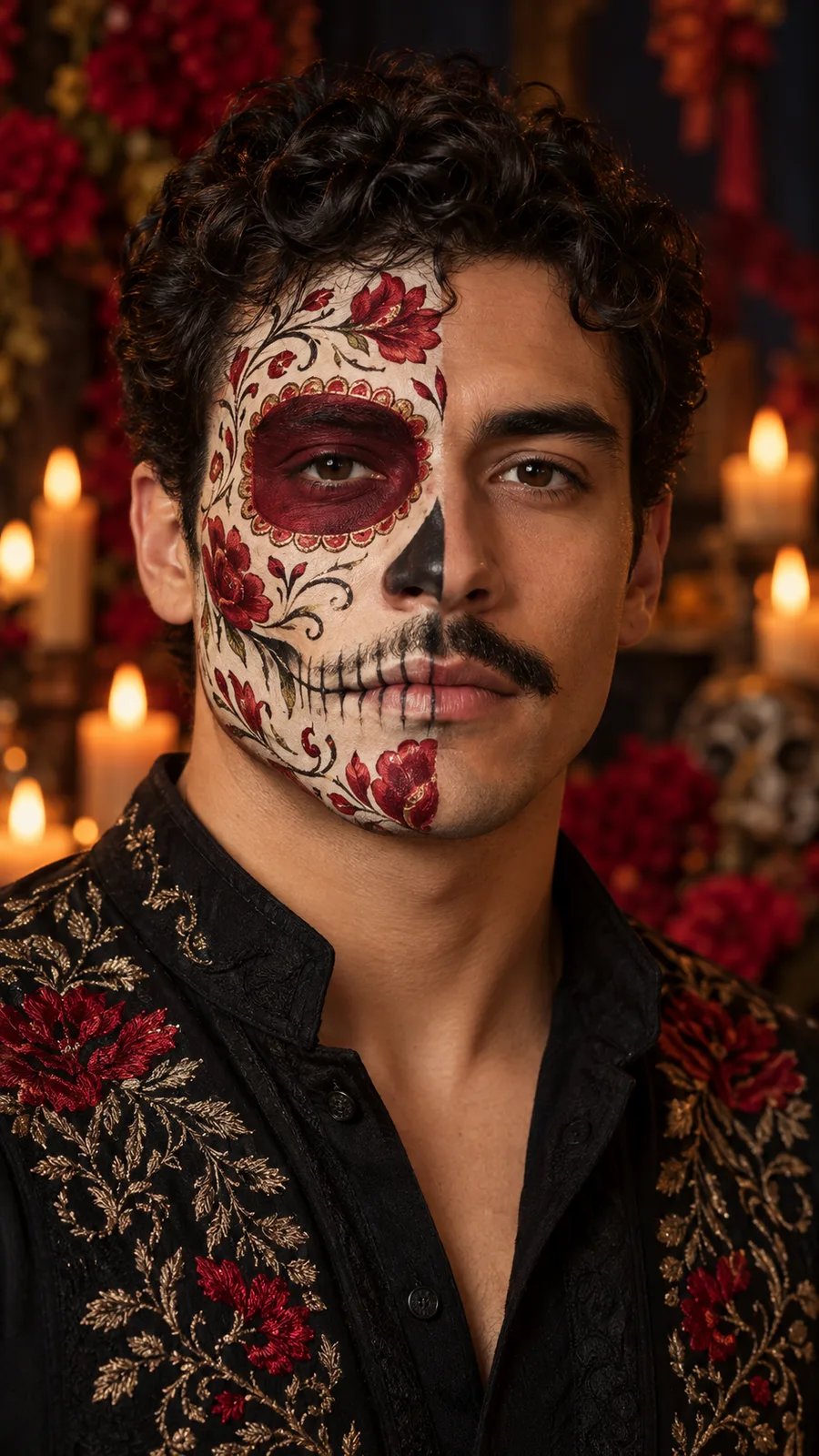
Crimson rose motifs and soft ivory paint. Half-face coverage keeps part of your natural expression visible.
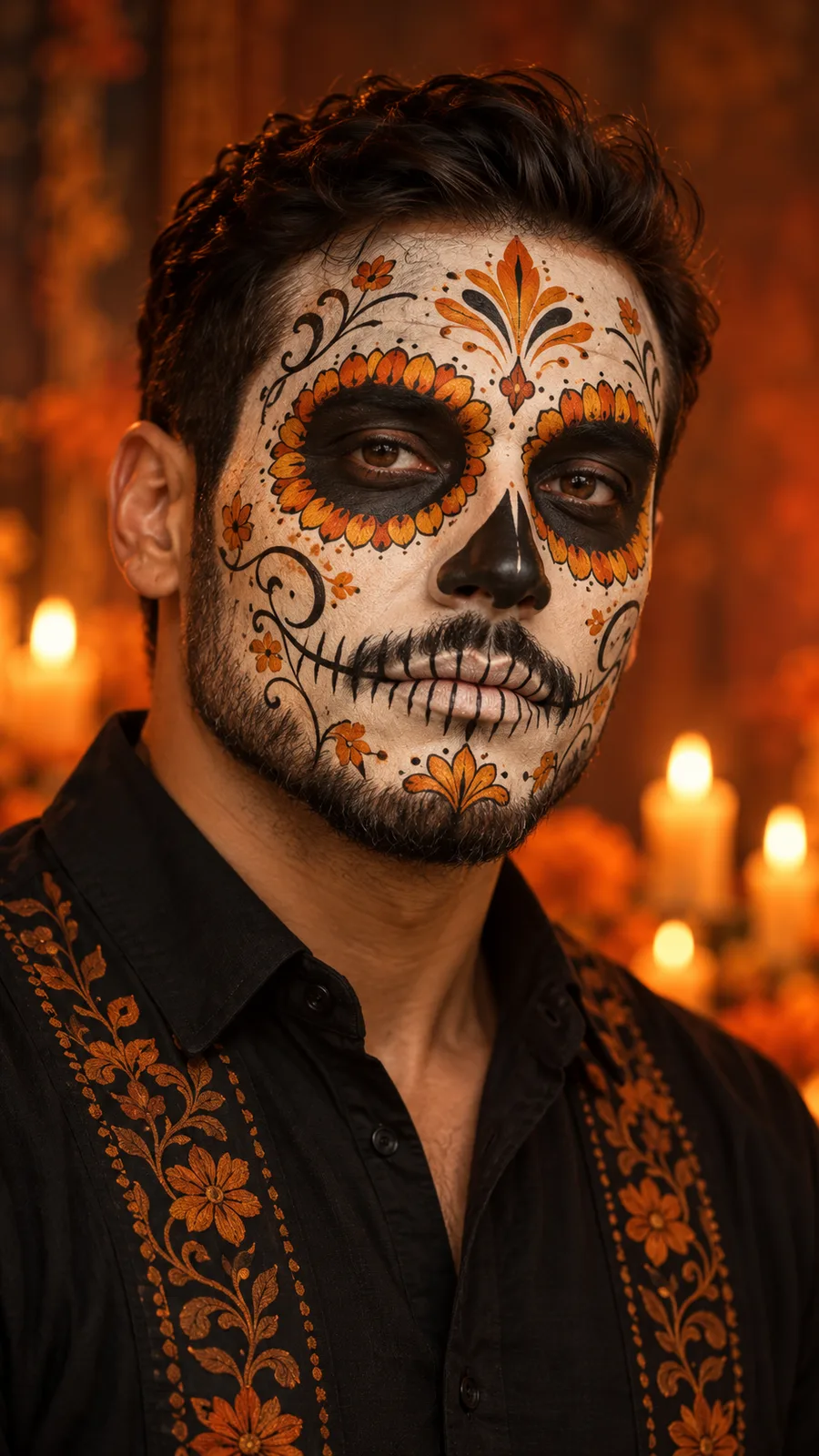
Warm orange petals and amber highlights bring a bright floral finish to the painted face.
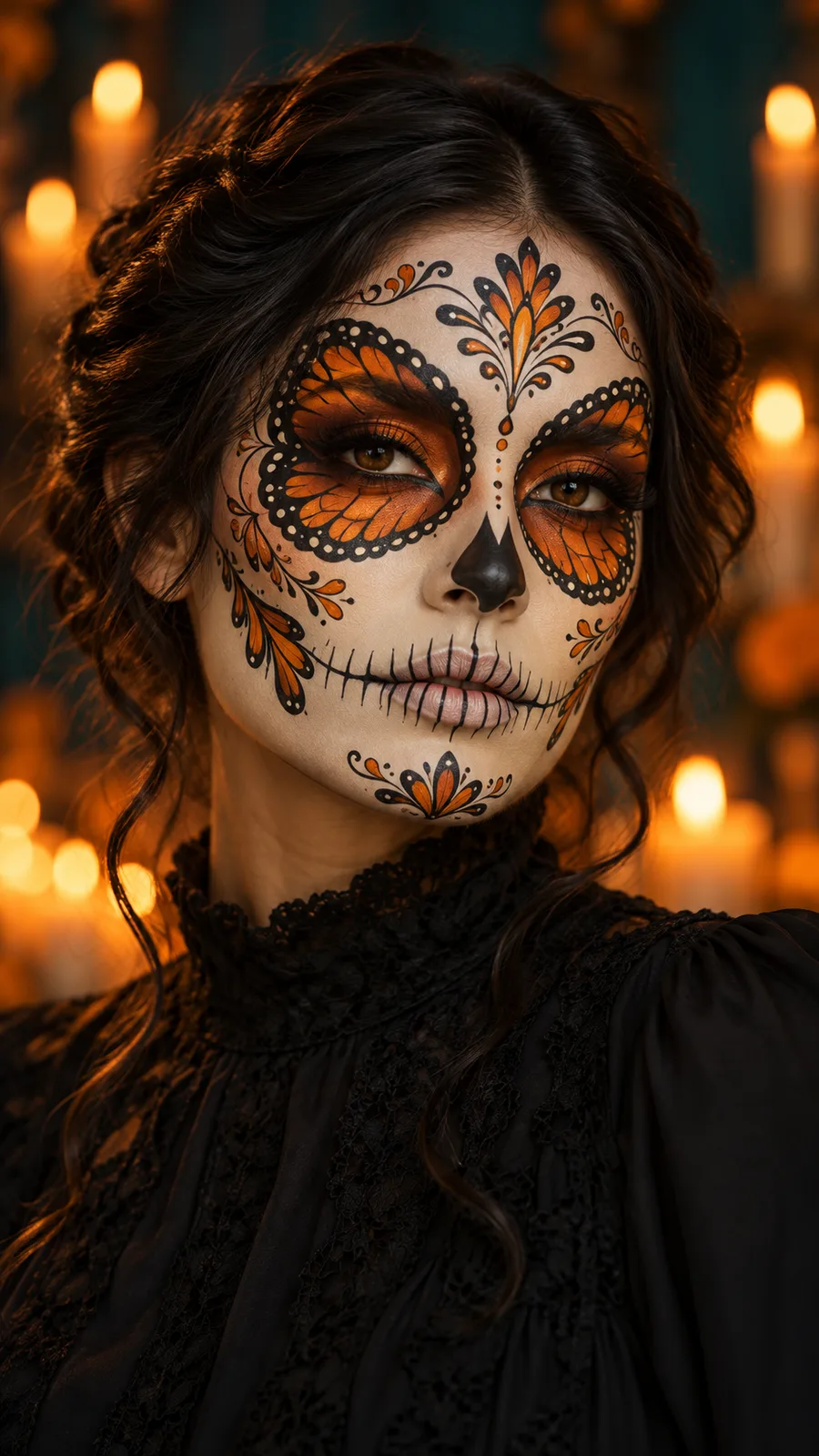
Orange wings, fine black lines and ivory dots woven into an intricate butterfly-inspired look.
Style reference
Catrina makeup questions
Which Catrina look feels like you?
Pick your colors, choose full-face or half-face paint, and create a portrait from your own photo.