
YOUR PHOTO, LOADING-SCREEN ENERGY
GTA AI Filter: your selfie, reimagined as a poster
Turn one portrait into a GTA-style character poster. Bold outlines, painted shadows and a city backdrop—made from your photo, ready for your phone wallpaper.
An independent fan-style effect, not affiliated with Rockstar Games. Creates original character art.
See the transformation
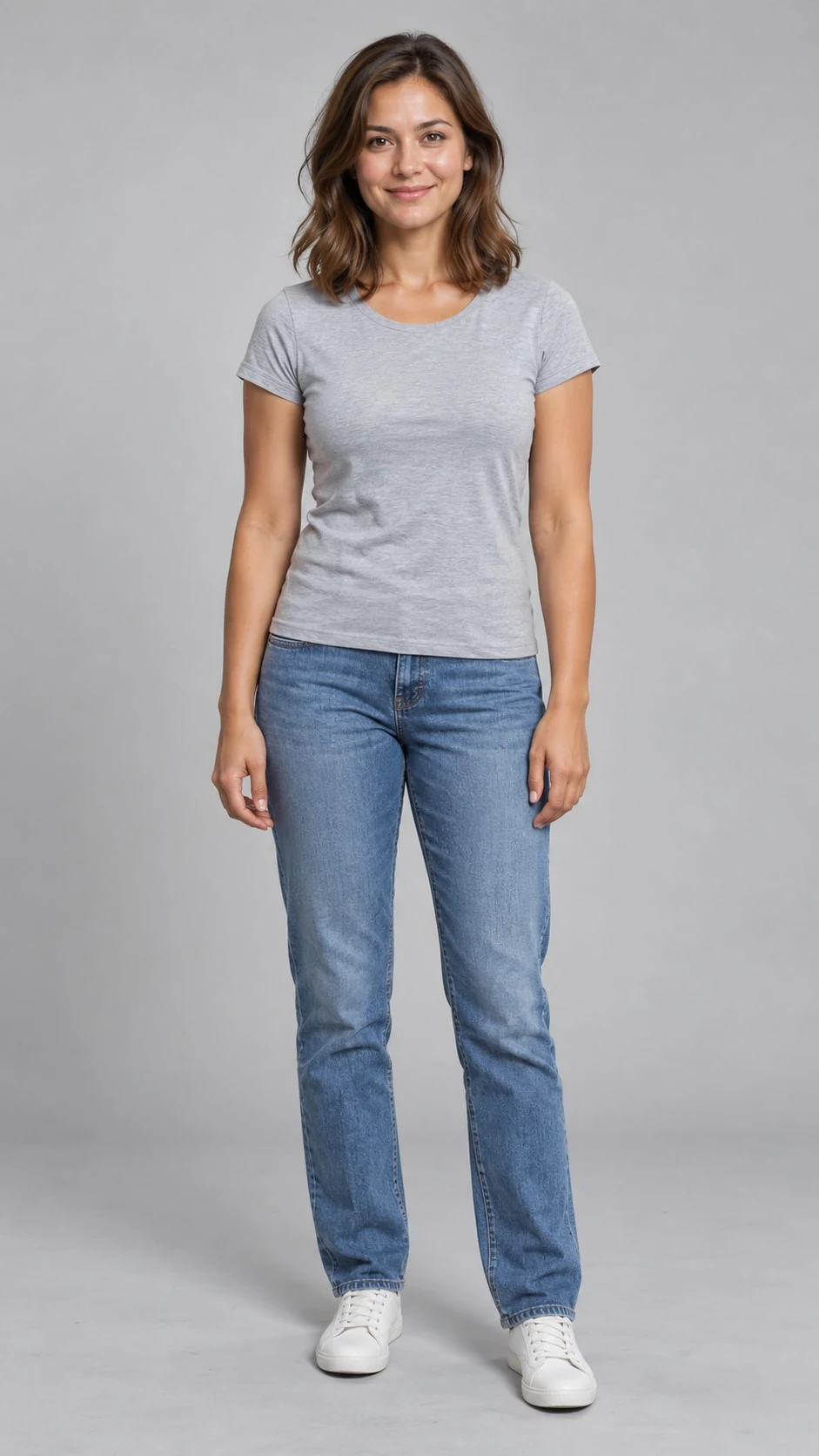
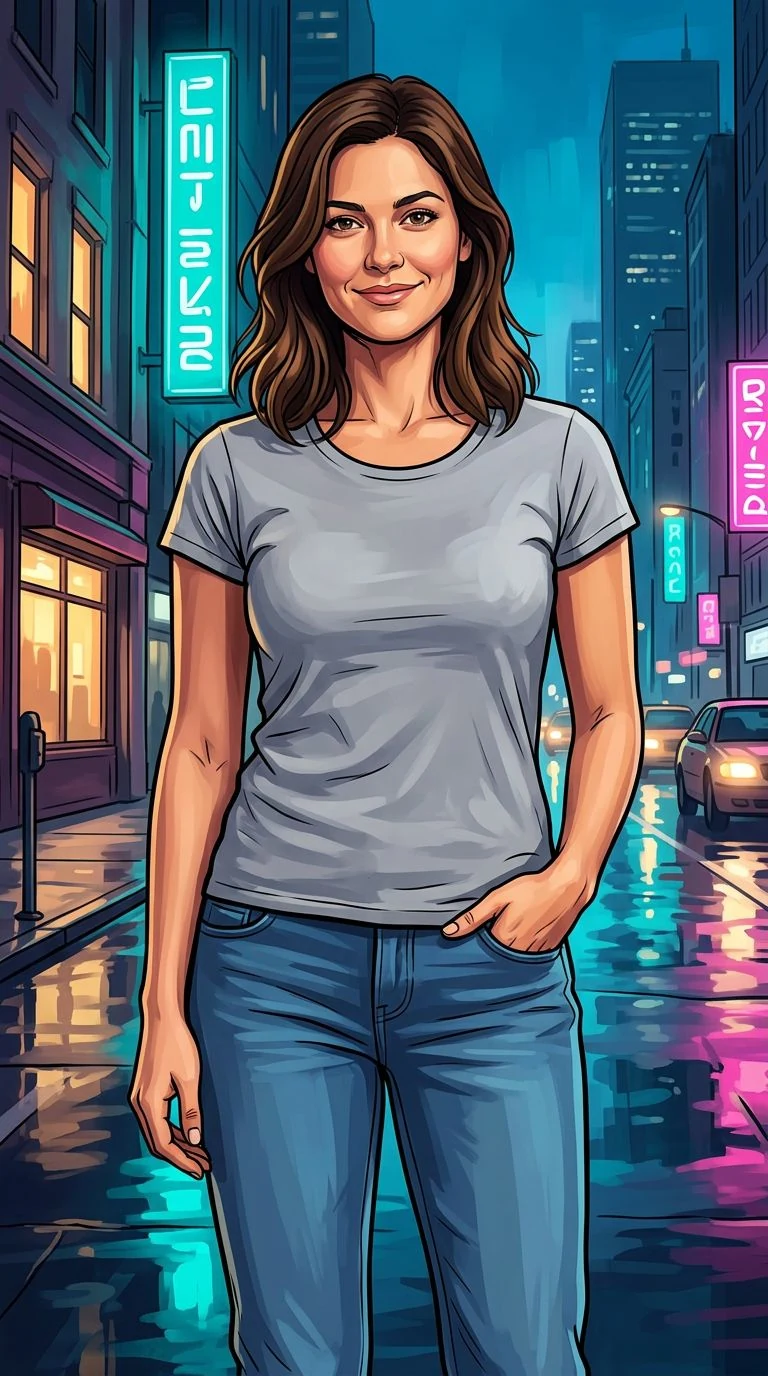
From selfie to character art
- 01
Bring a clear portrait
Upload one well-lit photo with your face in focus. Avoid sunglasses or objects covering key facial features.
- 02
Choose your city mood
Pick a coastal sunset, neon city or rooftop skyline. Add outfit or color details if you like, then choose 1K or 2K.
- 03
Create and download
Generate one vertical 9:16 illustrated JPG and save it as a wallpaper or profile image. Facial and outfit details may vary.
Three scenes. Your own main character.
Choose the backdrop in the tool. Every scene uses the same bold outlines, painterly shading and original character treatment.
Palm trees, pastel Art Deco buildings and peach-gold light. Try a light shirt and warm coral accents for a sunlit poster.
Teal and magenta reflections across a city street at blue hour. Add a dark jacket or a vivid accent color for an evening look.
A layered city skyline, warm rim light and a violet sky. Keep your outfit simple and let the rooftop backdrop set the mood.
GTA-style photo questions
Give your next portrait main-character energy.
One photo, a city backdrop and a bold new look. Your character poster starts here.