
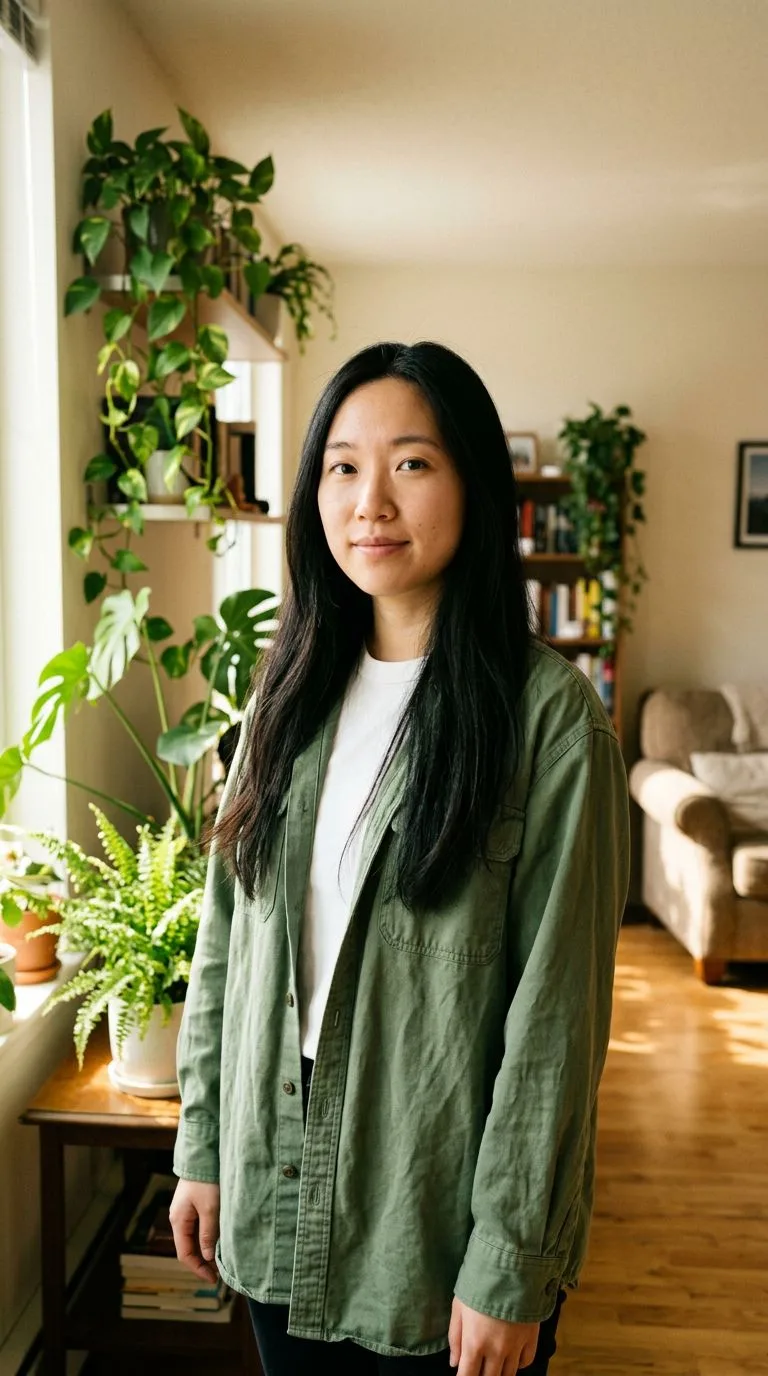
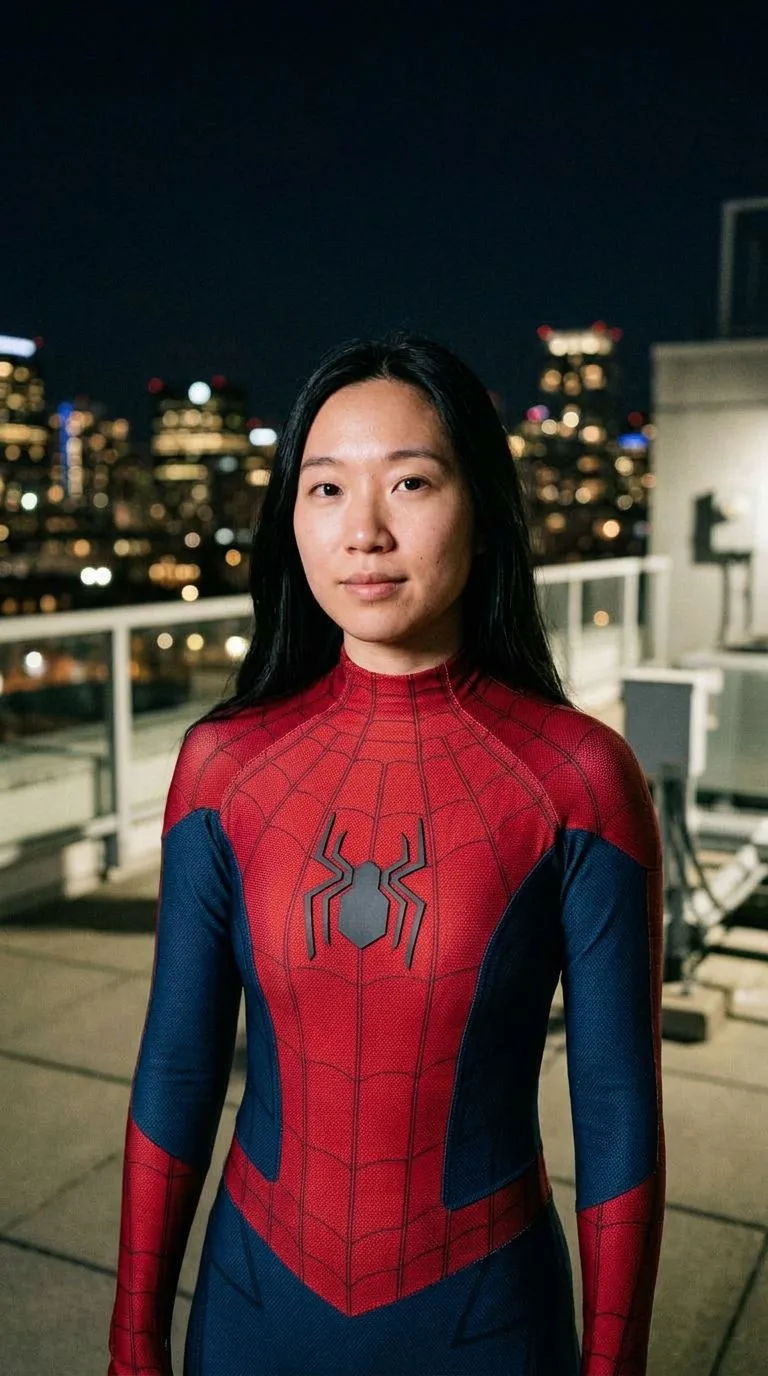
YOUR PHOTO, IN THE SUIT
AI Spider-Man: your photo in the web suit
Turn one photo into a vertical suit portrait. Keep your face visible in the classic or black look, or cover it with a full mask.
An independent costume effect. Not affiliated with Marvel, Sony, or Disney, and it does not use official logos or film stills.
See the transformation
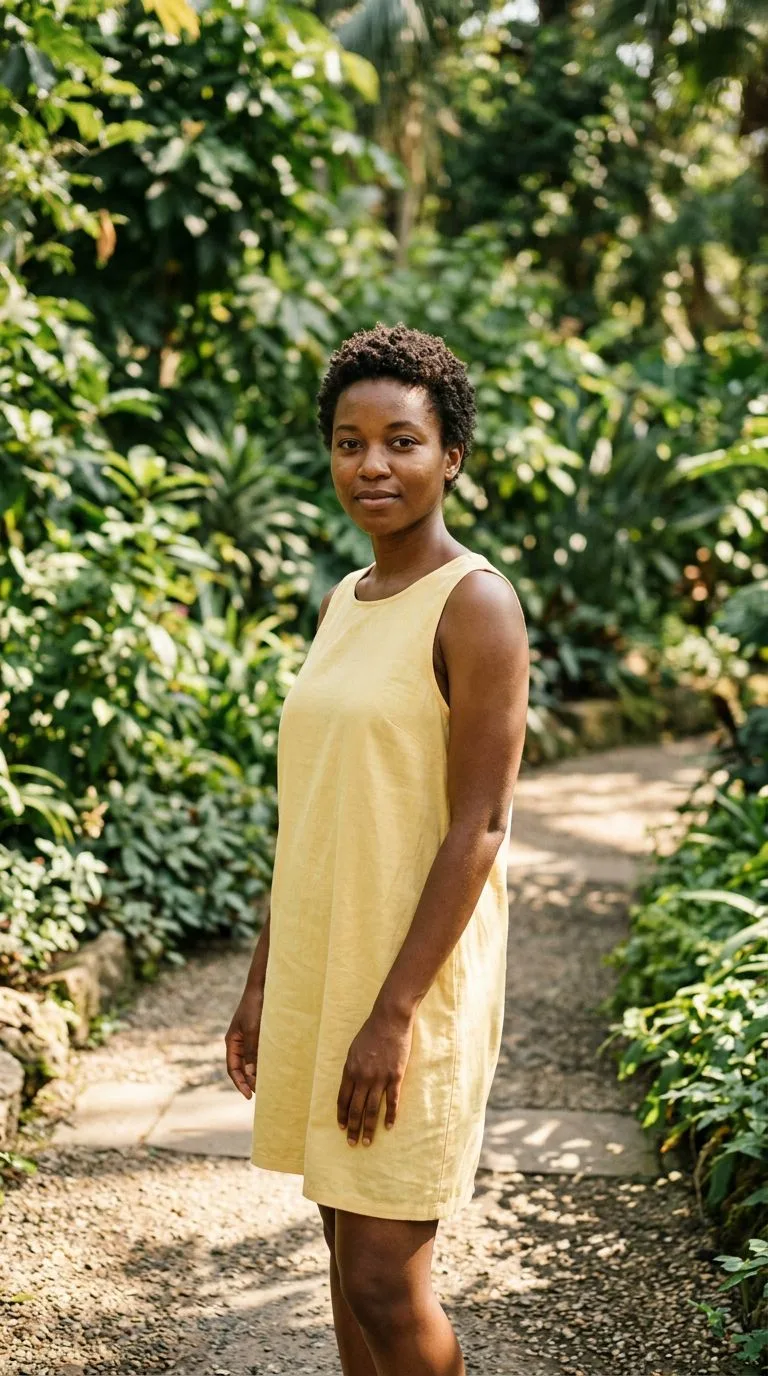
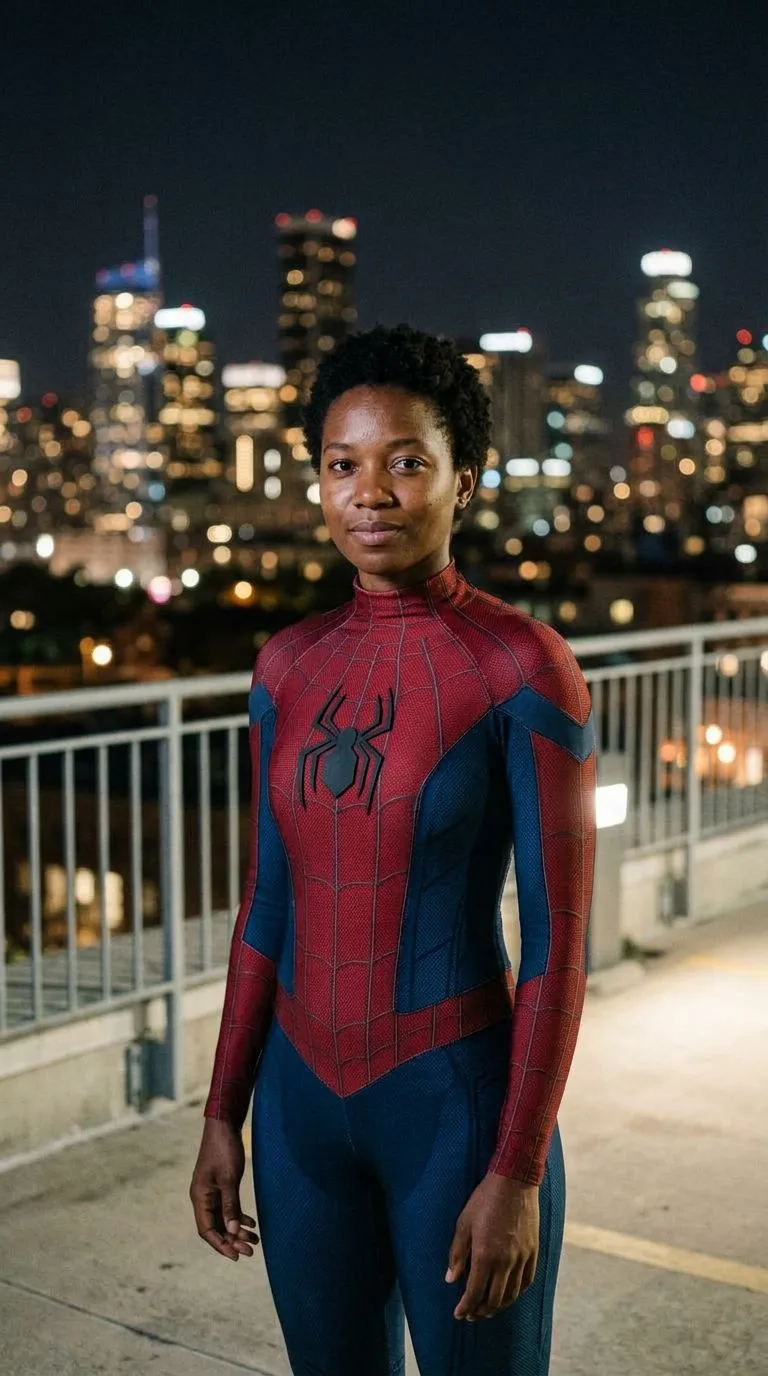

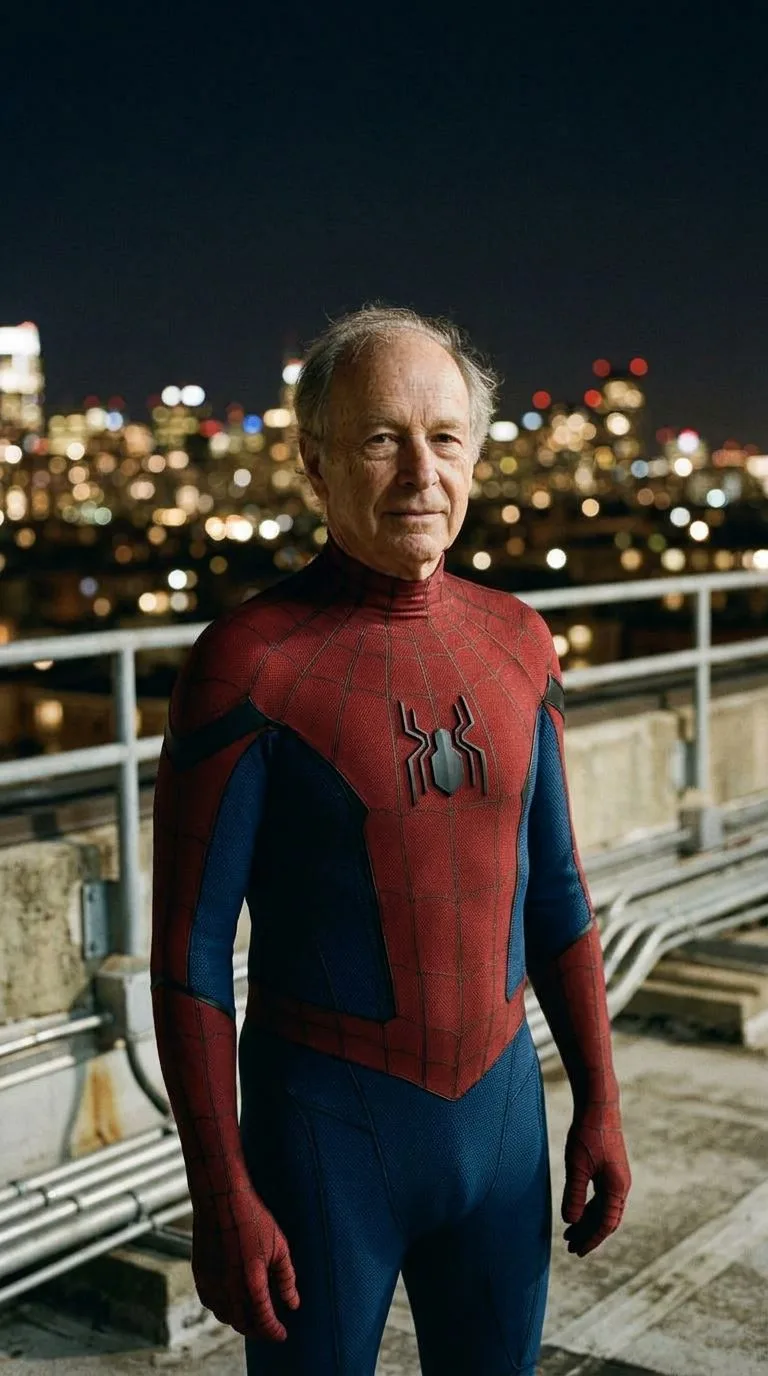
From photo to suit portrait
- 01
Start with a clear photo
Upload one well-lit photo of one person, with the face easy to see. A selfie or waist-up portrait is enough.
- 02
Pick a suit
Choose the classic red-and-blue suit with your face visible, a full mask, or a black suit. Add a small detail if you want, then choose 1K or 2K.
- 03
Create and download
Generate one vertical 9:16 JPG. Facial details can shift, and the full-mask look covers the face on purpose.
Three suits. The same person.
Every look uses one photo and a night rooftop. The suit changes; the person in the photo stays the reference.
Classic, face visible
Red torso, blue arms and legs, and fine web lines. Your face stays uncovered so the portrait still reads as you.
Full mask
The web suit continues over the head, with white eye lenses. Hair length and build still follow the photo.
Black suit
A matte black suit with a subtle web texture and a simple white chest mark. Your face stays visible.
Spider-Man suit photo questions
Related effects
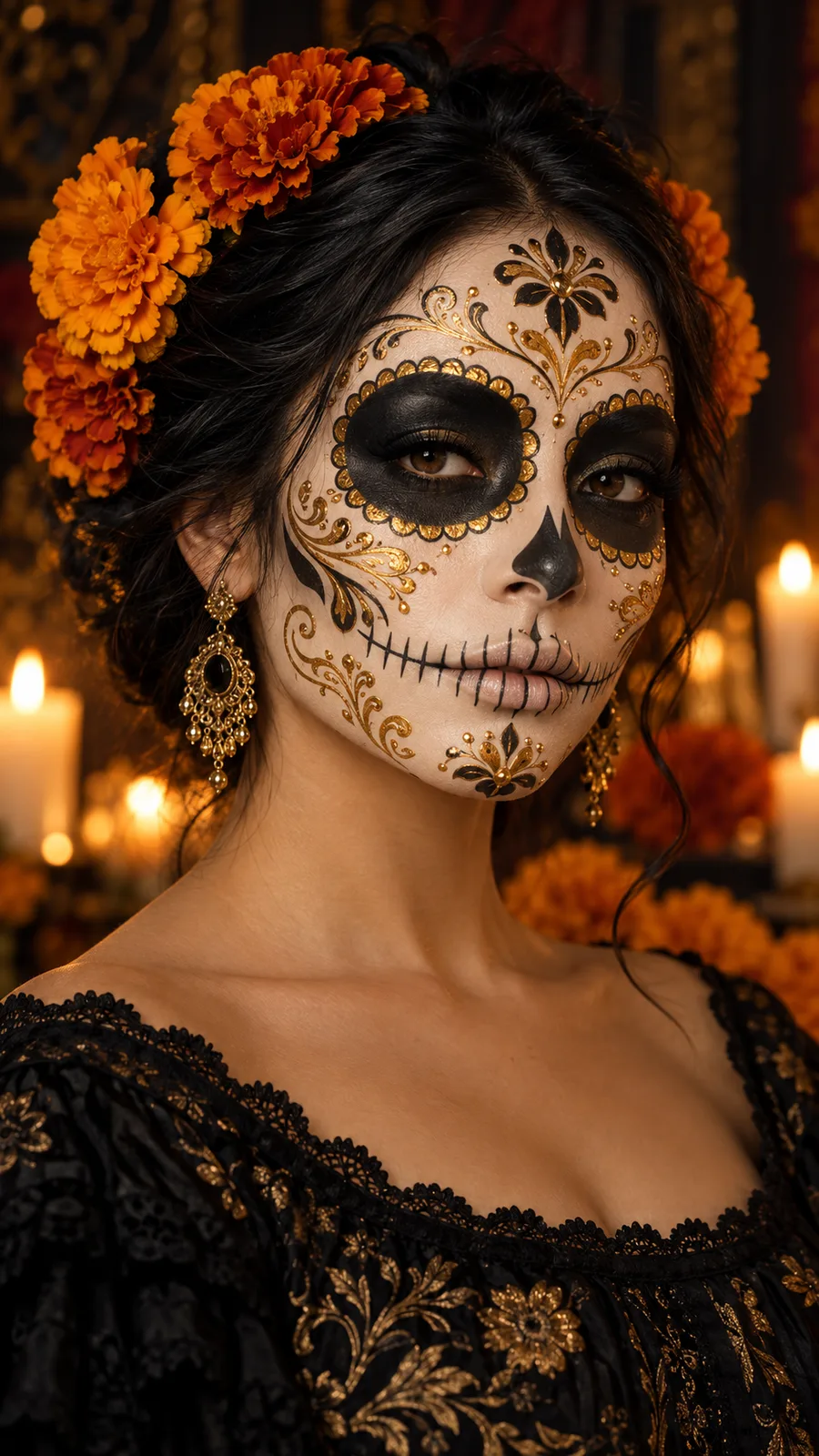
Catrina Makeup AI
Try four Catrina makeup palettes with full-face or half-face paint.
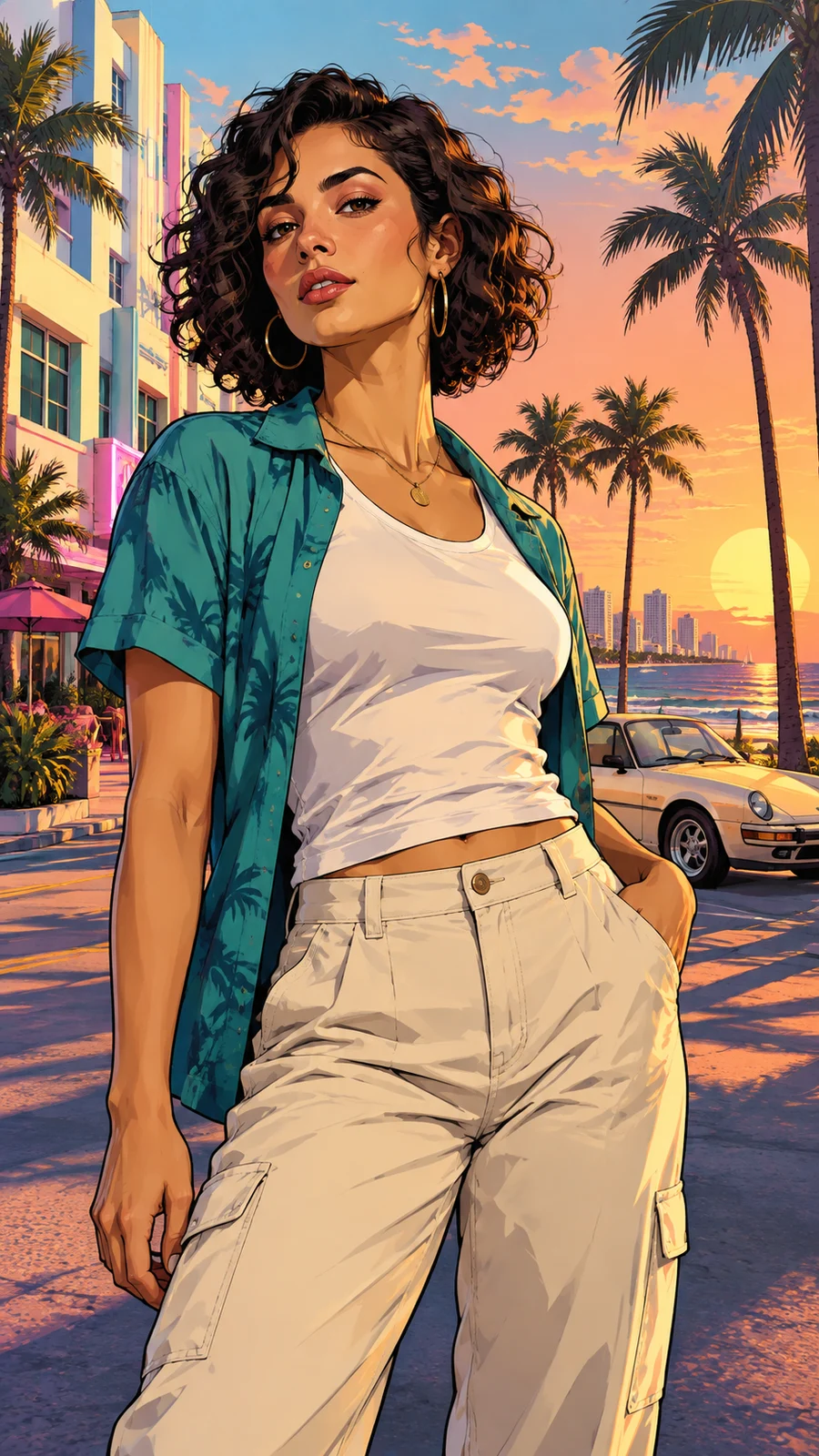
GTA AI Filter
Your portrait in bold illustrated character art. Pick a coastal, neon or skyline scene.
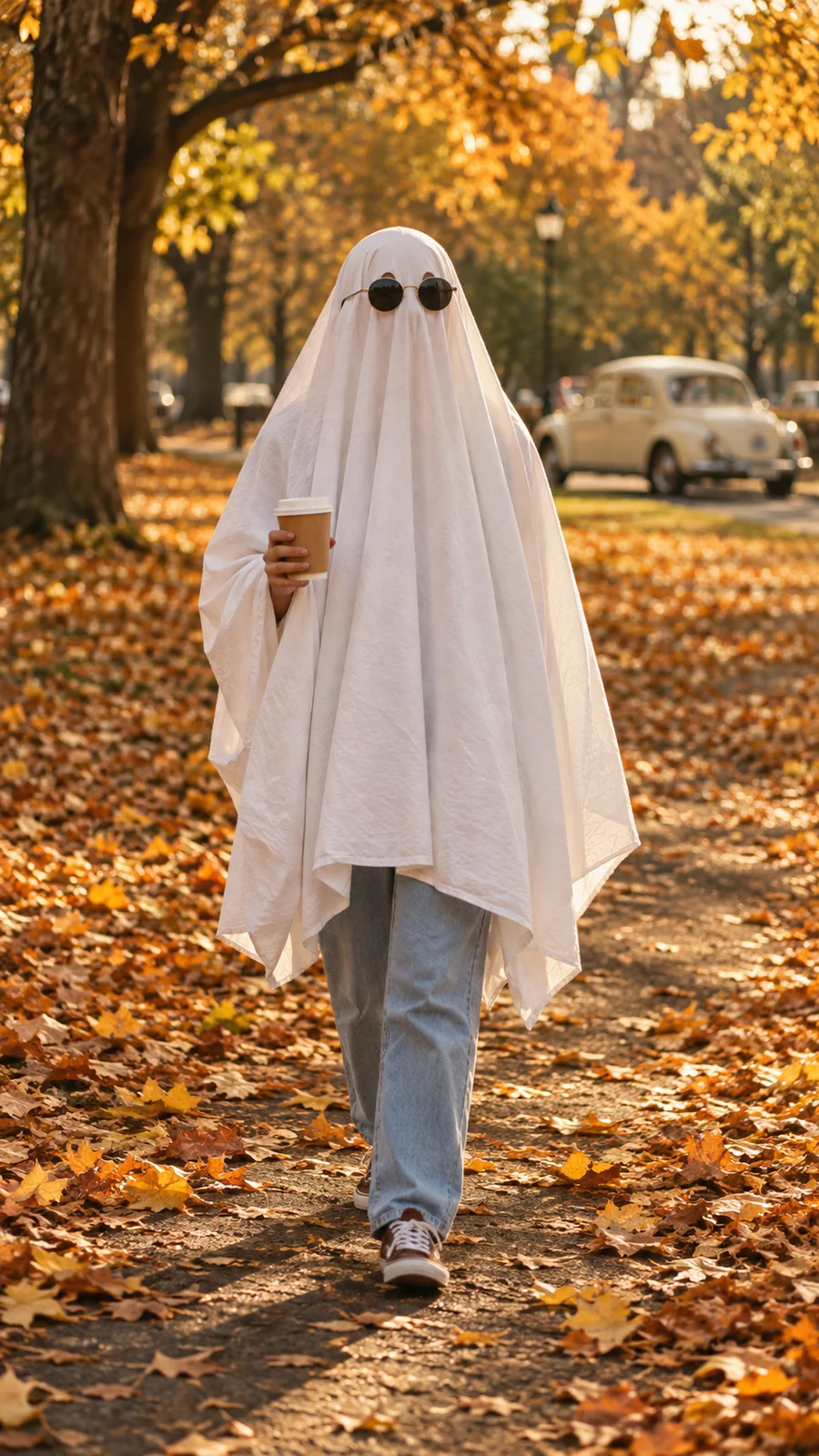
AI Ghost Photoshoot
White sheets, round sunglasses and warm autumn film tones. Bring a full-body photo, a pet or a group shot.
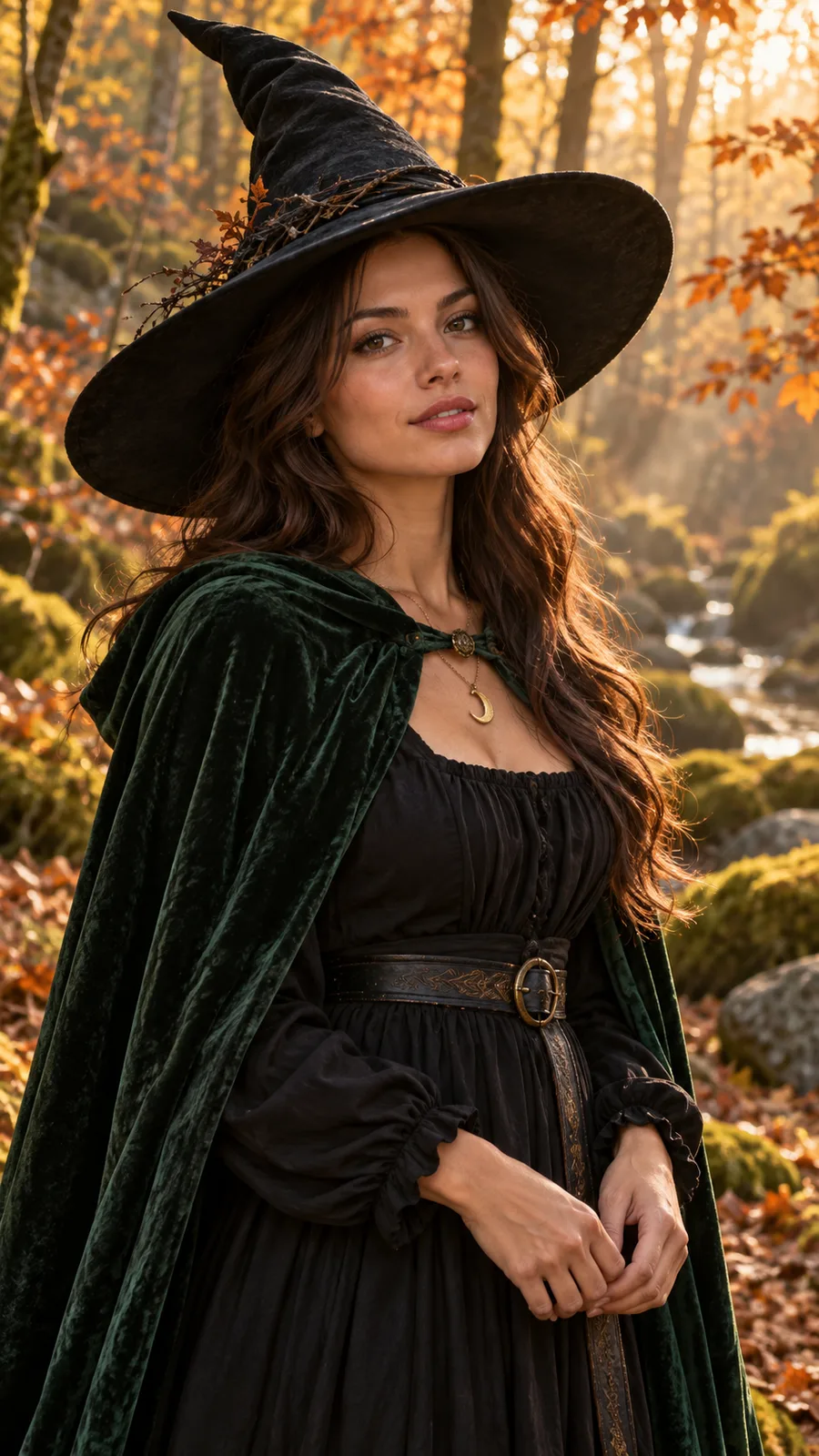
AI Witch Costume
Your face, a pointed hat and three magical settings. Create a complete witch costume portrait.
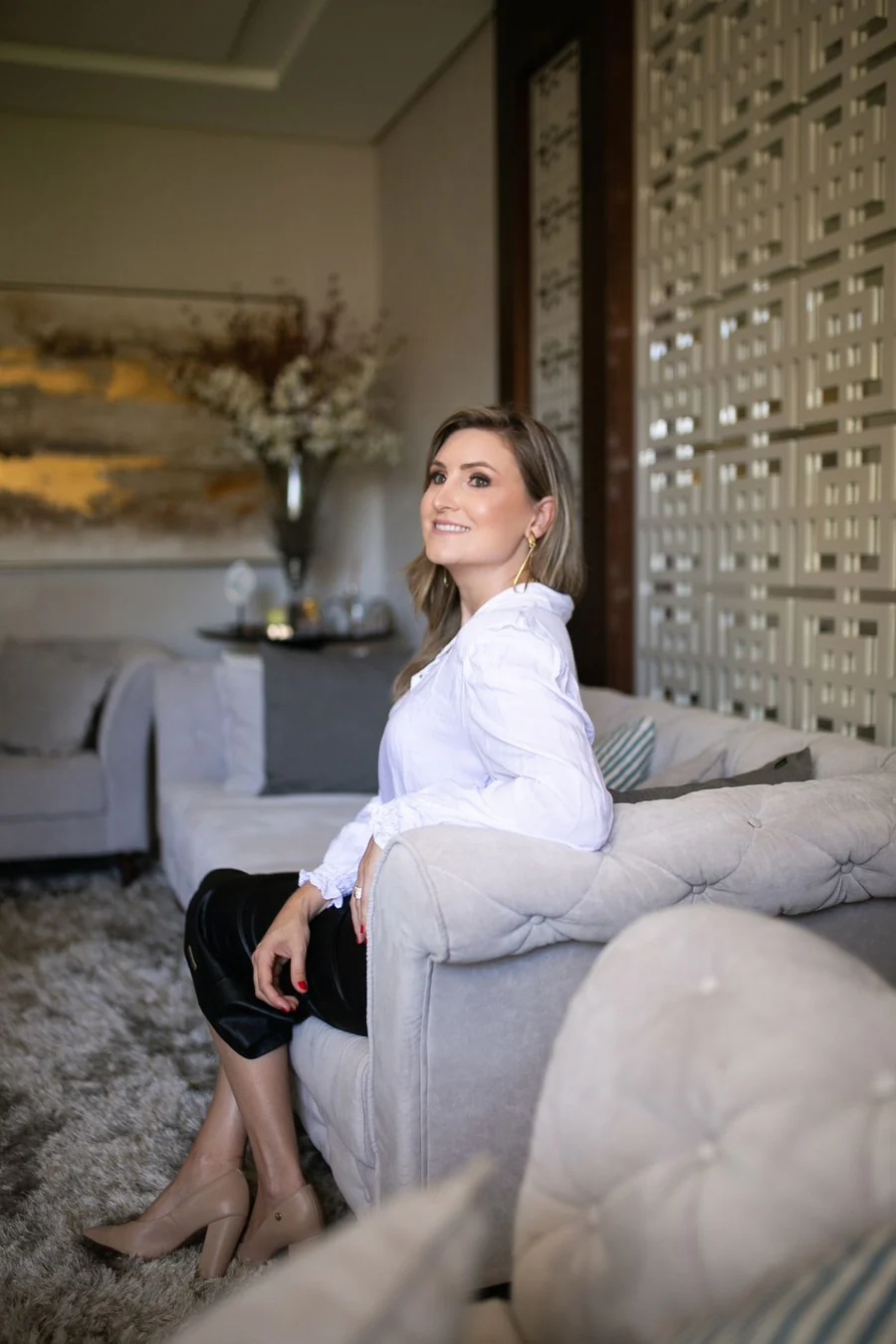
Perdón trend
Make the too-perfect first slide of the perdón photo trend from your everyday picture. Pets can do it too.
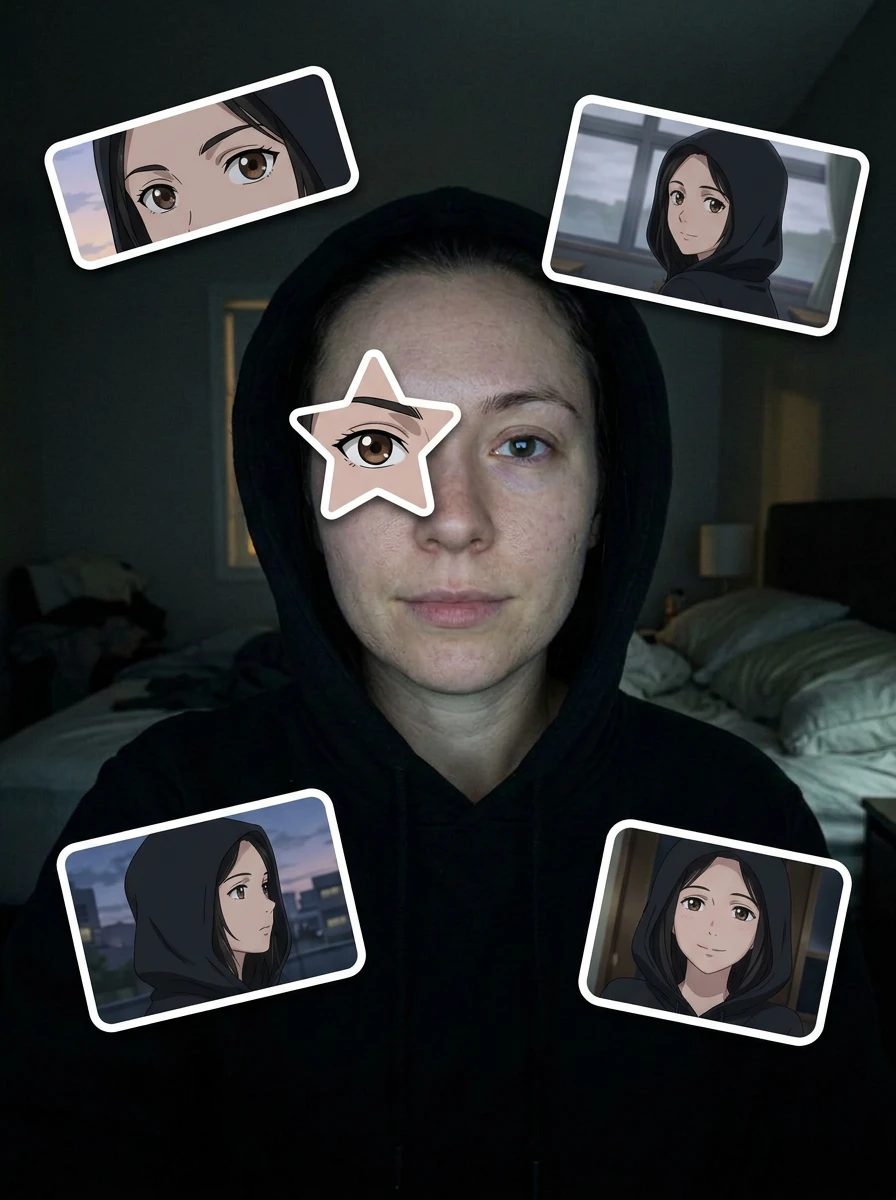
Anime eye trend
Keep your real selfie and add a star-shaped anime eye plus stickers of your own look-alike.
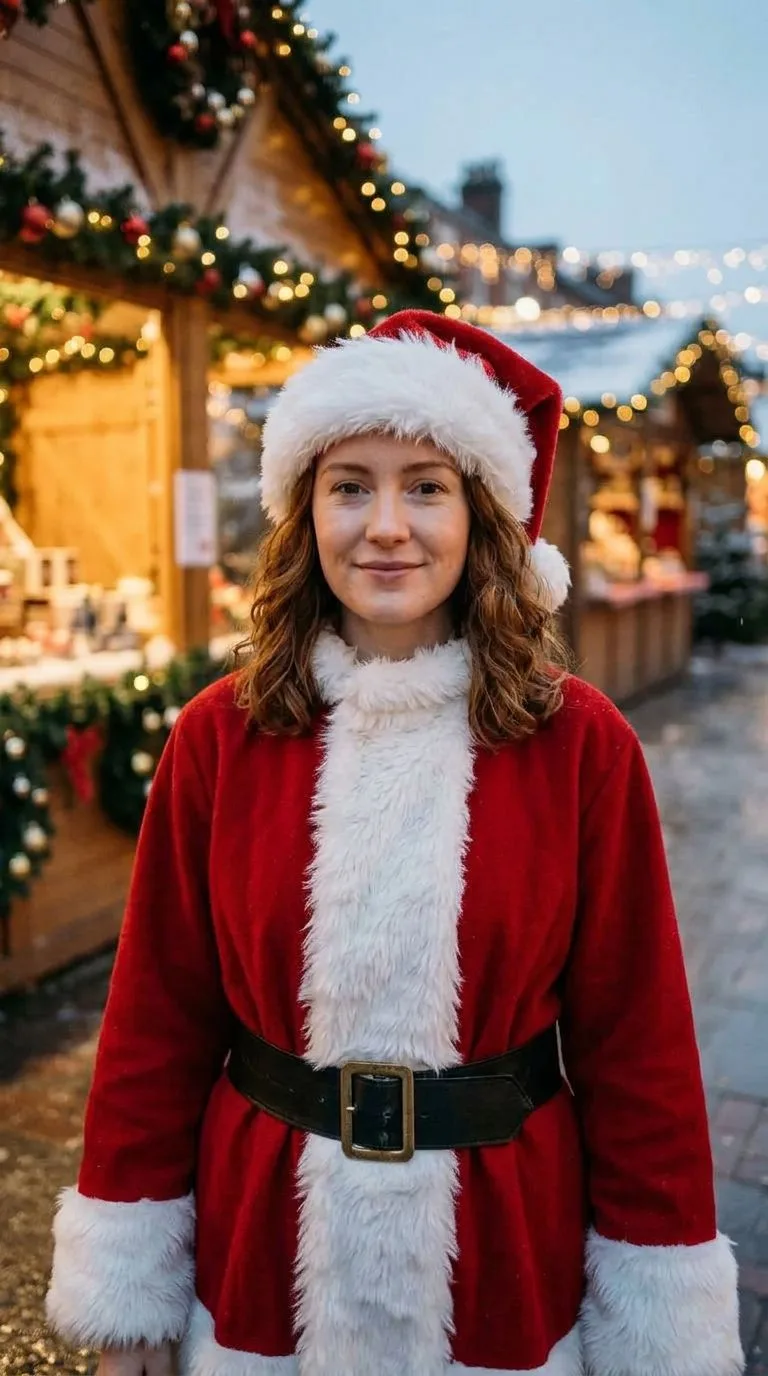
AI Christmas Costume
Your photo in a Santa coat, a cozy holiday sweater, or an elf helper look.
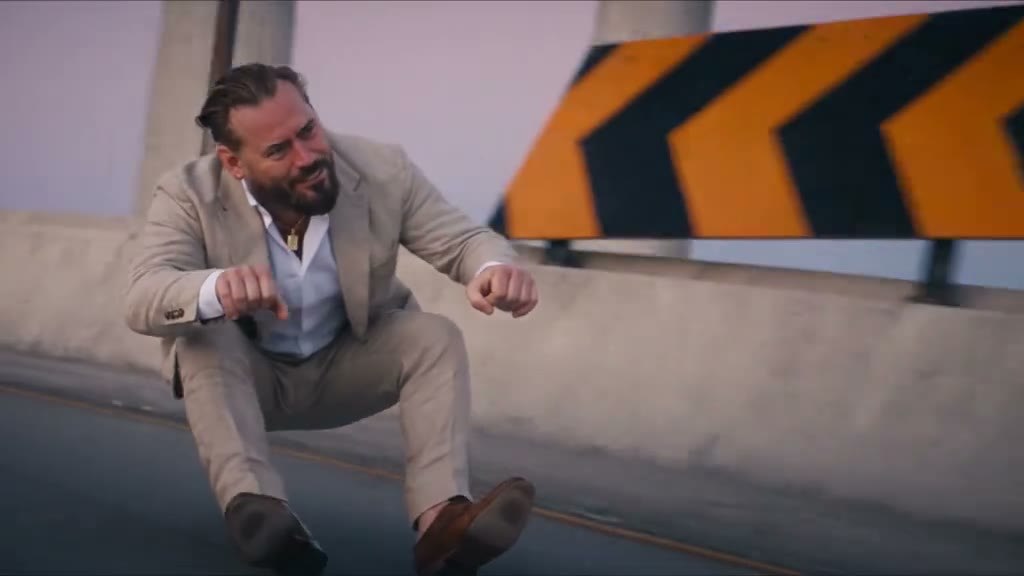
Crazy Frog scooter chase
A widescreen chase from a rider photo, an optional officer, and a road you choose.
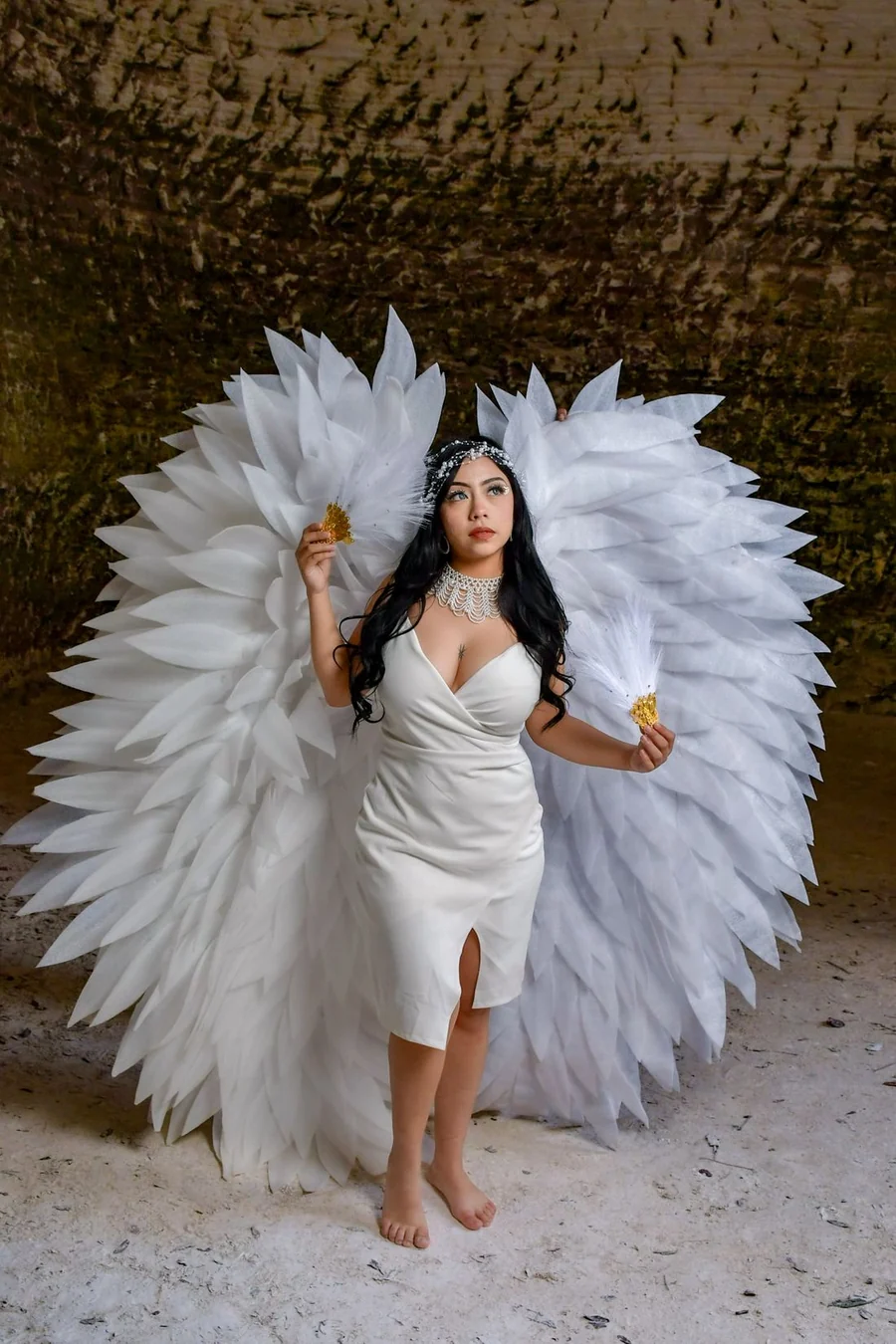
Angel runway AI
Turn one photo of an adult or a pet into an 8-second angel-wing catwalk. Not affiliated with Victoria's Secret.
See the suit on your own photo.
One photo, three looks, and a vertical portrait you can download.